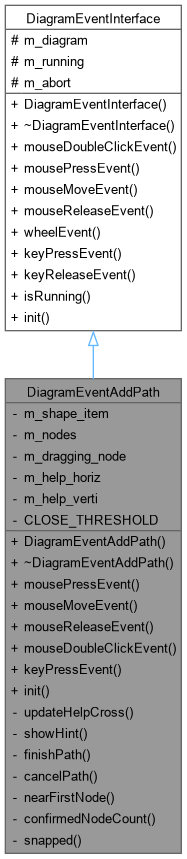
The DiagramEventAddPath class Pen tool: interactively draw a new Path (Bezier) shape, following the same vocabulary every vector editor's pen tool uses:
More...
#include <diagrameventaddpath.h>
|
| | DiagramEventAddPath (Diagram *diagram) |
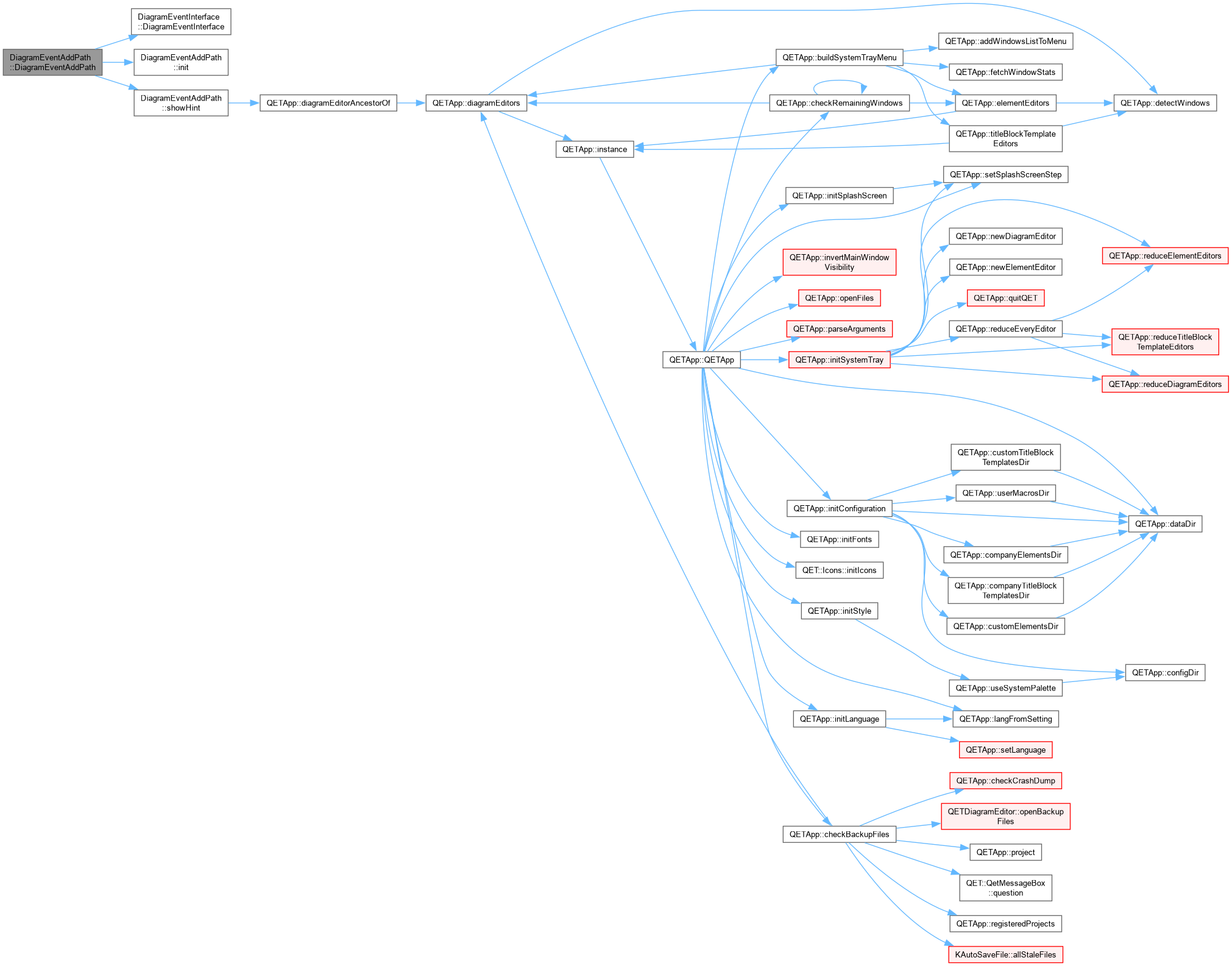
| | DiagramEventAddPath::DiagramEventAddPath.
|
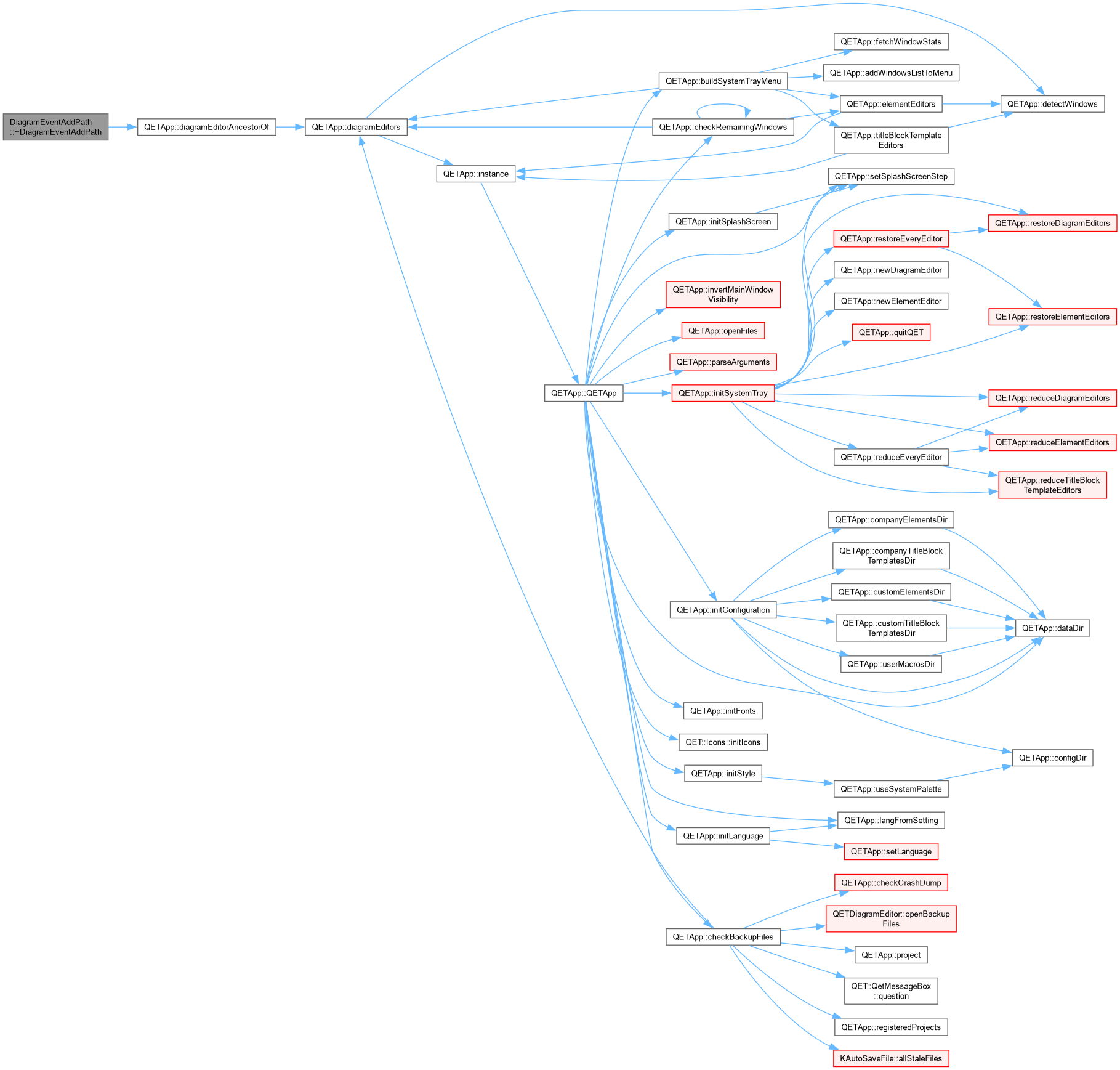
| | ~DiagramEventAddPath () override |
| void | mousePressEvent (QGraphicsSceneMouseEvent *event) override |
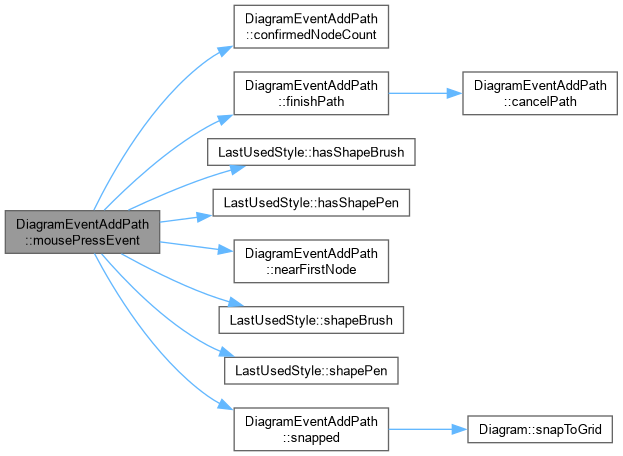
| | DiagramEventAddPath::mousePressEvent Left click: on the very first click, creates the shape with a real node and an immediate preview node at the same spot, so a segment exists (even if zero-length) from the start rather than requiring a second click before anything is visible. On later clicks: either confirms the live preview into a real point and appends a fresh one for the next segment, or – if close enough to the first node – closes the path.
|
| void | mouseMoveEvent (QGraphicsSceneMouseEvent *event) override |
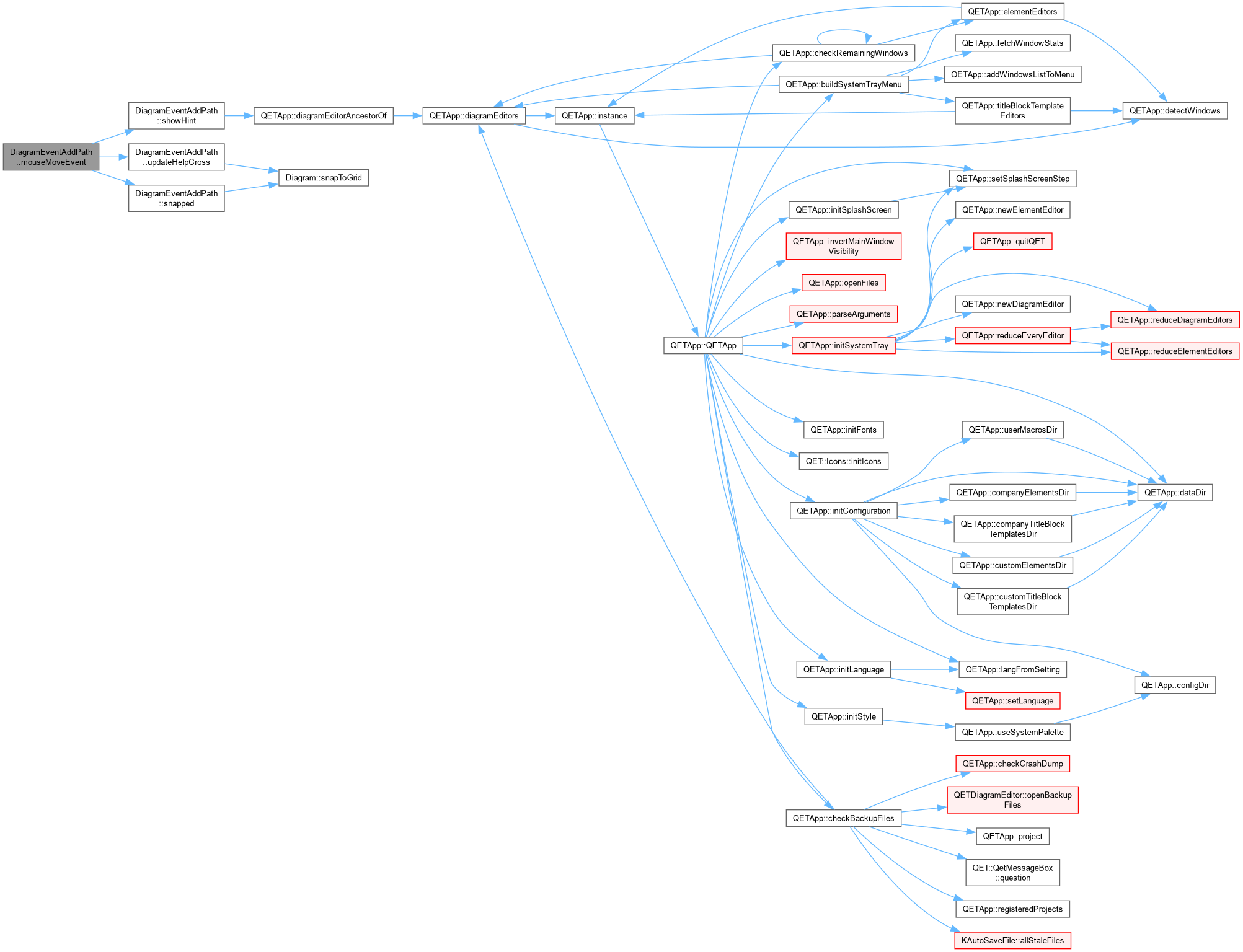
| | DiagramEventAddPath::mouseMoveEvent Two mutually exclusive behaviours, matching whether a button is held: with the left button down on a just-placed node, dragging shapes that node's handles (same convention as editing an existing node – see QetShapeItem::dragPathControlHandle()). With no button held, the trailing preview node instead tracks the mouse, giving the live rubber-band segment.
|
| void | mouseReleaseEvent (QGraphicsSceneMouseEvent *event) override |
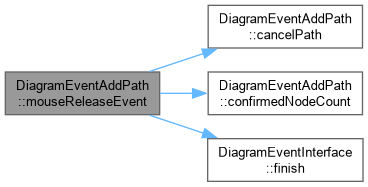
| | DiagramEventAddPath::mouseReleaseEvent Left release just ends the current node's drag phase (the trailing preview resumes tracking the mouse on the next move). Right release steps back one confirmed point (the preview is left alone), or cancels outright once only one remains, or exits the tool entirely if nothing is in progress at all.
|
| void | mouseDoubleClickEvent (QGraphicsSceneMouseEvent *event) override |
| | DiagramEventAddPath::mouseDoubleClickEvent A double-click is a press, release, press, release, doubleclick sequence – the second press already confirmed the preview into a duplicate point (mousePressEvent can't distinguish a double-click from two single clicks in the same place) and appended a fresh preview after it. Dropping the last node here removes that fresh preview; finishPath()'s own trailing-preview removal then removes the duplicate underneath it, leaving only the genuinely-placed points.
|
| void | keyPressEvent (QKeyEvent *event) override |
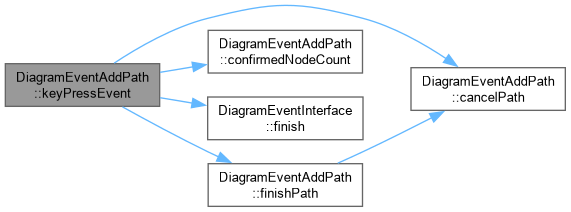
| | DiagramEventAddPath::keyPressEvent Escape or Enter finish the path open once at least two real points exist; Escape with fewer (or none placed at all) cancels/exits instead, since there's nothing meaningful to keep.
|
| void | init () override |
| | DiagramEventInterface (Diagram *diagram) |
| | ~DiagramEventInterface () override=0 |
| virtual void | wheelEvent (QGraphicsSceneWheelEvent *event) |
| virtual void | keyReleaseEvent (QKeyEvent *event) |
| virtual bool | isRunning () const |
|
| void | updateHelpCross (const QPointF &p) |
| | DiagramEventAddPath::updateHelpCross Same crosshair guide as every other shape tool (see DiagramEventAddShape::updateHelpCross) – duplicated rather than shared, since the two classes don't otherwise share a common base beyond DiagramEventInterface.
|
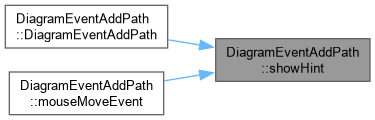
| void | showHint () const |
| | DiagramEventAddPath::showHint Re-asserted on every move within the canvas (see mouseMoveEvent), not just once at activation: Qt's own built-in "show an action's
statusTip on hover" has its own internal "restore whatever was there
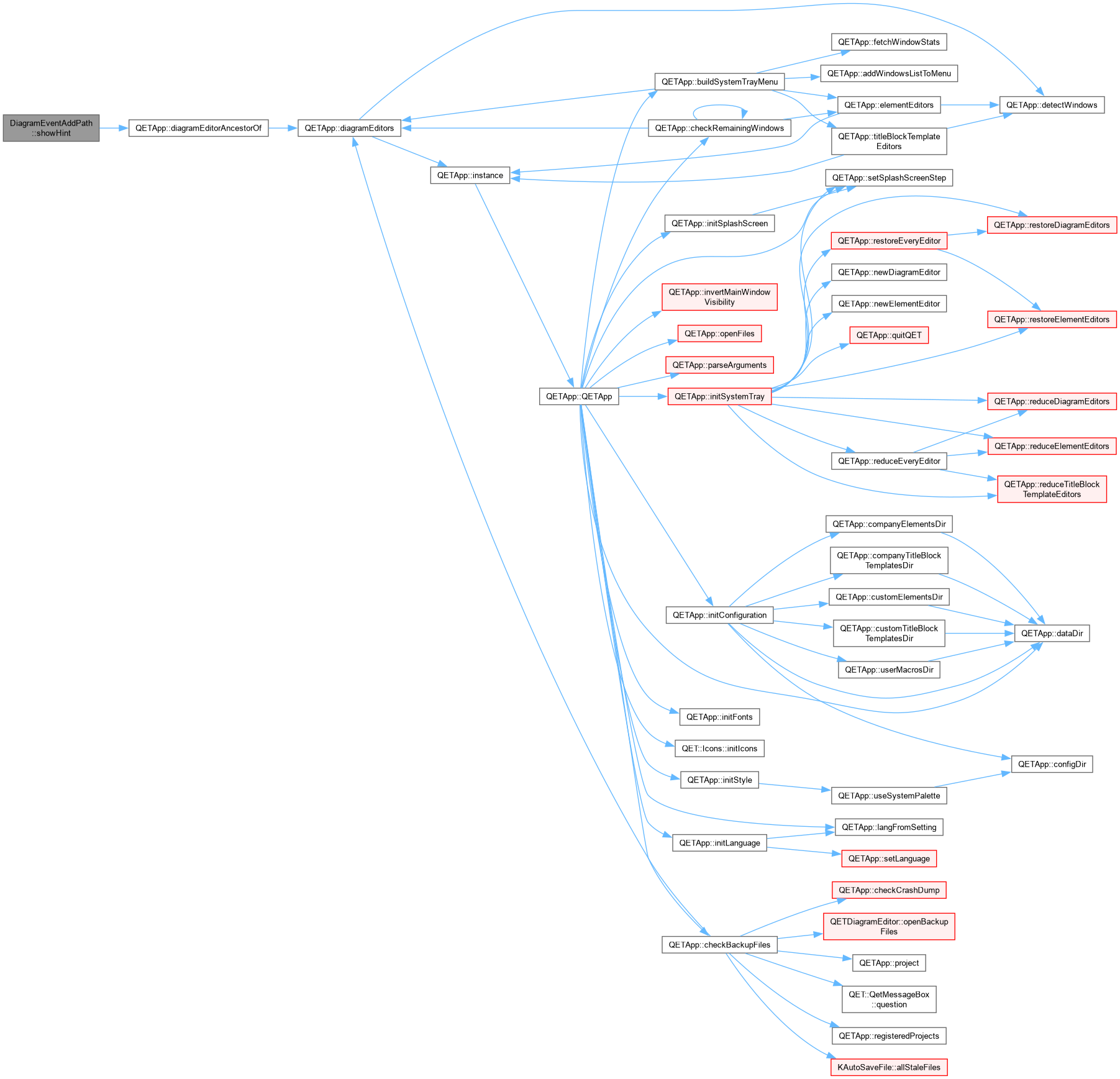
before" logic for when the hover ends. Since this message is first shown during that same hover session (the user is still over the toolbar icon when the deferred constructor-time call above fires), Qt's hover-tracking has no idea this code changed the status bar in the meantime – the moment the mouse leaves the icon for the canvas, it silently restores whatever it remembers being there before its own tip started, overwriting this one. Re-showing it on every move within the canvas simply outlasts that one-time restore.
|
| void | finishPath (bool closed) |
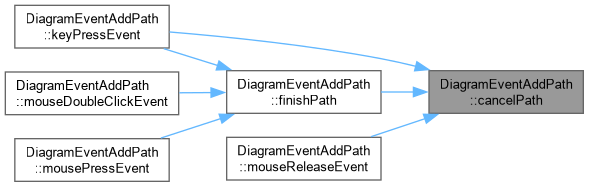
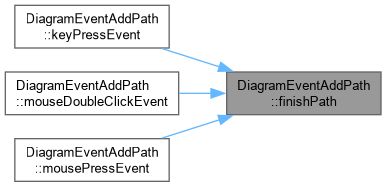
| | DiagramEventAddPath::finishPath Strips the trailing live-preview node, commits the in-progress path onto the undo stack, and resets so the tool is ready to draw another one immediately – matching every other shape tool's own behaviour after finishing a shape.
|
| void | cancelPath () |
| | DiagramEventAddPath::cancelPath Discards the in-progress path entirely – nothing worth keeping (an empty or single-point path isn't a usable shape).
|
| bool | nearFirstNode (const QPointF &scenePos) const |
| | DiagramEventAddPath::nearFirstNode m_shape_item's pos()/transform() stay at their identity defaults for its entire construction here – nothing during drawing ever touches them – so the first node's anchor, stored in local coordinates, is directly comparable to a scene position without any mapping.
|
| int | confirmedNodeCount () const |
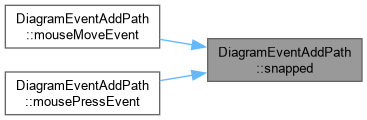
| QPointF | snapped (const QPointF &scenePos, Qt::KeyboardModifiers mods) const |
The DiagramEventAddPath class Pen tool: interactively draw a new Path (Bezier) shape, following the same vocabulary every vector editor's pen tool uses:
- click places a Corner node;
- press-drag-release places a Smooth node, with the drag defining a pair of mirrored handles (same convention as QetShapeItem::dragPathControlHandle's "Smooth" mirroring);
- clicking back on the first node closes the path;
- double-click, Enter, or Escape (once 2+ nodes exist) finishes it open;
- right-click steps back one node;
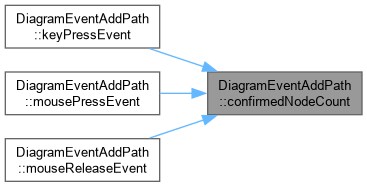
- right-click or Escape with nothing placed yet cancels the tool. While running, m_nodes always carries one extra "preview" node at the end, tracking the mouse so a live rubber-band segment is always visible – confirmedNodeCount() excludes it; every public gesture handler is responsible for stripping it before treating the list as "the path so far" (see finishPath(), which does this once for every finishing gesture).
◆ DiagramEventAddPath()
| DiagramEventAddPath::DiagramEventAddPath |
( |
Diagram * | diagram | ) |
|
◆ ~DiagramEventAddPath()
| DiagramEventAddPath::~DiagramEventAddPath |
( |
| ) |
|
|
override |
◆ cancelPath()
| void DiagramEventAddPath::cancelPath |
( |
| ) |
|
|
private |
◆ confirmedNodeCount()
| int DiagramEventAddPath::confirmedNodeCount |
( |
| ) |
const |
|
private |
◆ finishPath()
| void DiagramEventAddPath::finishPath |
( |
bool | closed | ) |
|
|
private |
DiagramEventAddPath::finishPath Strips the trailing live-preview node, commits the in-progress path onto the undo stack, and resets so the tool is ready to draw another one immediately – matching every other shape tool's own behaviour after finishing a shape.
◆ init()
| void DiagramEventAddPath::init |
( |
| ) |
|
|
overridevirtual |
◆ keyPressEvent()
| void DiagramEventAddPath::keyPressEvent |
( |
QKeyEvent * | event | ) |
|
|
overridevirtual |
◆ mouseDoubleClickEvent()
| void DiagramEventAddPath::mouseDoubleClickEvent |
( |
QGraphicsSceneMouseEvent * | event | ) |
|
|
overridevirtual |
DiagramEventAddPath::mouseDoubleClickEvent A double-click is a press, release, press, release, doubleclick sequence – the second press already confirmed the preview into a duplicate point (mousePressEvent can't distinguish a double-click from two single clicks in the same place) and appended a fresh preview after it. Dropping the last node here removes that fresh preview; finishPath()'s own trailing-preview removal then removes the duplicate underneath it, leaving only the genuinely-placed points.
Reimplemented from DiagramEventInterface.
◆ mouseMoveEvent()
| void DiagramEventAddPath::mouseMoveEvent |
( |
QGraphicsSceneMouseEvent * | event | ) |
|
|
overridevirtual |
◆ mousePressEvent()
| void DiagramEventAddPath::mousePressEvent |
( |
QGraphicsSceneMouseEvent * | event | ) |
|
|
overridevirtual |
DiagramEventAddPath::mousePressEvent Left click: on the very first click, creates the shape with a real node and an immediate preview node at the same spot, so a segment exists (even if zero-length) from the start rather than requiring a second click before anything is visible. On later clicks: either confirms the live preview into a real point and appends a fresh one for the next segment, or – if close enough to the first node – closes the path.
Reimplemented from DiagramEventInterface.
◆ mouseReleaseEvent()
| void DiagramEventAddPath::mouseReleaseEvent |
( |
QGraphicsSceneMouseEvent * | event | ) |
|
|
overridevirtual |
DiagramEventAddPath::mouseReleaseEvent Left release just ends the current node's drag phase (the trailing preview resumes tracking the mouse on the next move). Right release steps back one confirmed point (the preview is left alone), or cancels outright once only one remains, or exits the tool entirely if nothing is in progress at all.
Reimplemented from DiagramEventInterface.
◆ nearFirstNode()
| bool DiagramEventAddPath::nearFirstNode |
( |
const QPointF & | scenePos | ) |
const |
|
private |
DiagramEventAddPath::nearFirstNode m_shape_item's pos()/transform() stay at their identity defaults for its entire construction here – nothing during drawing ever touches them – so the first node's anchor, stored in local coordinates, is directly comparable to a scene position without any mapping.
◆ showHint()
| void DiagramEventAddPath::showHint |
( |
| ) |
const |
|
private |
DiagramEventAddPath::showHint Re-asserted on every move within the canvas (see mouseMoveEvent), not just once at activation: Qt's own built-in "show an action's
statusTip on hover" has its own internal "restore whatever was there
before" logic for when the hover ends. Since this message is first shown during that same hover session (the user is still over the toolbar icon when the deferred constructor-time call above fires), Qt's hover-tracking has no idea this code changed the status bar in the meantime – the moment the mouse leaves the icon for the canvas, it silently restores whatever it remembers being there before its own tip started, overwriting this one. Re-showing it on every move within the canvas simply outlasts that one-time restore.
◆ snapped()
| QPointF DiagramEventAddPath::snapped |
( |
const QPointF & | scenePos, |
|
|
Qt::KeyboardModifiers | mods ) const |
|
private |
◆ updateHelpCross()
| void DiagramEventAddPath::updateHelpCross |
( |
const QPointF & | p | ) |
|
|
private |
◆ CLOSE_THRESHOLD
| qreal DiagramEventAddPath::CLOSE_THRESHOLD = 12.0 |
|
staticconstexprprivate |
◆ m_dragging_node
| int DiagramEventAddPath::m_dragging_node = -1 |
|
private |
◆ m_help_horiz
| QGraphicsLineItem* DiagramEventAddPath::m_help_horiz |
|
private |
◆ m_help_verti
| QGraphicsLineItem * DiagramEventAddPath::m_help_verti |
|
private |
◆ m_nodes
◆ m_shape_item
The documentation for this class was generated from the following files:







 1.15.0