 |
QElectroTech 0.200.1-dev
|
|
QElectroTech 0.200.1-dev
|
The QetShapeItem class this class is used to draw a basic shape (line, rectangle, ellipse, polygon or free-form path) into a diagram, that can be saved to a .qet file. Beyond its local geometry, a shape may also carry a rotation/skew/scale (see ShapeTransform) around an arbitrary pivot. More...
#include <qetshapeitem.h>


Classes | |
| struct | PathNode |
Public Types | |
| enum | ShapeType { Line =1 , Rectangle =2 , Ellipse =4 , Polygon =8 , Path =16 } |
| enum | ArcClosure { NoClosure = 0 , Chord = 1 , Pie = 2 } |
| enum class | NodeKind { Corner , Smooth , Symmetric } |
| enum class | HandleMode { Size , Corner , NodeEdit , RotateSkew } |
| enum class | HandleRole { Resize , Rotate , SkewEdge , Pivot , CornerRadius , ArcEndpoint , PathAnchor , PathControlIn , PathControlOut } |
| enum | { Type = UserType + 1008 } |
Signals | |
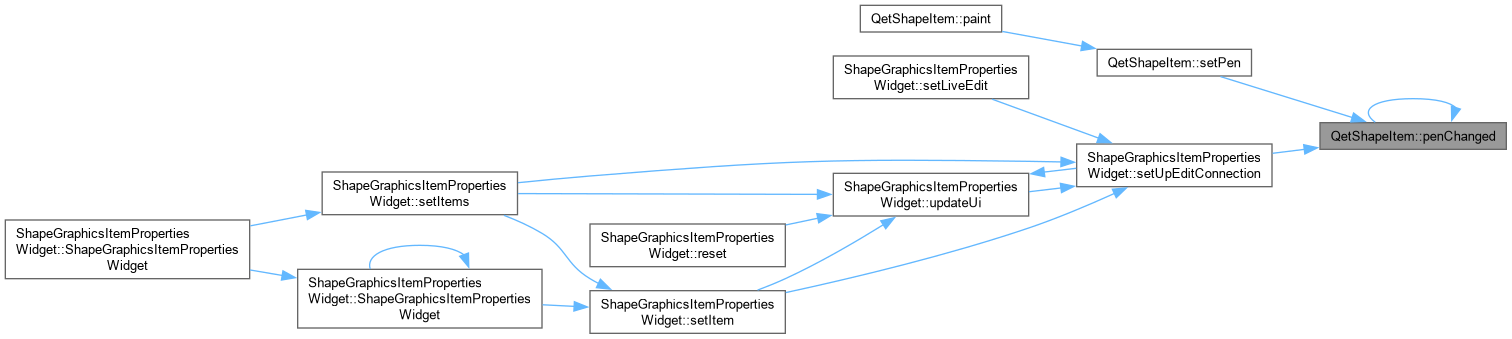
| void | penChanged () |
| void | brushChanged () |
| void | closeChanged () |
| void | XRadiusChanged () |
| void | YRadiusChanged () |
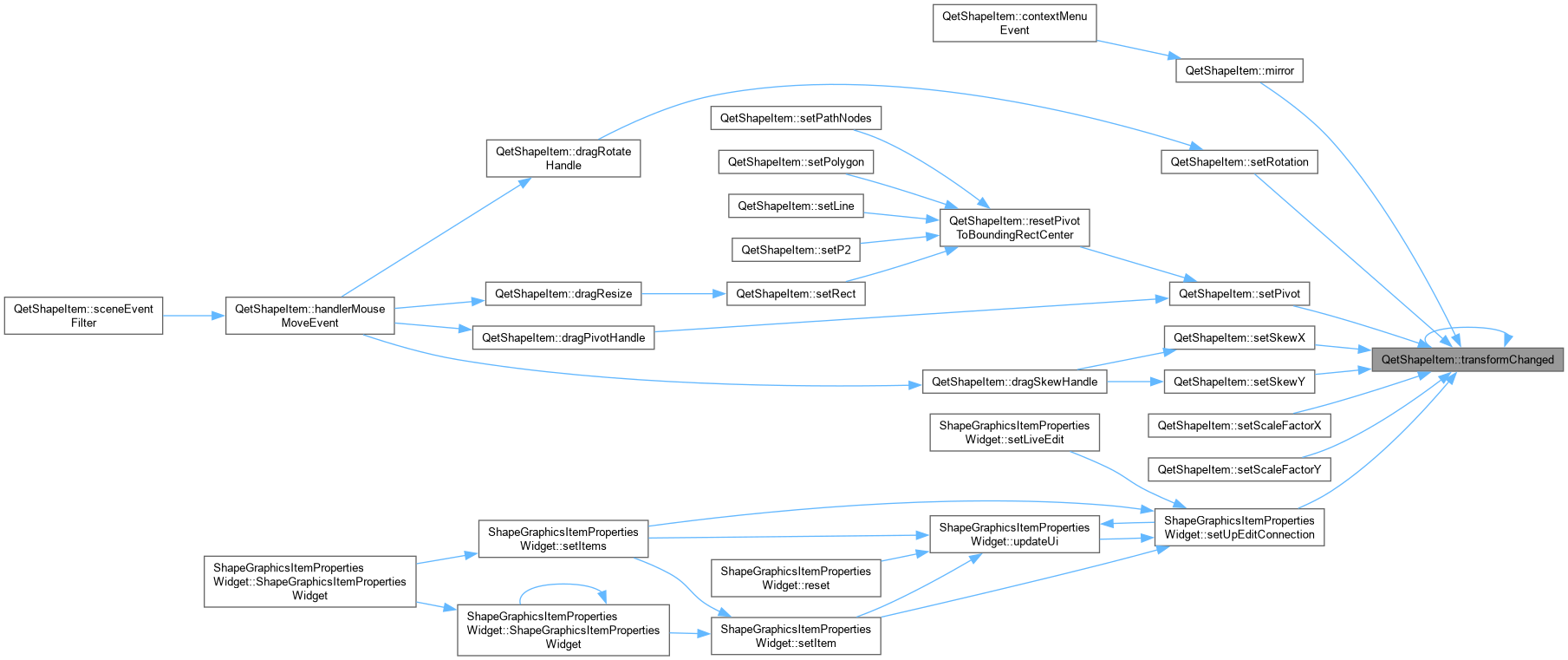
| void | transformChanged () |
| void | arcChanged () |
| void | geometryChanged () |
Public Member Functions | |
| QetShapeItem (QPointF, QPointF=QPointF(0, 0), ShapeType=Line, QGraphicsItem *parent=nullptr) | |
| QetShapeItem::QetShapeItem Constructor of shape item. point 1 and 2 must be in scene coordinate. | |
| ~QetShapeItem () override | |
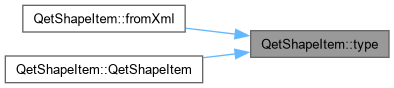
| int | type () const override |
| QPen | pen () const |
| METHODS. | |
| void | setPen (const QPen &pen) |
| QetShapeItem::setPen Set the pen to use for draw the shape. | |
| QBrush | brush () const |
| void | setBrush (const QBrush &brush) |
| QetShapeItem::setBrush Set the brush to use for the fill the shape. | |
| ShapeType | shapeType () const |
| virtual bool | fromXml (const QDomElement &) |
| QetShapeItem::fromXml Build this item from the xml description. | |
| virtual QDomElement | toXml (QDomDocument &document) const |
| QetShapeItem::toXml Save this item to xml element. | |
| virtual bool | toDXF (const QString &filepath, const QPen &pen) |
| QetShapeItem::toDXF Draw this element to the dxf document. | |
| void | editProperty () override |
| QetShapeItem::editProperty Edit the property of this item. | |
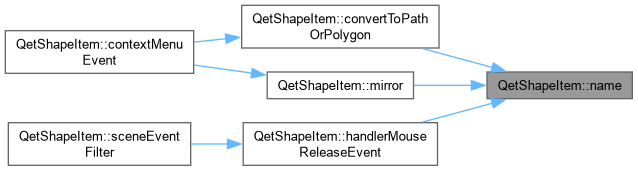
| QString | name () const override |
| QetShapeItem::name. | |
| void | setP2 (const QPointF &P2) |
| QetShapeItem::setP2 Set the second point of this item. If this item is a polyline, the last point of the polyline is replaced by P2. | |
| QLineF | line () const |
| bool | setLine (const QLineF &line) |
| QetShapeItem::setLine Set item geometry to line (only available for line shape). | |
| QRectF | rect () const |
| bool | setRect (const QRectF &rect) |
| QetShapeItem::setRect Set this item geometry to rect (only available if shape is a rectangle or an ellipse). | |
| QPolygonF | polygon () const |
| bool | setPolygon (const QPolygonF &polygon) |
| QetShapeItem::setPolygon Set this item geometry to polygon (only available if shape is a polyline). | |
| bool | isClosed () const |
| void | setClosed (bool close) |
| QetShapeItem::setClosed Close this item – has effect for Polygon and Path only (the two shape types with a genuine open/closed distinction at all). | |
| qreal | XRadius () const |
| void | setXRadius (qreal X) |
| qreal | YRadius () const |
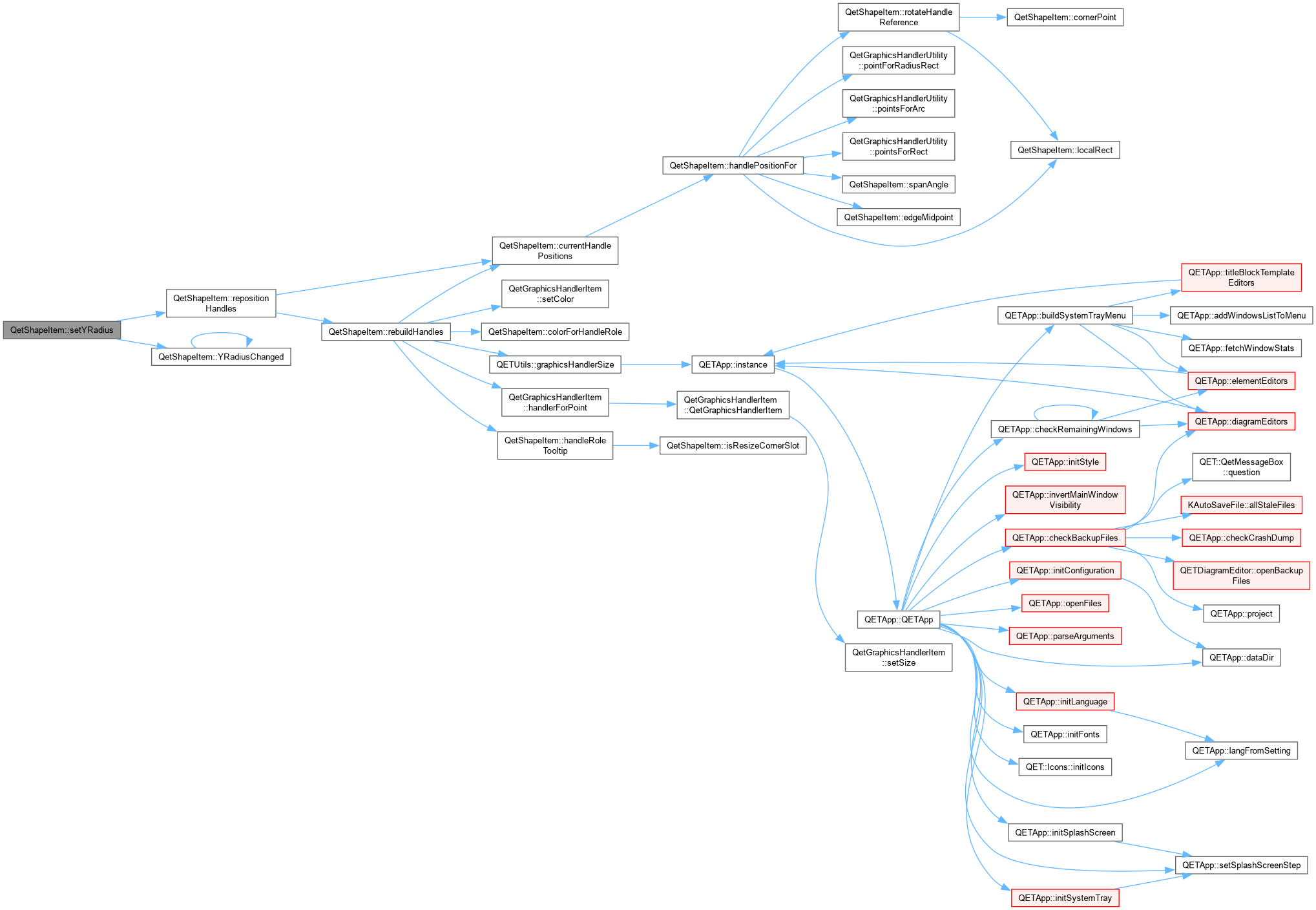
| void | setYRadius (qreal Y) |
| const ShapeTransform & | shapeTransform () const |
| qreal | rotation () const |
| void | setRotation (qreal degrees) |
| QetShapeItem::setRotation. | |
| qreal | skewX () const |
| void | setSkewX (qreal degrees) |
| qreal | skewY () const |
| void | setSkewY (qreal degrees) |
| qreal | scaleFactorX () const |
| void | setScaleFactorX (qreal factor) |
| qreal | scaleFactorY () const |
| void | setScaleFactorY (qreal factor) |
| QPointF | pivot () const |
| void | setPivot (const QPointF &pivot) |
| QetShapeItem::setPivot Move the pivot point. pos() is adjusted at the same time so the shape never visibly jumps – see compensatedPositionForNewPivot() in shapetransform.h for why that adjustment is needed at all. | |
| void | resetPivotToBoundingRectCenter () |
| void | enableNodeEditMode () |
| QetShapeItem::enableNodeEditMode Switches into NodeEdit mode, so every node's control handles (and their tangent guide lines drawn in paint()) become visible – the same visual feedback normal editing already gets via the context menu's node-kind actions, made available to the pen tool too so a node's handles are visible as they're being dragged into existence, not only afterward. | |
| qreal | startAngle () const |
| void | setStartAngle (qreal degrees) |
| qreal | endAngle () const |
| void | setEndAngle (qreal degrees) |
| qreal | spanAngle () const |
| bool | isFullEllipse () const |
| ArcClosure | arcClosure () const |
| void | setArcClosure (ArcClosure closure) |
| const QVector< PathNode > & | pathNodes () const |
| void | setPathNodes (const QVector< PathNode > &nodes) |
| QetShapeItem::setPathNodes Replace the node list of a Path shape. Interactive editing of anchors and control handles both go through the handle roles built by rebuildHandles() (PathAnchor always visible; PathControlIn/Out for the active node once double-click enters node-edit mode) – this setter itself is just the plain data replacement underneath that. | |
| int | pointsCount () const |
| QetShapeItem::pointCount. | |
| void | setNextPoint (QPointF P) |
| QetShapeItem::setNextPoint Add a new point to the current polygon. | |
| void | removePoints (int number=1) |
| QetShapeItem::removePoints Number of point to remove on the polygon If number is superior to number of polygon points-2, all points of polygon will be removed except the first two (minimum point for the polygon);. | |
| QRectF | boundingRect () const override |
| QetShapeItem::boundingRect. | |
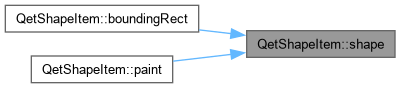
| QPainterPath | shape () const override |
| QetShapeItem::shape. | |
| Public Member Functions inherited from QetGraphicsItem | |
| QetGraphicsItem (QGraphicsItem *parent=nullptr) | |
| ~QetGraphicsItem () override=0 | |
| Diagram * | diagram () const |
| virtual void | setPos (const QPointF &p) |
| virtual void | setPos (qreal x, qreal y) |
| virtual bool | isMovable () const |
| virtual void | setMovable (bool movable) |
| bool | isHovered () const |
| QPointF | hoverMousePos () const |
| QET::GraphicsItemState | state () const |
| QetGraphicsItem::state. | |
Protected Member Functions | |
| void | paint (QPainter *painter, const QStyleOptionGraphicsItem *option, QWidget *widget) override |
| QetShapeItem::paint Paint this item. | |
| void | hoverEnterEvent (QGraphicsSceneHoverEvent *event) override |
| QetShapeItem::hoverEnterEvent Handle hover enter event. | |
| void | hoverLeaveEvent (QGraphicsSceneHoverEvent *event) override |
| QetShapeItem::hoverLeaveEvent Handle hover leave event. | |
| void | mousePressEvent (QGraphicsSceneMouseEvent *event) override |
| QetShapeItem::mousePressEvent A left click on an already selected shape (without having dragged) toggles between the Size and RotateSkew handle sets – the same convention LibreOffice Draw and PowerPoint use. A click that performs the selection itself does not toggle, so selecting a shape always starts in Size mode. | |
| void | mouseMoveEvent (QGraphicsSceneMouseEvent *event) override |
| QetShapeItem::mouseMoveEvent Only ever does something different from the base class while a curve-segment drag (started in mousePressEvent above) is pending or active; otherwise this is exactly QetGraphicsItem's own whole-shape- move handling (grid-snapped drag, multi-selection movement via diagram()->elementsMover()), untouched. | |
| void | mouseReleaseEvent (QGraphicsSceneMouseEvent *event) override |
| QetShapeItem::mouseReleaseEvent If the press in mousePressEvent never turned into a real drag, this was just a plain click – cycle the handle mode, exactly like a click anywhere else on an already-selected shape would. Otherwise commit the curve-drag's undo entry, reusing the same generic before/after XML snapshot mechanism as every other Path edit. With no curve-drag pending at all, this defers entirely to QetGraphicsItem's own release handling (which ends the whole-shape-move gesture via elementsMover()). | |
| QVariant | itemChange (GraphicsItemChange change, const QVariant &value) override |
| QetShapeItem::itemChange. | |
| bool | sceneEventFilter (QGraphicsItem *watched, QEvent *event) override |
| QetShapeItem::sceneEventFilter. | |
| void | contextMenuEvent (QGraphicsSceneContextMenuEvent *event) override |
| QetShapeItem::contextMenuEvent. | |
| Protected Member Functions inherited from QetGraphicsItem | |
| void | mousePressEvent (QGraphicsSceneMouseEvent *event) override |
| void | mouseDoubleClickEvent (QGraphicsSceneMouseEvent *event) override |
| void | mouseMoveEvent (QGraphicsSceneMouseEvent *event) override |
| void | mouseReleaseEvent (QGraphicsSceneMouseEvent *event) override |
| QetGraphicsItem::mouseReleaseEvent handle mouse release click. | |
| void | hoverEnterEvent (QGraphicsSceneHoverEvent *event) override |
| void | hoverMoveEvent (QGraphicsSceneHoverEvent *event) override |
| void | hoverLeaveEvent (QGraphicsSceneHoverEvent *event) override |
Properties | |
| QPen | pen |
| QBrush | brush |
| QRectF | rect |
| QLineF | line |
| QPolygonF | polygon |
| bool | close |
| qreal | xRadius |
| qreal | yRadius |
| qreal | rotation |
| qreal | skewX |
| qreal | skewY |
| qreal | scaleFactorX |
| qreal | scaleFactorY |
| QPointF | pivot |
| qreal | startAngle |
| qreal | endAngle |
Private Member Functions | |
| void | toggleHandleMode () |
| HandleMode | nextHandleMode () const |
| QetShapeItem::toggleHandleMode Cycled by clicking an already-selected shape: Size -> Corner -> RotateSkew -> Size for Rectangle (the only type with a corner-radius concept); Size -> RotateSkew -> Size for everything else, skipping the Corner state entirely rather than showing an empty/meaningless one. | |
| void | updateModeHint () |
| QetShapeItem::updateModeHint Keeps the tooltip in sync with what the next click would do – called on selection change (so it appears/disappears with the handles themselves) and after every mode switch. Deliberately short: this is a tooltip, not documentation – the fuller gesture/modifier reference lives in the status bar instead (see currentModeStatusHint(), hoverEnterEvent()), which has room for it without popping up uninvited. | |
| void | refreshInteractionHints () |
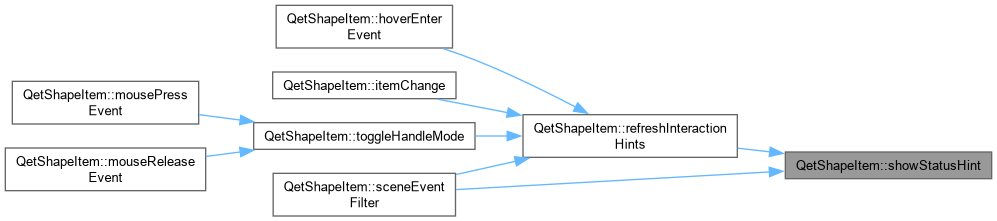
| QetShapeItem::refreshInteractionHints Keeps the tooltip text current, and – if the shape is already being hovered – immediately re-shows both the tooltip and the status bar hint rather than leaving them stuck on whatever was true before. Needed because Qt only re-evaluates a tooltip, and this class only re-shows the status bar, when the cursor moves: selecting a shape (often clicked while the mouse was already sitting on it) or cycling handle modes (definitely clicked while sitting on it) both change what should be shown without the cursor moving at all, so without this both would appear stale until the user moved away and back. | |
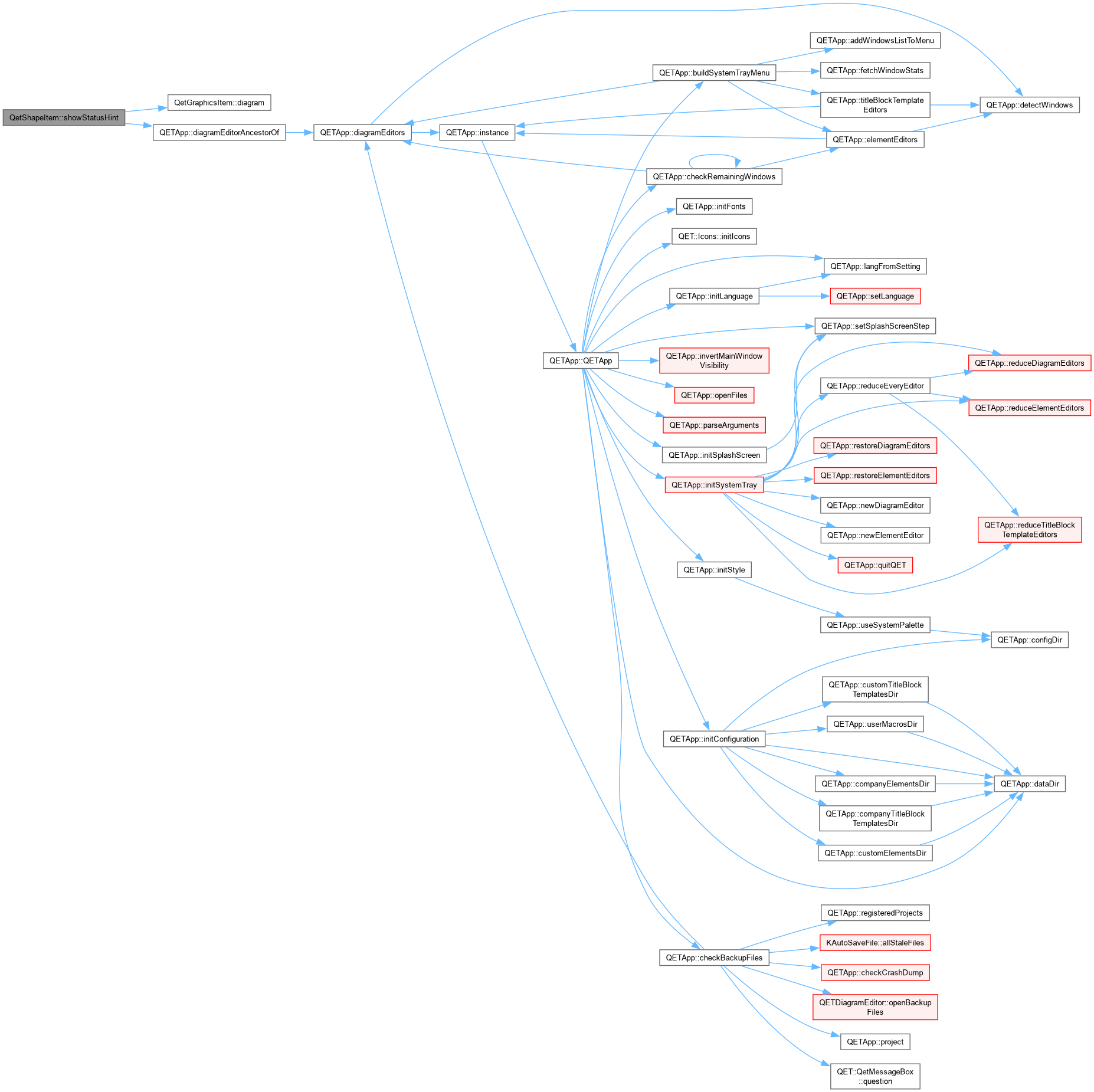
| void | showStatusHint (const QString &text) const |
| void | clearStatusHint () const |
| QString | currentModeStatusHint () const |
| QetShapeItem::currentModeStatusHint One-line reference for whatever handles are visible right now, shown in the status bar while hovering a selected shape's body (see hoverEnterEvent()) – the modifier keys in particular (Ctrl, Shift, Alt) have no other visible indication that they do anything at all. Also carries the same "next mode" information as the tooltip, since the status bar has room for the full picture in one place rather than needing the tooltip read separately. | |
| QString | handleRoleTooltip (HandleRole role, int slot) const |
| QetShapeItem::handleRoleTooltip Set natively on each handle item in rebuildHandles() – Qt shows a handle's own tooltip in preference to the shape's when hovering directly over it, so this is what gives each handle its own distinct hint instead of every one of them repeating the shape's general "click: next mode" tooltip regardless of which handle you're actually looking at. | |
| void | rebuildHandles () |
| QetShapeItem::rebuildHandles (Re)creates the handler items from scratch, for the current shapeType()/handleMode(). Only called when the set of handles changes – selection, mode toggle, node count change – never during a live drag, since that would delete the very QetGraphicsHandlerItem currently receiving the mouse-move events. See repositionHandles() for the drag-safe alternative. | |
| void | repositionHandles () |
| QetShapeItem::repositionHandles Moves the existing handler items to match current geometry, without touching their identity or which one is mid-drag. Safe (and expected) to be called on every frame of a live drag. Falls back to a full rebuild only if the handle count has somehow drifted out of sync – this should not normally happen, since only rebuildHandles() ever changes m_handleRoles/m_handleSlot. | |
| void | insertPoint () |
| void | removePoint () |
| void | convertToPathOrPolygon () |
| QetShapeItem::convertToPathOrPolygon Context-menu action, explicitly requested rather than triggered by an Alt+drag (see promoteRectangleOrEllipseToPolygon() for that separate mechanism). A sharp-cornered rectangle converts losslessly to a 4-corner polygon – its 4 corners already are exactly what a rectangle is. Anything else offered here (an ellipse/arc, or a rectangle with rounded corners) used to get the exact same treatment, which is wrong: an ellipse flattened to its bounding rect's 4 corners doesn't resemble an ellipse at all, and rounded corners would be silently squared off. Both instead become a genuine Bezier Path, built from the two verified helper functions below (numerically confirmed against Qt's own arcTo()/addRoundedRect() output – worst-case error a small fraction of a unit on shapes roughly 100-250 units across, i.e. visually indistinguishable, not merely "close enough to eyeball"). | |
| void | mirror (bool horizontal) |
| QetShapeItem::mirror Flips the shape around its own current pivot – horizontal negates scaleFactorX, vertical negates scaleFactorY, composing naturally with whatever rotation/skew are already set rather than needing any shape-specific geometry logic. Verified numerically before building this: the full transform (rotation+skew+scale combined) round-trips exactly under a negative scale just as it does under a positive one, since a negative-scale matrix is just as invertible (non-zero determinant) – and the two interactions that seemed most likely to break under mirroring turned out not to: dragRotateHandle()'s angle-solve isn't hardcoded to assume positive scale (it correctly flips sign for the mirrored case and still tracks the mouse exactly), and dragArcEndpoint() operates entirely in local space via mapFromScene(), which is exactly as exact under a mirror as without one. isResizeCornerSlot() is also unaffected on inspection: it identifies corners by their fixed local index, which mirroring never changes – only where those indices end up on screen. | |
| void | setNodeKind (int nodeIndex, NodeKind kind) |
| QetShapeItem::setNodeKind Change a Path node's kind, via the context menu rather than a drag. Promoting a Corner node to Smooth or Symmetric synthesizes whichever handles it doesn't already have, from its neighbours – direction toward the far neighbour, length a third of the distance to the near one, the same simple heuristic most vector editors use for a "make
smooth" action. Demoting to Corner leaves any existing handles untouched (a Corner node can still have handles – see dragPathControlHandle() – it just stops forcing them to stay linked). Also switches into NodeEdit mode, so the result is immediately visible rather than a change to data you'd otherwise have to click into node-edit mode again to see. | |
| void | handlerMousePressEvent (int handlerIndex) |
| QetShapeItem::handlerMousePressEvent. | |
| void | handlerMouseMoveEvent (int handlerIndex, QGraphicsSceneMouseEvent *event) |
| QetShapeItem::handlerMouseMoveEvent. | |
| void | handlerMouseReleaseEvent (int handlerIndex) |
| QetShapeItem::handlerMouseReleaseEvent. | |
| void | dragResize (int index, const QPointF &localPos, Qt::KeyboardModifiers mods) |
| void | dragRotateHandle (int cornerIndex, const QPointF &scenePos, Qt::KeyboardModifiers mods) |
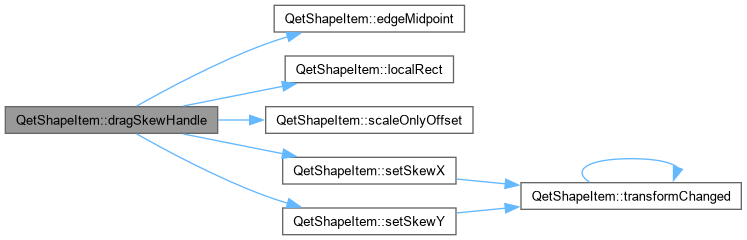
| void | dragSkewHandle (int edgeIndex, const QPointF &scenePos, Qt::KeyboardModifiers mods) |
| void | dragPivotHandle (const QPointF &localPos) |
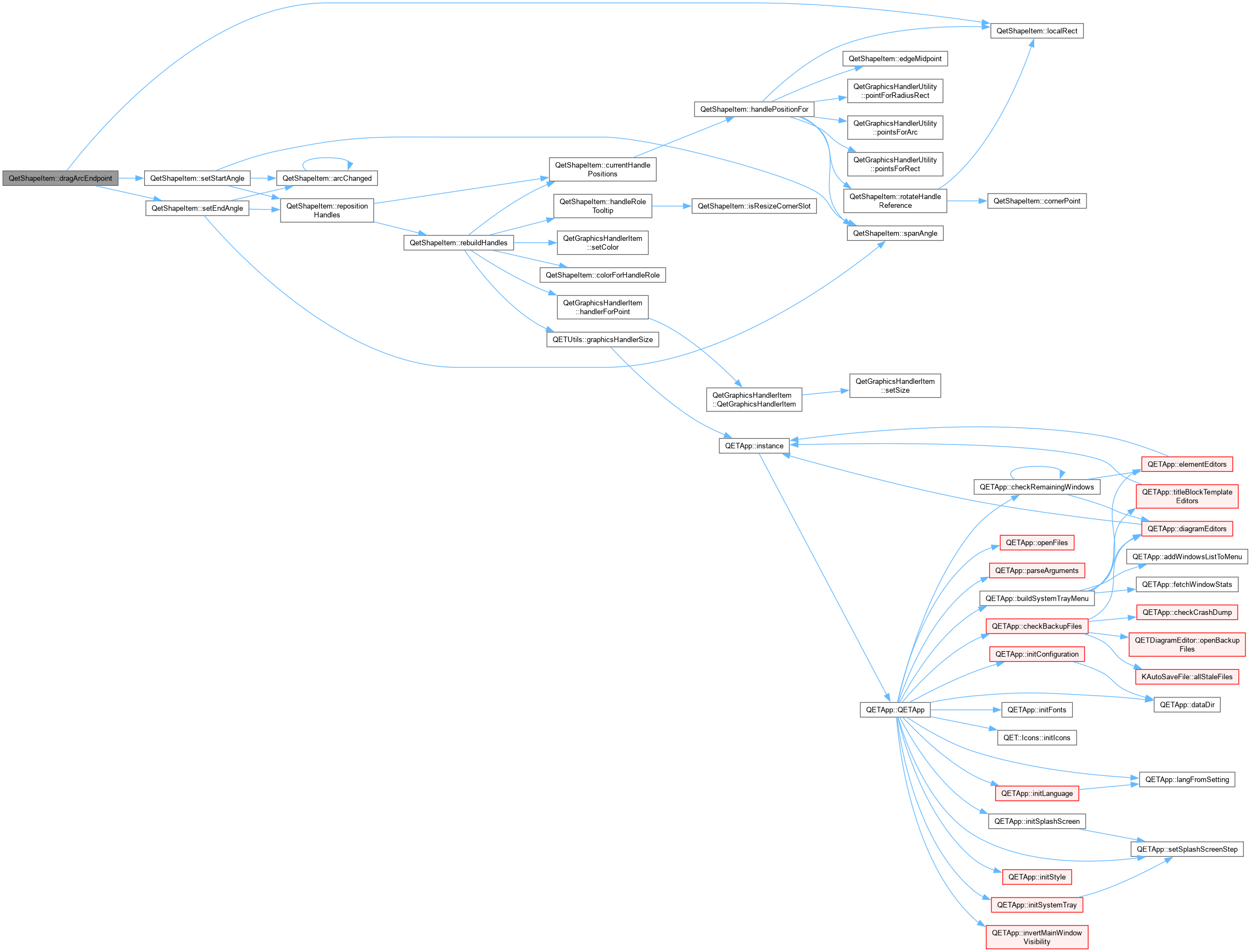
| void | dragArcEndpoint (int which, const QPointF &localPos, Qt::KeyboardModifiers mods) |
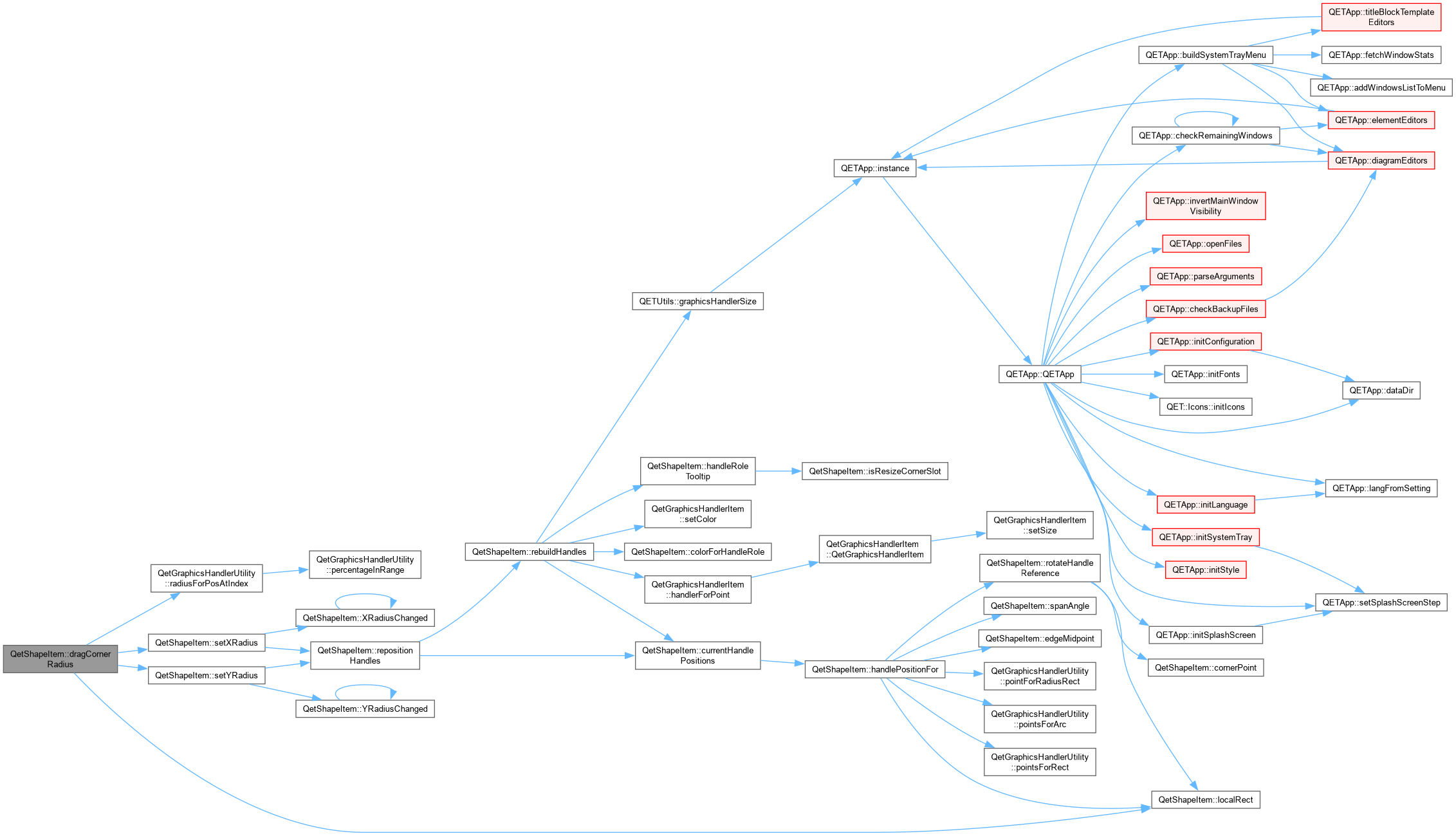
| void | dragCornerRadius (int which, const QPointF &localPos) |
| void | dragPathAnchor (int which, const QPointF &localPos, Qt::KeyboardModifiers mods) |
| QetShapeItem::dragPathAnchor Normally just moves the anchor (Polygon vertex, or a Path node's anchor – its in/out handles are relative offsets, so they follow for free). Alt+drag on a Path anchor, in NodeEdit mode, does something different instead: pulls a fresh pair of symmetric handles directly out of that node, letting a bare Corner node be reshaped into a curve without needing the context menu's "make smooth" action first – the anchor itself stays fixed; the drag distance and direction become the outgoing handle, mirrored exactly for the incoming one, matching Illustrator's own "Alt+drag an anchor" convention for this exact gesture. Deliberately scoped to NodeEdit mode: the curve would still bend if allowed in Size mode too (the underlying node data doesn't care what mode is active), but the new handles themselves would be invisible until switching modes anyway, which would just be confusing. | |
| void | dragPathControlHandle (bool isOutHandle, int nodeIndex, const QPointF &localPos, Qt::KeyboardModifiers mods) |
| QetShapeItem::dragPathControlHandle Dragging a Bezier control handle. Corner nodes have no linked opposite handle to update. Smooth nodes keep the two handles collinear through the anchor but let each keep its own length (tangent-continuous, magnitude-independent). Symmetric nodes mirror both direction and length exactly. Alt always means "break a normally
-linked relationship" in this design – here, detaching this handle from its mirror, permanently downgrading the node to Corner, exactly the same convention Alt already has on a rectangle's resize corner (see dragResize()). | |
| void | mirrorOppositeHandle (PathNode &node, bool justChangedIsOut) |
| QetShapeItem::mirrorOppositeHandle Given a node whose one handle (out, if justChangedIsOut; in, otherwise) was just set directly, updates its other handle to respect the node's kind – Smooth keeps both collinear through the anchor but lets each keep its own prior length (tangent-continuous, magnitude-independent); Symmetric also equalizes the lengths; Corner does nothing, since it has no linked handle to update. If the other handle doesn't exist yet at all, it's created here rather than left missing – matching its own length to whichever handle was just dragged, the only sensible default when there's no prior length of its own to preserve. Shared by dragPathControlHandle() (a handle dragged directly), dragCurveSegment() (both handles moved together, indirectly, by dragging the curve between two nodes), and dragPathAnchor()'s Alt-drag (pulling a fresh pair of handles out of a bare Corner node). | |
| void | dragCurveSegment (int segmentIndex, qreal t, const QPointF &localPos) |
| QetShapeItem::dragCurveSegment Inkscape-style "grab the curve itself, not a handle" reshaping: moves both of the segment's control points by the same amount, scaled so the curve ends up passing through localPos at the parameter t where the drag started. Verified algebraically and numerically before shipping: for control points P1,P2 shifted by a constant delta, the curve's own point at t shifts by exactly 3*(1-t)*t*delta, which is exactly the factor divided back out below – so the new curve passes through localPos exactly, not approximately. Always measured against the original control points captured when the drag started (m_curveDragOriginalP1/P2), not the current (possibly already-adjusted, this same drag) ones – otherwise each frame's adjustment would compound on top of the last, sending the curve shooting off far past the cursor instead of tracking it. Near either endpoint (t within 5% of 0 or 1) the curve is barely sensitive to its control points at all – the same reason grabbing a suspension bridge's deck right next to a pylon barely moves it – so those clicks are left alone rather than requiring huge, unpredictable handle movements for a small visual change; they're also close enough to an anchor that the user most likely meant to grab that instead. | |
| void | promoteRectangleOrEllipseToPolygon (int detachedResizeIndex, const QPointF &newLocalPos) |
| QetShapeItem::promoteRectangleOrEllipseToPolygon Alt+drag on a Resize corner detaches that one vertex, at the moment the shape stops being a Rectangle/Ellipse and becomes a Polygon. The prior state (type, geometry, transform, style) is captured by PromoteShapeCommand so a single Undo restores it exactly – this fact never touches the saved .qet file, only the session's undo stack. | |
| std::pair< int, qreal > | nearestPathSegment (const QPointF &localPos) const |
| QetShapeItem::nearestPathSegment Nearest point on the whole curve to localPos, found by coarse sampling each segment's cubic Bezier (24 samples is plenty for a context-menu pick – this only has to be close enough to feel right, not exact). Returns {-1, 0} if there are fewer than two nodes to form a segment. | |
| void | insertPathPoint (int segmentIndex, qreal t) |
| QetShapeItem::insertPathPoint Splits the cubic Bezier between node segmentIndex and its successor at parameter t, via De Casteljau's algorithm – the two resulting halves are guaranteed to retrace the original curve exactly (no kink at the seam), which a naive "just add a point at this position and guess new
handles" approach cannot promise. When neither side of the segment actually has a handle (a plain straight run between two Corner-ish points), this degrades to a plain linear split with no handles at all on the new node, rather than introducing phantom zero-effect handles on what the user sees as a straight line. | |
| void | removePathPoint (int nodeIndex) |
| QetShapeItem::removePathPoint Deletes a node outright and lets its two former neighbours connect directly using their own existing handles – no attempt to re-fit a single curve that approximates the old shape through where the point used to be. That's a much harder (and inherently lossy) problem; this is the same plain "just delete it" convention most editors default to. | |
| QDomElement | snapshotXml () const |
| QetShapeItem::snapshotXml toXml() into a private, throwaway document – used only to hand a self-contained QDomElement to PromoteShapeCommand, which deep-clones it again into its own document anyway (see promoteshapecommand.cpp). | |
| QRectF | localRect () const |
| QetShapeItem::localRect The rect used for corner/edge handle placement and for arc/radius math. For Polygon and Path this is the vertex bounding box; for everything else it is simply the P1/P2 rect, as before. | |
| QPainterPath | outline () const |
| QetShapeItem::outline The raw, unstroked path for the current type, in local coordinates. Shared by shape() (which strokes it for hit-testing/selection) and paint() (which draws it directly) so the two can never disagree about what the shape actually looks like. | |
| QVector< QPointF > | currentHandlePositions () const |
| QPointF | handlePositionFor (HandleRole role, int slot) const |
| QetShapeItem::handlePositionFor Local-coordinate position for one (role, slot) pair, given the shape's current geometry. This is the single source of truth used both to build handles from scratch (rebuildHandles()) and to move existing ones during a live drag (repositionHandles()) – the two can never disagree about where a handle belongs. | |
| QPointF | rotateHandleReference (int slot) const |
| QPointF | scaleOnlyOffset (const QPointF &localPoint) const |
| QetShapeItem::scaleOnlyOffset / scaleAndShearOffset A local point's offset from the pivot, run through only the parts of the linear transform that are not currently being edited by a drag – i.e. the parts that stay fixed while the user is dragging one specific handle. These are the fixed reference values dragRotateHandle() and dragSkewHandle() solve against, instead of round-tripping through mapFromScene() (which would divide out the very parameter being solved for and turn the drag into a feedback loop – see dragRotateHandle()'s comment for the concrete failure mode this replaces). | |
| QPointF | scaleAndShearOffset (const QPointF &localPoint) const |
Static Private Member Functions | |
| static QString | handleModeLabel (HandleMode mode) |
| QetShapeItem::handleModeLabel Short, human name for a HandleMode – used to build both the tooltip ("click: switches to X") and, indirectly, the status bar text. | |
| static bool | isResizeCornerSlot (int slot) |
| static QVector< PathNode > | bezierNodesForArc (const QRectF &rect, qreal startAngleDeg, qreal spanAngleDeg) |
| QetShapeItem::bezierNodesForArc Bezier approximation of an elliptical arc, split into <=90-degree segments (the standard cap for this technique to stay visually exact – a single segment starts drifting noticeably past that). Each segment's handle length is (4/3)*tan(segment_span/4), the general-angle form of the well-known ~0.5523 "kappa" constant for an exact quarter circle. A full 360-degree span is a special case: it produces exactly segments nodes rather than segments+1 (the very last one would just be a duplicate of the first at the same anchor point) and wires the wrap-around segment's own handles explicitly, so the loop closes as a continuous curve rather than the straight "chord" line a generic closed-path wrap-around would otherwise fall back to. | |
| static QVector< PathNode > | bezierNodesForRoundedRect (const QRectF &rect, qreal xRadius, qreal yRadius) |
| QetShapeItem::bezierNodesForRoundedRect Bezier equivalent of QPainterPath::addRoundedRect(): 8 anchors (each edge's two ends), straight lines along the 4 edges, and a Bezier quarter-turn at each of the 4 corners using the same handle-length formula as bezierNodesForArc() (with segSpan fixed at 90 degrees, since a rounded rect's corners always are). xRadius/yRadius are clamped to at most half the rect's own width/height, matching how QPainterPath::addRoundedRect() itself behaves for an over-large radius. | |
| static QColor | colorForHandleRole (HandleRole role) |
| QetShapeItem::colorForHandleRole Purely cosmetic, but consistent with the existing convention of color-coding what a handle currently does. Mirror-resize used to be its own colored click-cycled mode (green); it is now a Ctrl modifier available on every Resize handle, so only genuinely distinct behaviours get their own color here. | |
| static QRectF | lockAspectRatio (const QRectF &oldRect, QRectF newRect, int resizeIndex, bool mirrored) |
| QetShapeItem::lockAspectRatio Shift-constrained resize: keep the pre-drag width:height ratio, driven by whichever dimension moved proportionally more, re-anchored the same way the unconstrained result already was. | |
| static QPointF | cornerPoint (const QRectF &rect, int cornerIndex) |
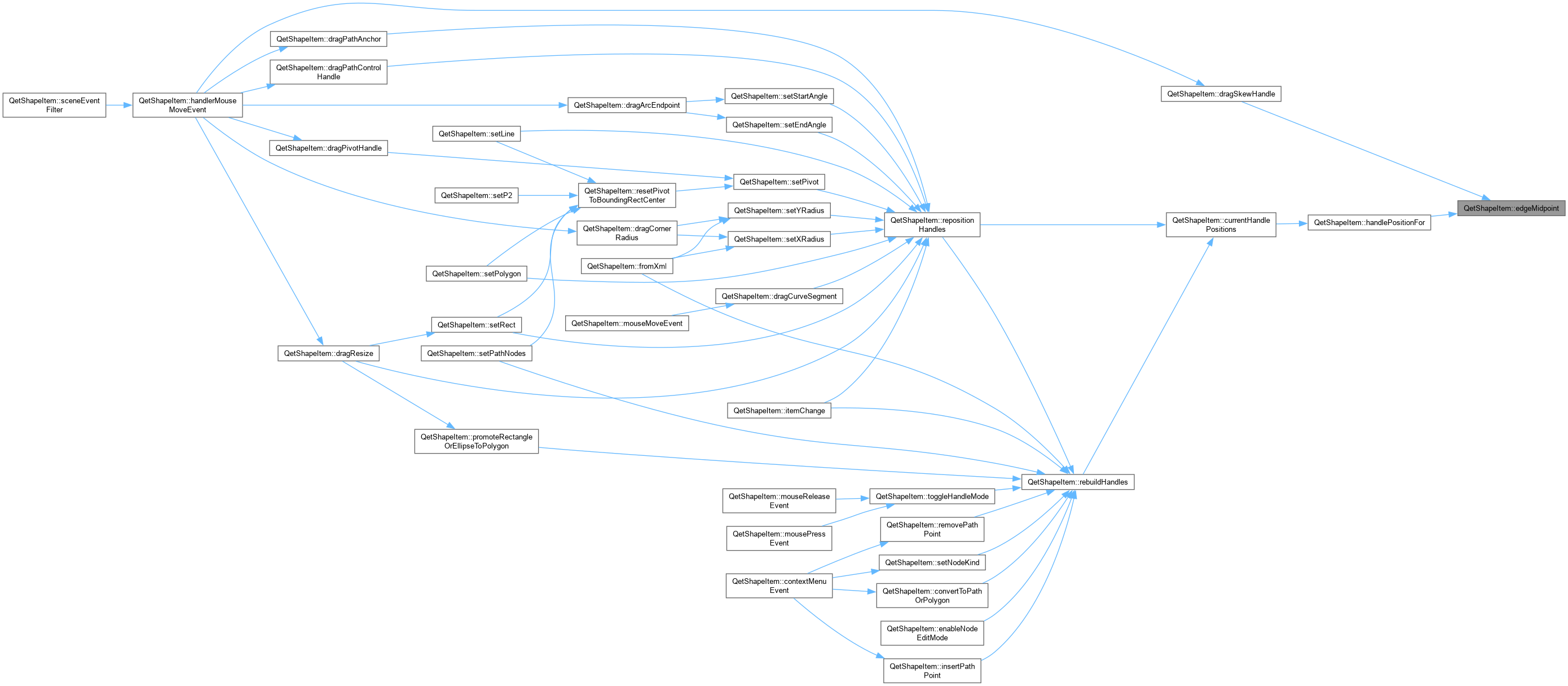
| static QPointF | edgeMidpoint (const QRectF &rect, int edgeIndex) |
Additional Inherited Members | |
| Static Public Member Functions inherited from QetGraphicsItem | |
| static void | showItem (QetGraphicsItem *item) |
| QetGraphicsItem::QetGraphicsItem Default constructor. | |
| Protected Attributes inherited from QetGraphicsItem | |
| bool | is_movable_ |
| bool | m_first_move |
| bool | snap_to_grid_ |
| QPointF | m_mouse_to_origin_movement |
| QET::GraphicsItemState | m_state = QET:: GIOK |
The QetShapeItem class this class is used to draw a basic shape (line, rectangle, ellipse, polygon or free-form path) into a diagram, that can be saved to a .qet file. Beyond its local geometry, a shape may also carry a rotation/skew/scale (see ShapeTransform) around an arbitrary pivot.
|
strong |
|
strong |
|
strong |
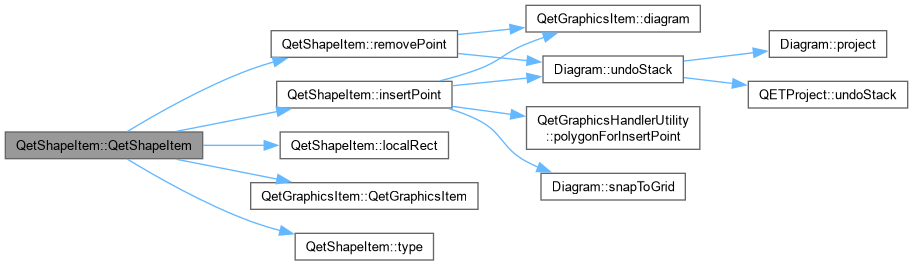
| QetShapeItem::QetShapeItem | ( | QPointF | p1, |
| QPointF | p2 = QPointF(0,0), | ||
| ShapeType | type = Line, | ||
| QGraphicsItem * | parent = nullptr ) |
QetShapeItem::QetShapeItem Constructor of shape item. point 1 and 2 must be in scene coordinate.
| p1 | first point |
| p2 | second point |
| type | type of item (line, rectangle, ellipse, polygon, path) |
| parent | parent item |
|
override |
|
signal |

|
inline |
|
staticprivate |
QetShapeItem::bezierNodesForArc Bezier approximation of an elliptical arc, split into <=90-degree segments (the standard cap for this technique to stay visually exact – a single segment starts drifting noticeably past that). Each segment's handle length is (4/3)*tan(segment_span/4), the general-angle form of the well-known ~0.5523 "kappa" constant for an exact quarter circle. A full 360-degree span is a special case: it produces exactly segments nodes rather than segments+1 (the very last one would just be a duplicate of the first at the same anchor point) and wires the wrap-around segment's own handles explicitly, so the loop closes as a continuous curve rather than the straight "chord" line a generic closed-path wrap-around would otherwise fall back to.
| rect | the ellipse's bounding rect |
| startAngleDeg | arc start angle, matching QPainterPath::arcTo's own convention |
| spanAngleDeg | arc angular span, same convention (may be negative) |

|
staticprivate |
QetShapeItem::bezierNodesForRoundedRect Bezier equivalent of QPainterPath::addRoundedRect(): 8 anchors (each edge's two ends), straight lines along the 4 edges, and a Bezier quarter-turn at each of the 4 corners using the same handle-length formula as bezierNodesForArc() (with segSpan fixed at 90 degrees, since a rounded rect's corners always are). xRadius/yRadius are clamped to at most half the rect's own width/height, matching how QPainterPath::addRoundedRect() itself behaves for an over-large radius.
| rect | the rectangle's own corner points, as a QRectF |
| xRadius | corner radius along the x axis |
| yRadius | corner radius along the y axis |

|
override |

|
inline |
|
signal |
|
private |

|
signal |

|
staticprivate |
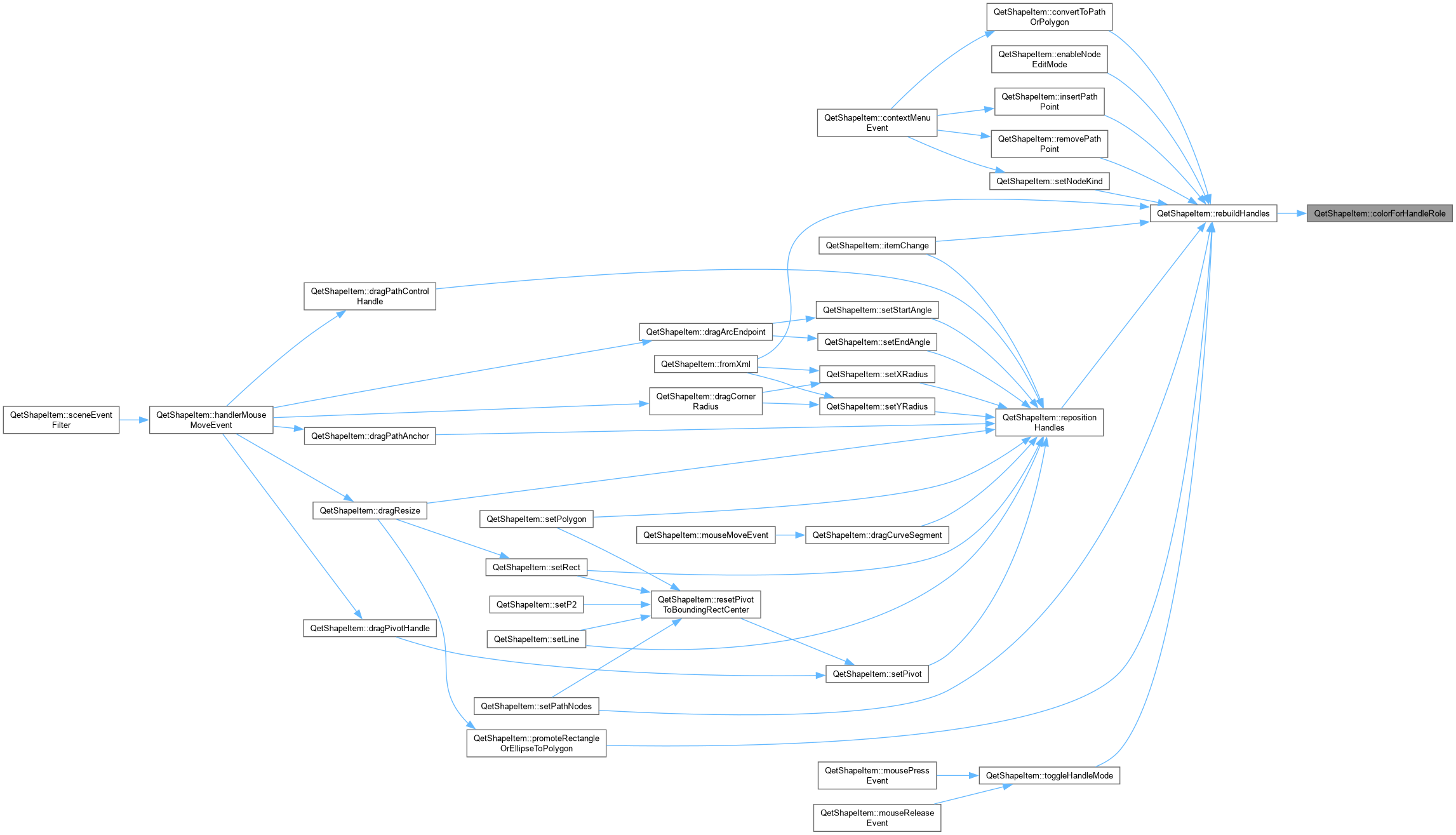
QetShapeItem::colorForHandleRole Purely cosmetic, but consistent with the existing convention of color-coding what a handle currently does. Mirror-resize used to be its own colored click-cycled mode (green); it is now a Ctrl modifier available on every Resize handle, so only genuinely distinct behaviours get their own color here.
|
overrideprotected |
|
private |
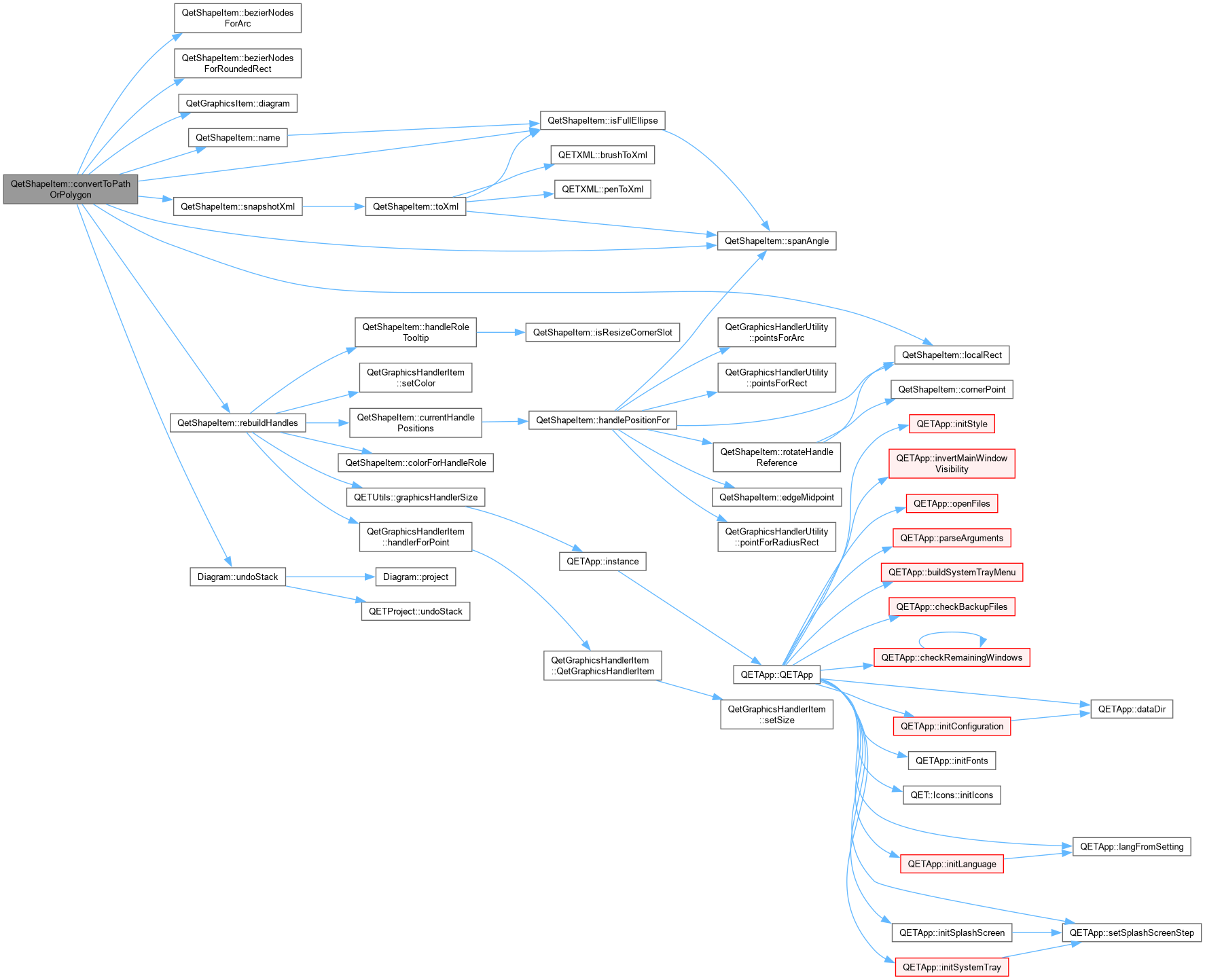
QetShapeItem::convertToPathOrPolygon Context-menu action, explicitly requested rather than triggered by an Alt+drag (see promoteRectangleOrEllipseToPolygon() for that separate mechanism). A sharp-cornered rectangle converts losslessly to a 4-corner polygon – its 4 corners already are exactly what a rectangle is. Anything else offered here (an ellipse/arc, or a rectangle with rounded corners) used to get the exact same treatment, which is wrong: an ellipse flattened to its bounding rect's 4 corners doesn't resemble an ellipse at all, and rounded corners would be silently squared off. Both instead become a genuine Bezier Path, built from the two verified helper functions below (numerically confirmed against Qt's own arcTo()/addRoundedRect() output – worst-case error a small fraction of a unit on shapes roughly 100-250 units across, i.e. visually indistinguishable, not merely "close enough to eyeball").

|
staticprivate |
|
private |
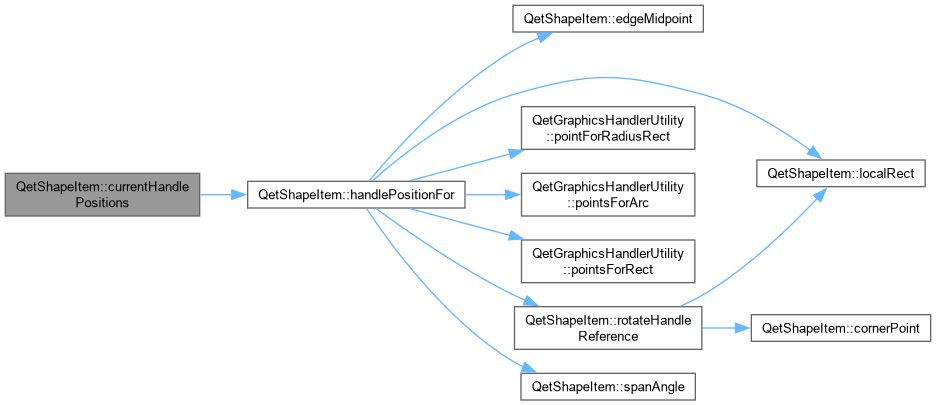
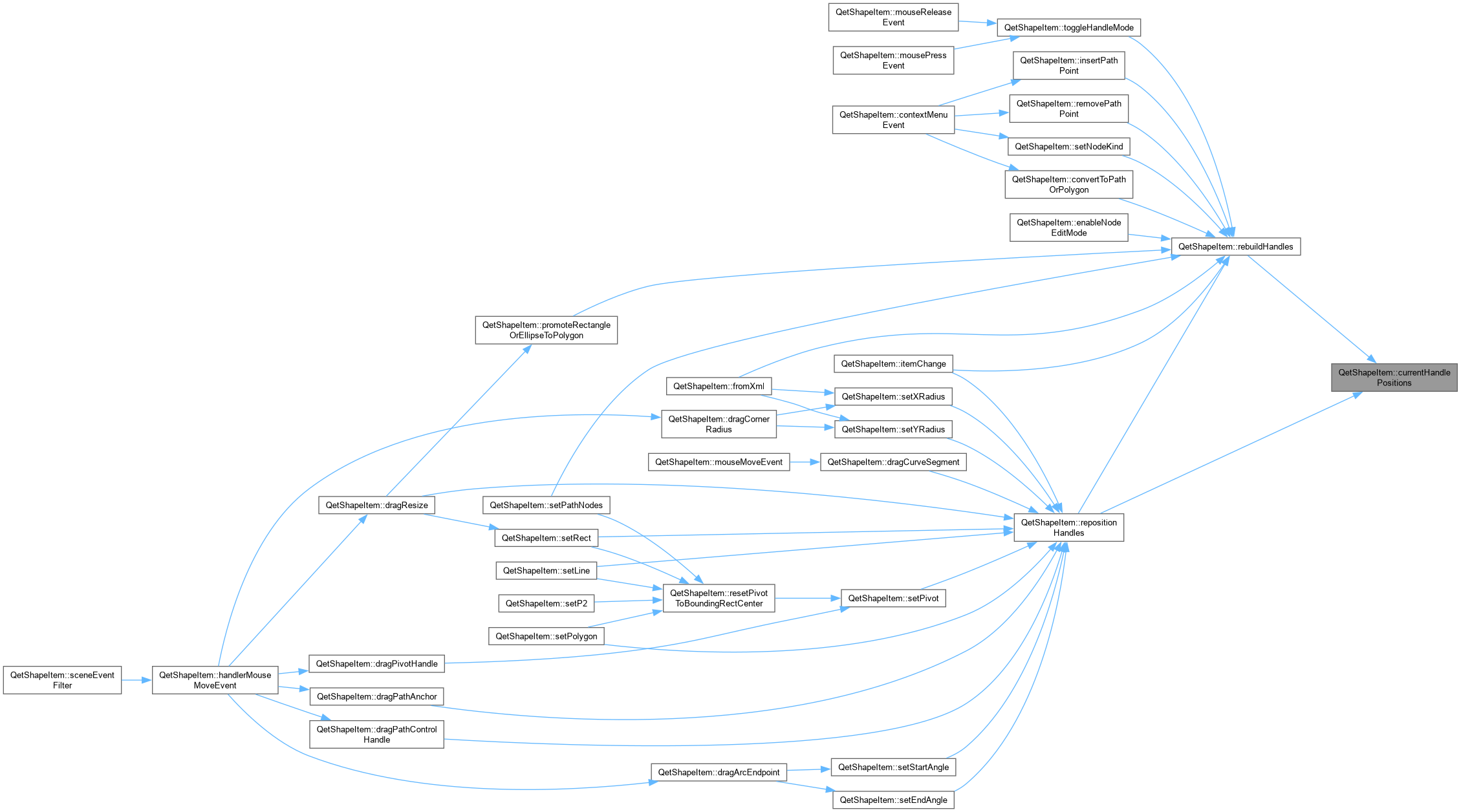
|
private |
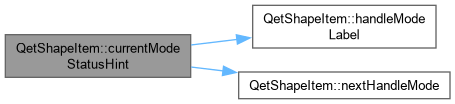
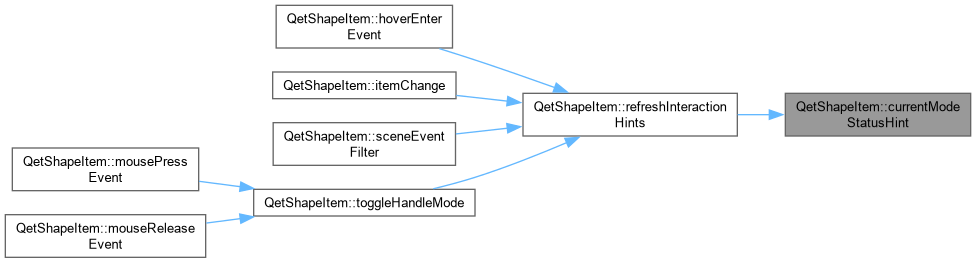
QetShapeItem::currentModeStatusHint One-line reference for whatever handles are visible right now, shown in the status bar while hovering a selected shape's body (see hoverEnterEvent()) – the modifier keys in particular (Ctrl, Shift, Alt) have no other visible indication that they do anything at all. Also carries the same "next mode" information as the tooltip, since the status bar has room for the full picture in one place rather than needing the tooltip read separately.
|
private |

|
private |

|
private |
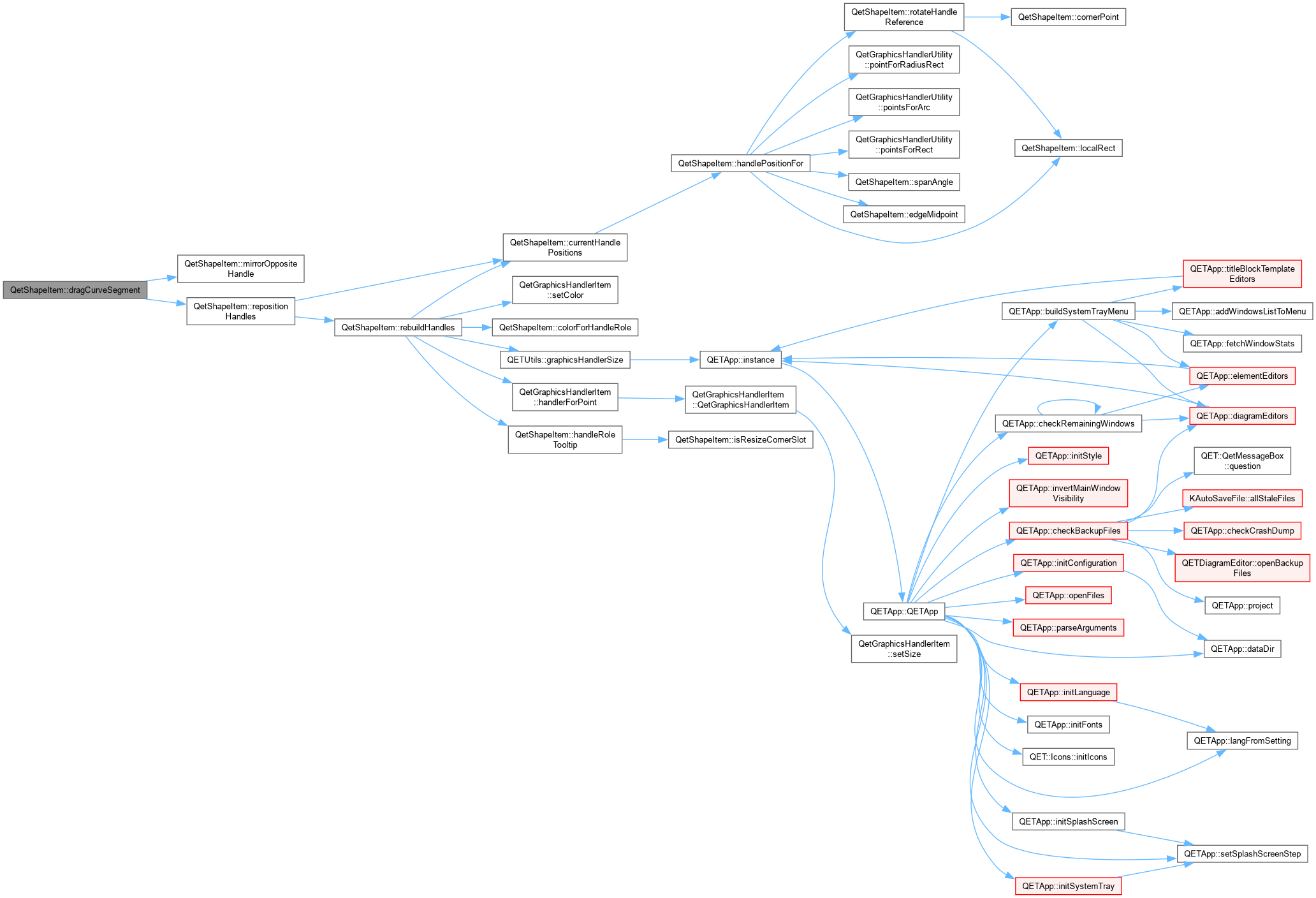
QetShapeItem::dragCurveSegment Inkscape-style "grab the curve itself, not a handle" reshaping: moves both of the segment's control points by the same amount, scaled so the curve ends up passing through localPos at the parameter t where the drag started. Verified algebraically and numerically before shipping: for control points P1,P2 shifted by a constant delta, the curve's own point at t shifts by exactly 3*(1-t)*t*delta, which is exactly the factor divided back out below – so the new curve passes through localPos exactly, not approximately. Always measured against the original control points captured when the drag started (m_curveDragOriginalP1/P2), not the current (possibly already-adjusted, this same drag) ones – otherwise each frame's adjustment would compound on top of the last, sending the curve shooting off far past the cursor instead of tracking it. Near either endpoint (t within 5% of 0 or 1) the curve is barely sensitive to its control points at all – the same reason grabbing a suspension bridge's deck right next to a pylon barely moves it – so those clicks are left alone rather than requiring huge, unpredictable handle movements for a small visual change; they're also close enough to an anchor that the user most likely meant to grab that instead.

|
private |
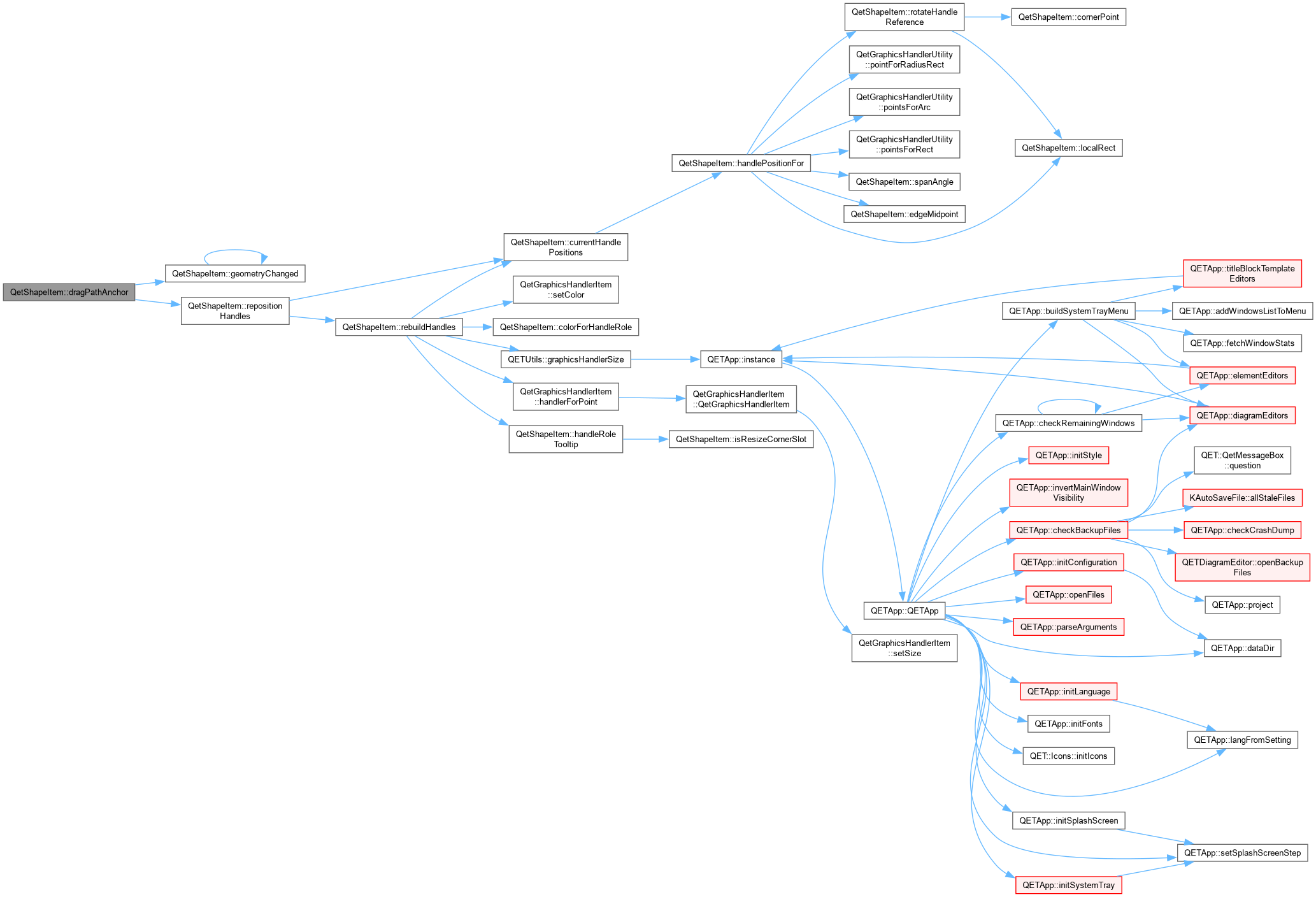
QetShapeItem::dragPathAnchor Normally just moves the anchor (Polygon vertex, or a Path node's anchor – its in/out handles are relative offsets, so they follow for free). Alt+drag on a Path anchor, in NodeEdit mode, does something different instead: pulls a fresh pair of symmetric handles directly out of that node, letting a bare Corner node be reshaped into a curve without needing the context menu's "make smooth" action first – the anchor itself stays fixed; the drag distance and direction become the outgoing handle, mirrored exactly for the incoming one, matching Illustrator's own "Alt+drag an anchor" convention for this exact gesture. Deliberately scoped to NodeEdit mode: the curve would still bend if allowed in Size mode too (the underlying node data doesn't care what mode is active), but the new handles themselves would be invisible until switching modes anyway, which would just be confusing.

|
private |
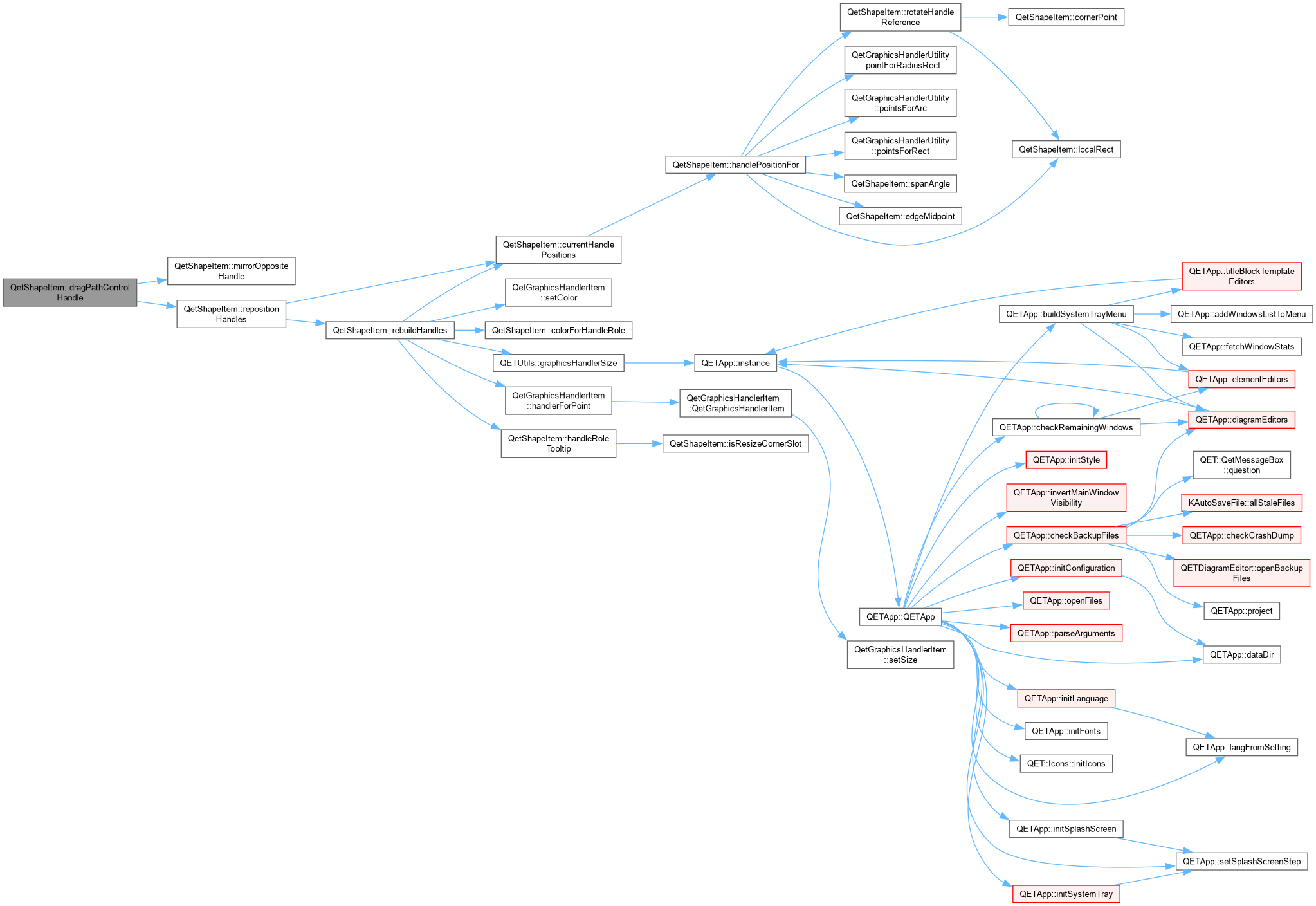
QetShapeItem::dragPathControlHandle Dragging a Bezier control handle. Corner nodes have no linked opposite handle to update. Smooth nodes keep the two handles collinear through the anchor but let each keep its own length (tangent-continuous, magnitude-independent). Symmetric nodes mirror both direction and length exactly. Alt always means "break a normally -linked relationship" in this design – here, detaching this handle from its mirror, permanently downgrading the node to Corner, exactly the same convention Alt already has on a rectangle's resize corner (see dragResize()).

|
private |

|
private |

|
private |

|
private |

|
staticprivate |
|
overridevirtual |
QetShapeItem::editProperty Edit the property of this item.
Reimplemented from QetGraphicsItem.

| void QetShapeItem::enableNodeEditMode | ( | ) |
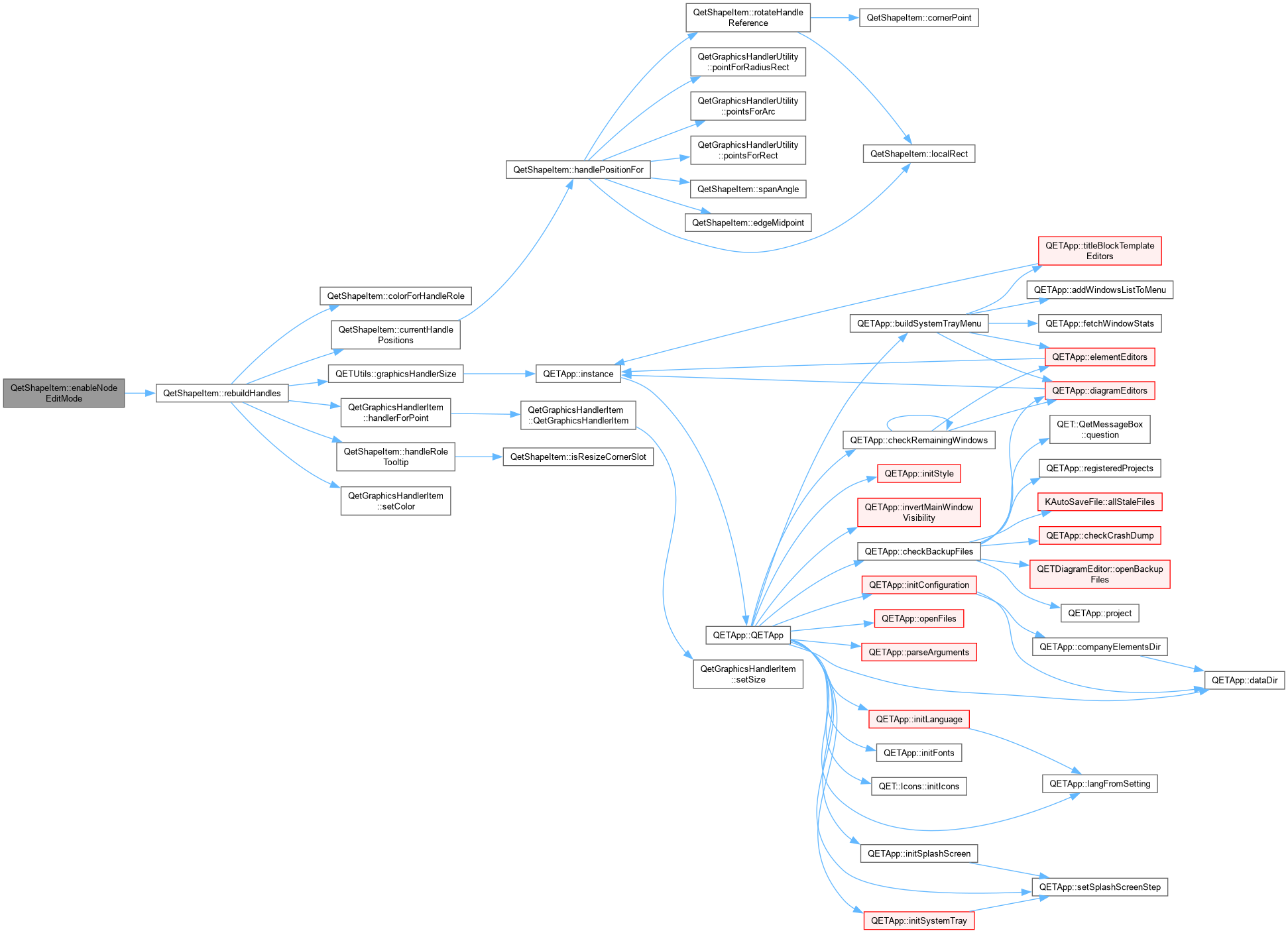
QetShapeItem::enableNodeEditMode Switches into NodeEdit mode, so every node's control handles (and their tangent guide lines drawn in paint()) become visible – the same visual feedback normal editing already gets via the context menu's node-kind actions, made available to the pen tool too so a node's handles are visible as they're being dragged into existence, not only afterward.
|
inline |
|
virtual |
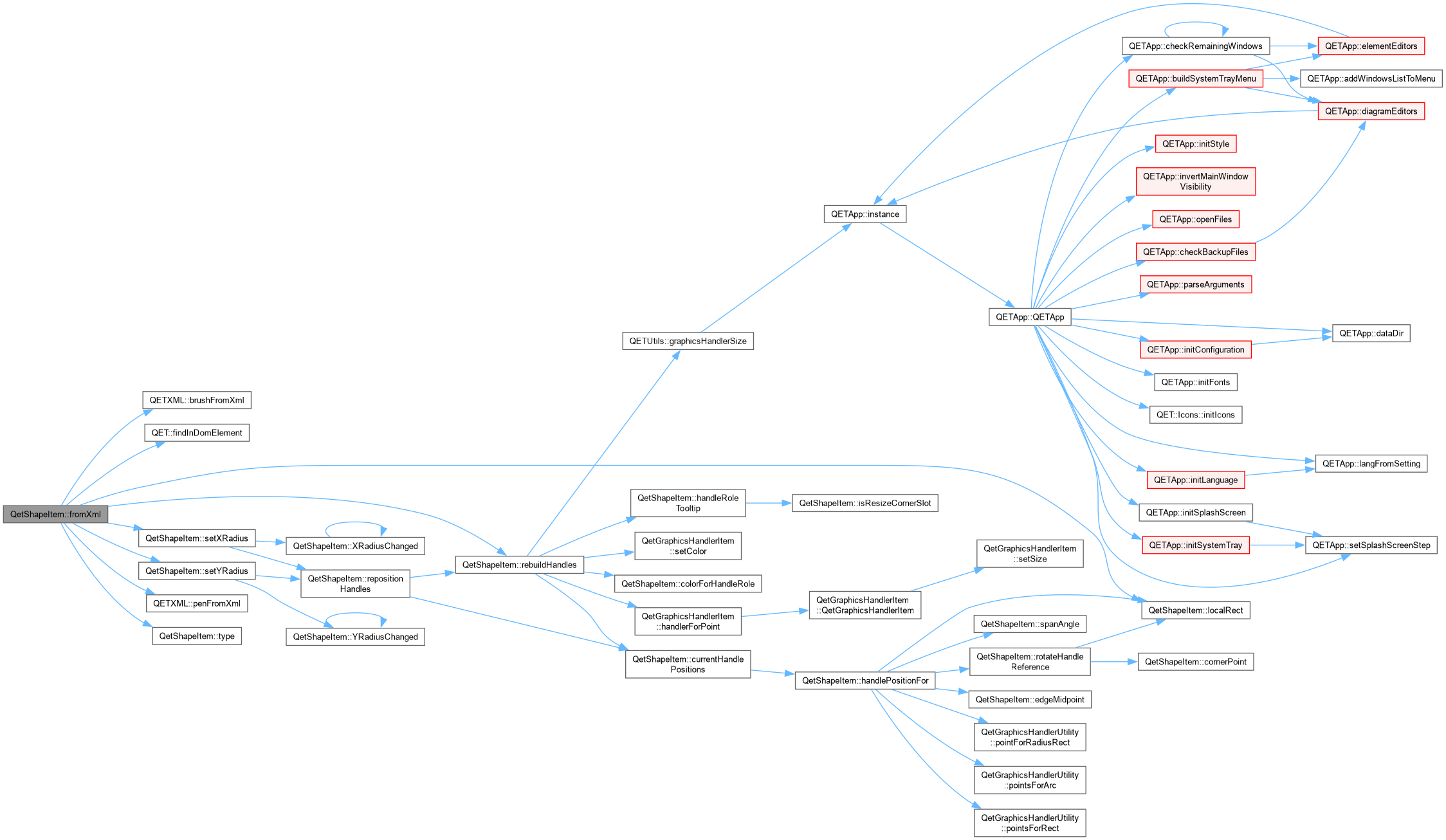
QetShapeItem::fromXml Build this item from the xml description.
| e | element where is stored this item |
|
signal |
|
staticprivate |
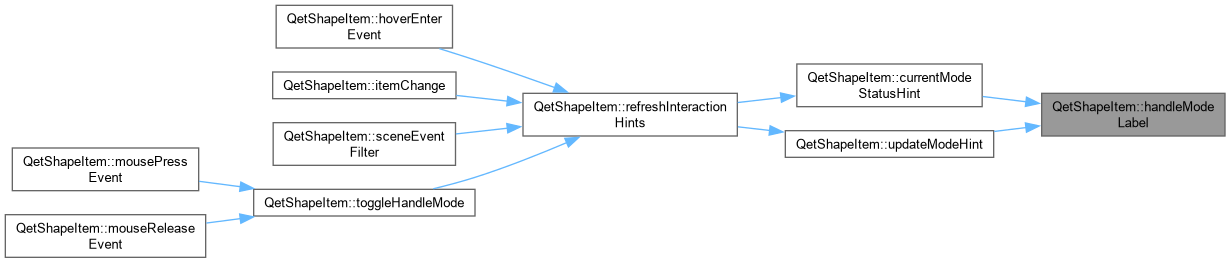
QetShapeItem::handleModeLabel Short, human name for a HandleMode – used to build both the tooltip ("click: switches to X") and, indirectly, the status bar text.
|
private |
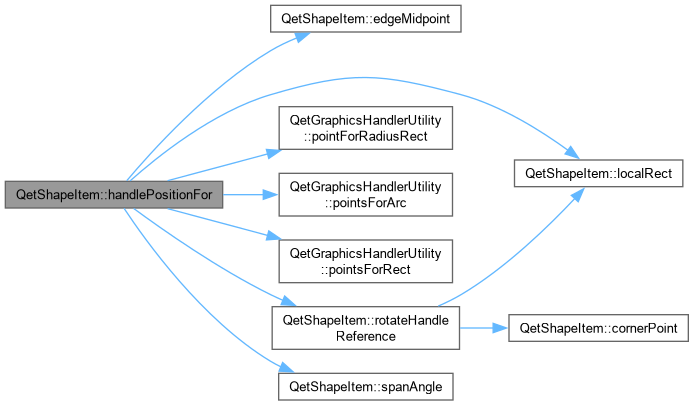
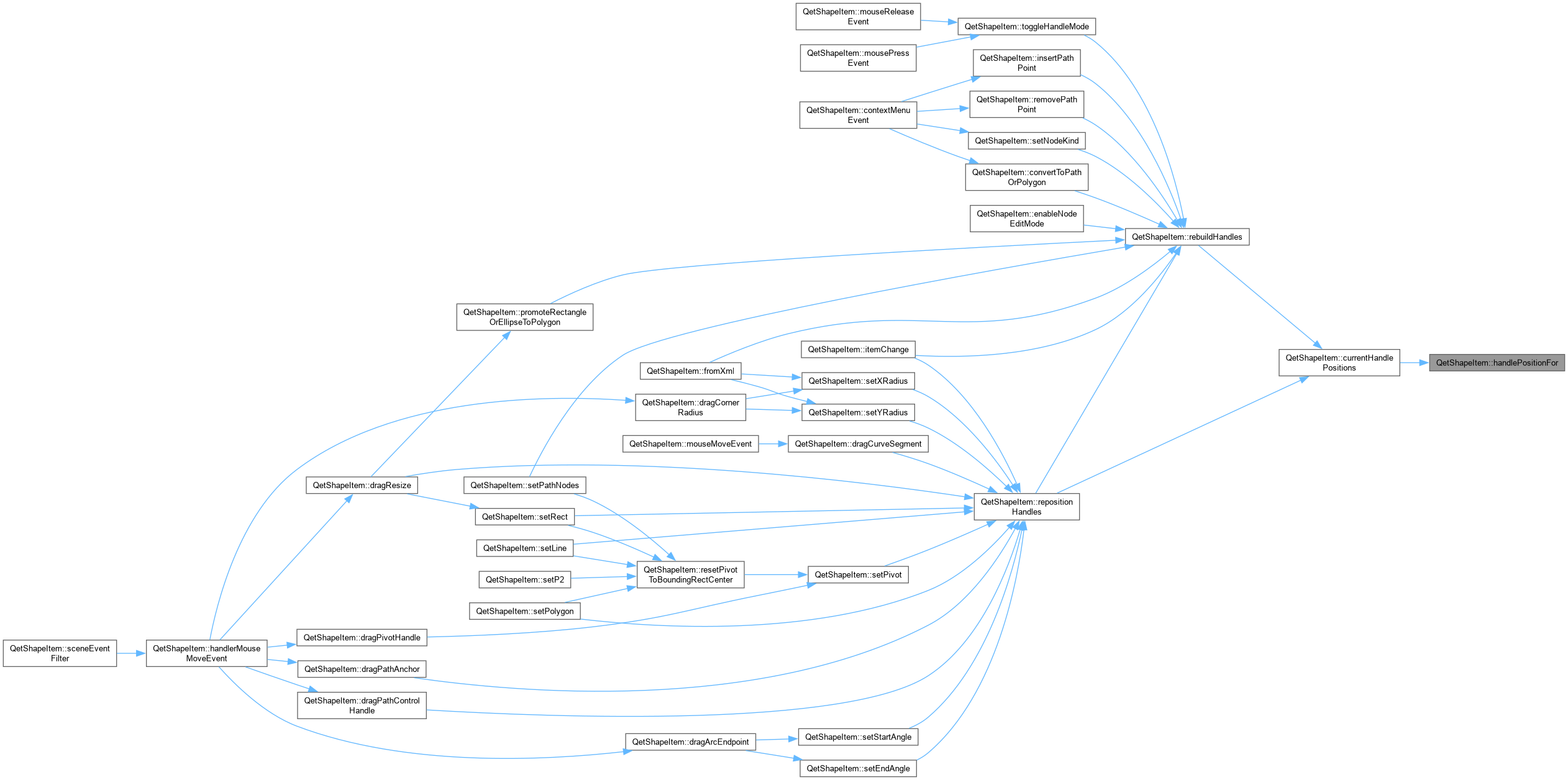
QetShapeItem::handlePositionFor Local-coordinate position for one (role, slot) pair, given the shape's current geometry. This is the single source of truth used both to build handles from scratch (rebuildHandles()) and to move existing ones during a live drag (repositionHandles()) – the two can never disagree about where a handle belongs.
|
private |
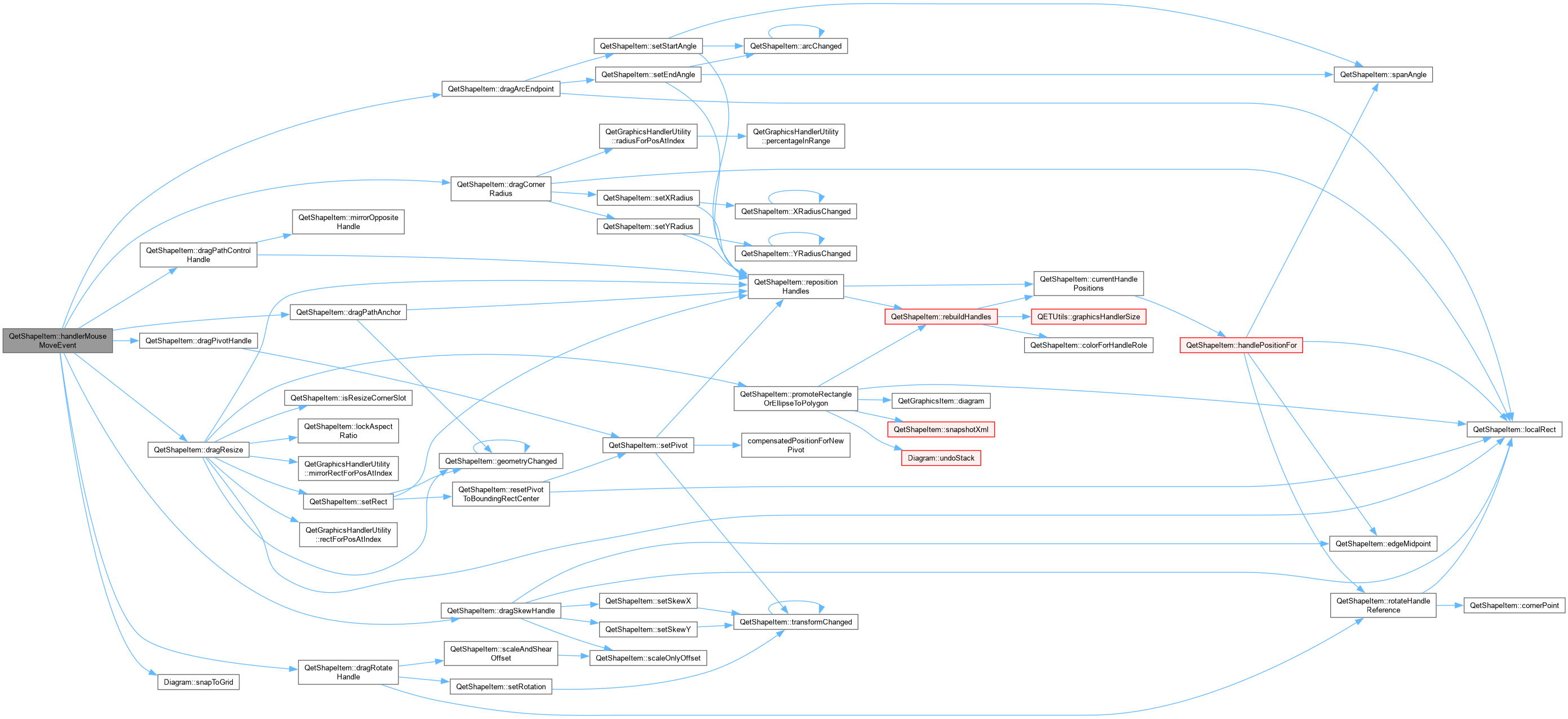
QetShapeItem::handlerMouseMoveEvent.
| handlerIndex | |
| event |

|
private |
QetShapeItem::handlerMousePressEvent.
| handlerIndex |

|
private |
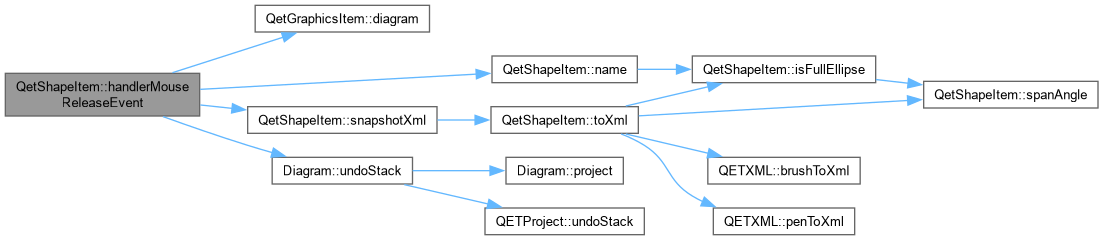
QetShapeItem::handlerMouseReleaseEvent.
| handlerIndex |

|
private |
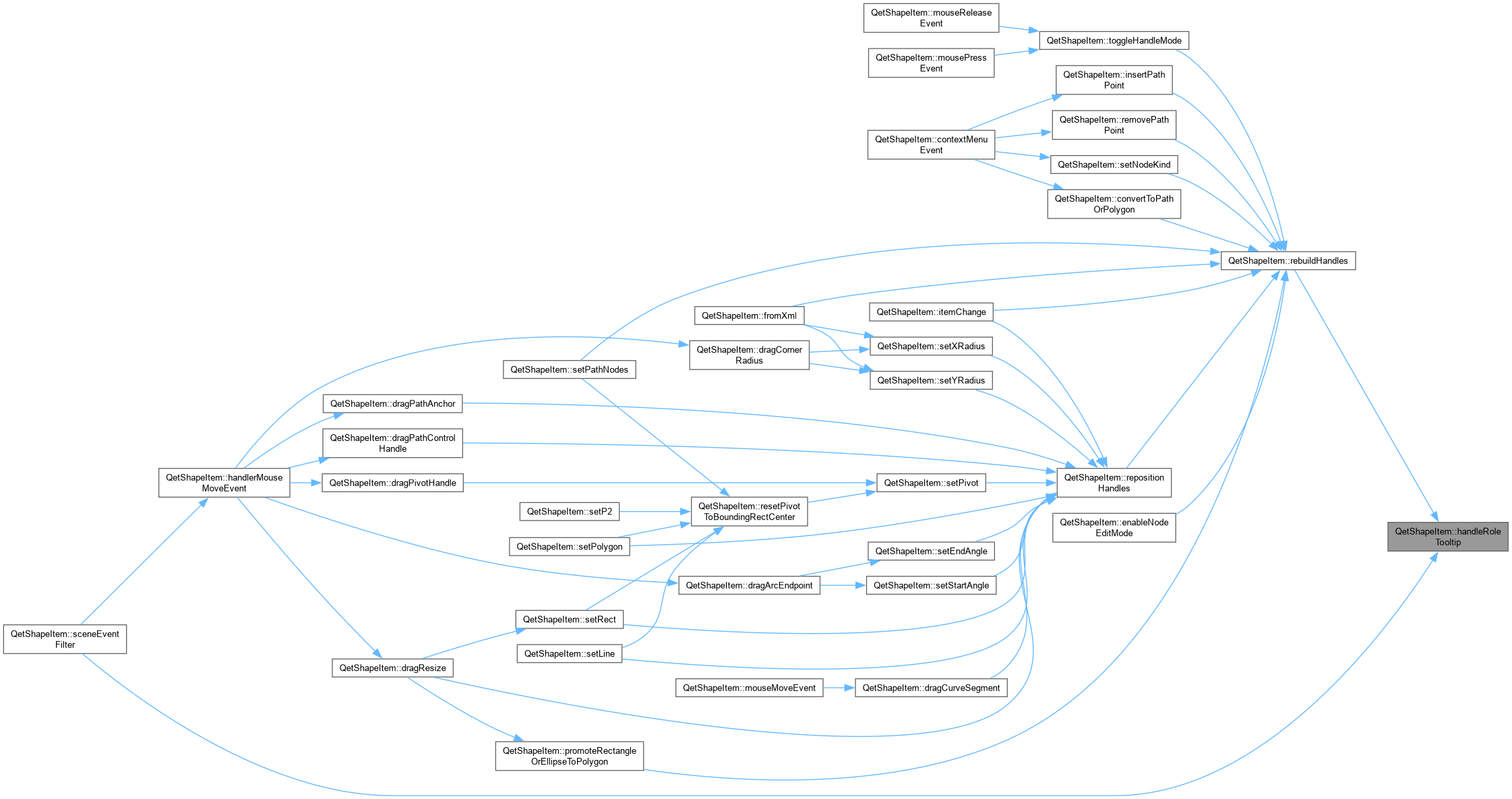
QetShapeItem::handleRoleTooltip Set natively on each handle item in rebuildHandles() – Qt shows a handle's own tooltip in preference to the shape's when hovering directly over it, so this is what gives each handle its own distinct hint instead of every one of them repeating the shape's general "click: next mode" tooltip regardless of which handle you're actually looking at.

|
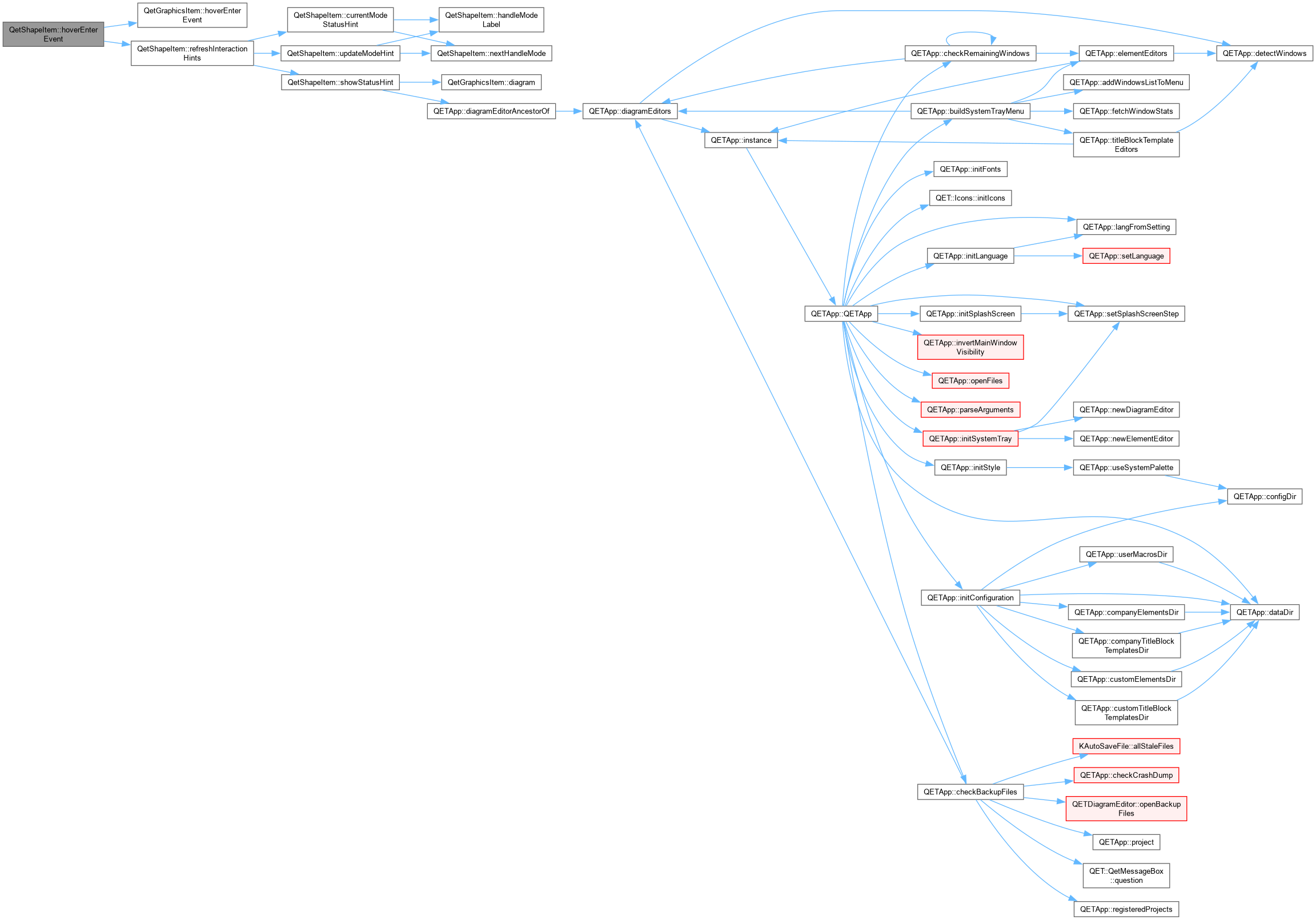
overrideprotected |
QetShapeItem::hoverEnterEvent Handle hover enter event.
| event |
|
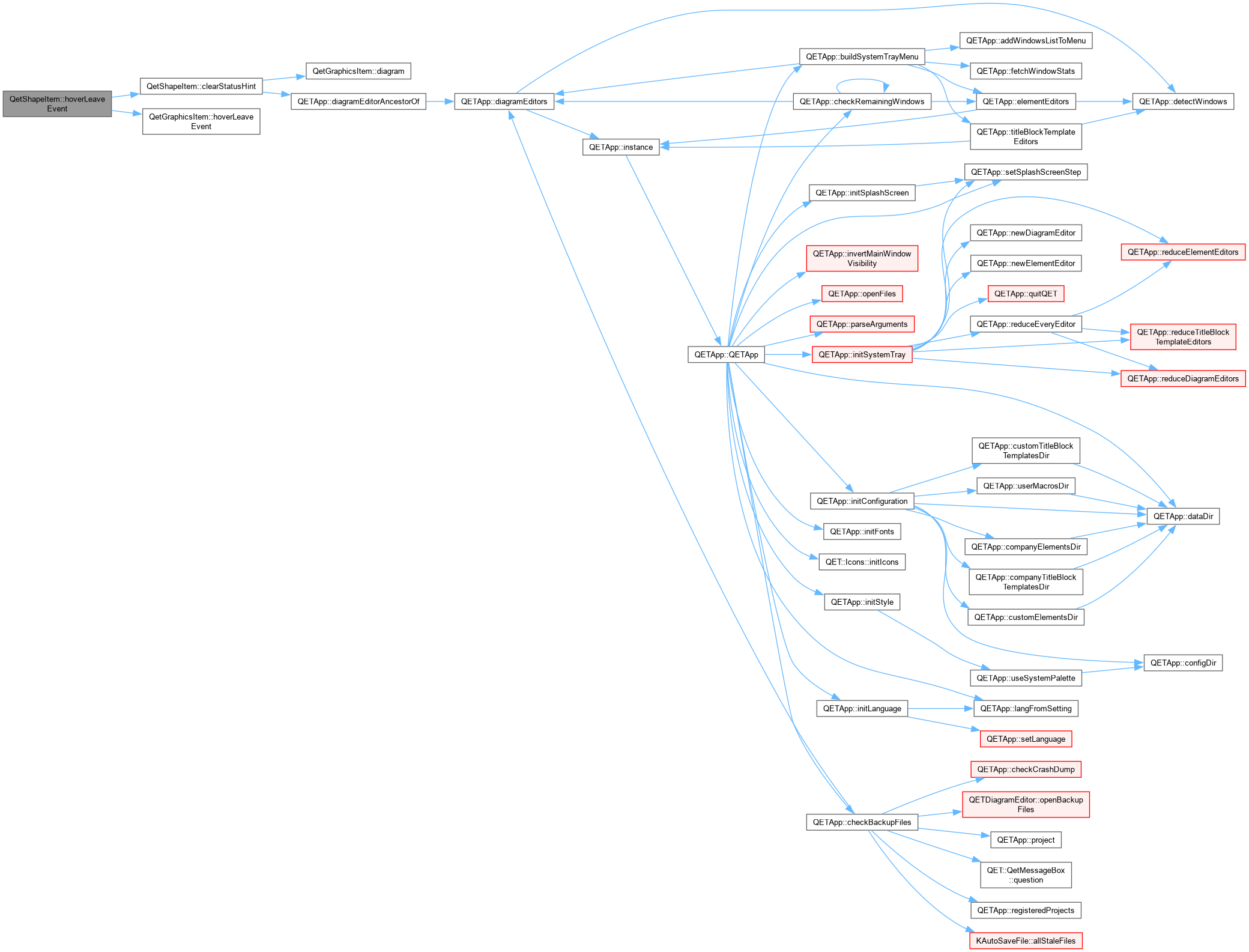
overrideprotected |
QetShapeItem::hoverLeaveEvent Handle hover leave event.
| event |
|
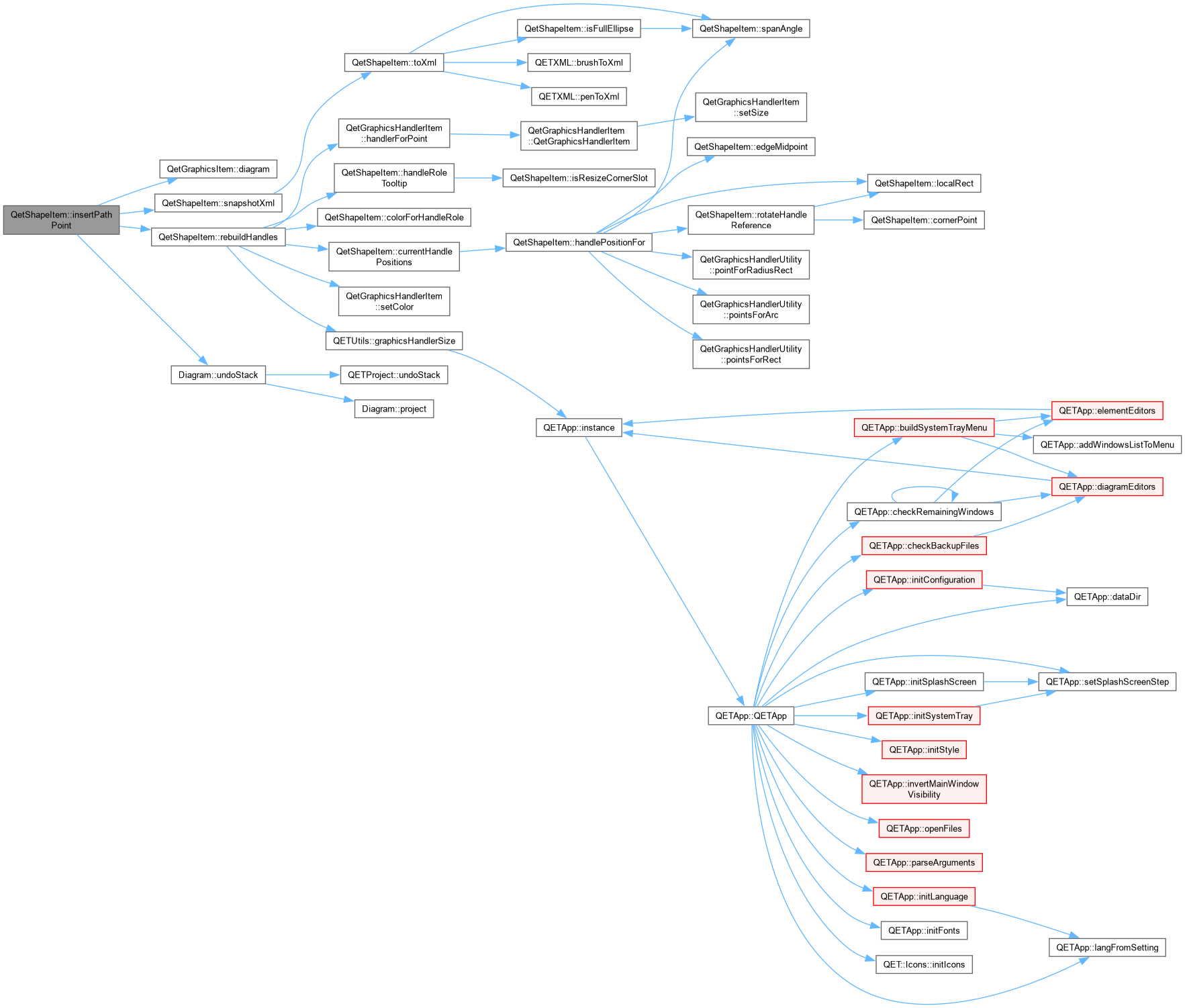
private |
QetShapeItem::insertPathPoint Splits the cubic Bezier between node segmentIndex and its successor at parameter t, via De Casteljau's algorithm – the two resulting halves are guaranteed to retrace the original curve exactly (no kink at the seam), which a naive "just add a point at this position and guess new handles" approach cannot promise. When neither side of the segment actually has a handle (a plain straight run between two Corner-ish points), this degrades to a plain linear split with no handles at all on the new node, rather than introducing phantom zero-effect handles on what the user sees as a straight line.

|
private |

|
inline |
|
inline |

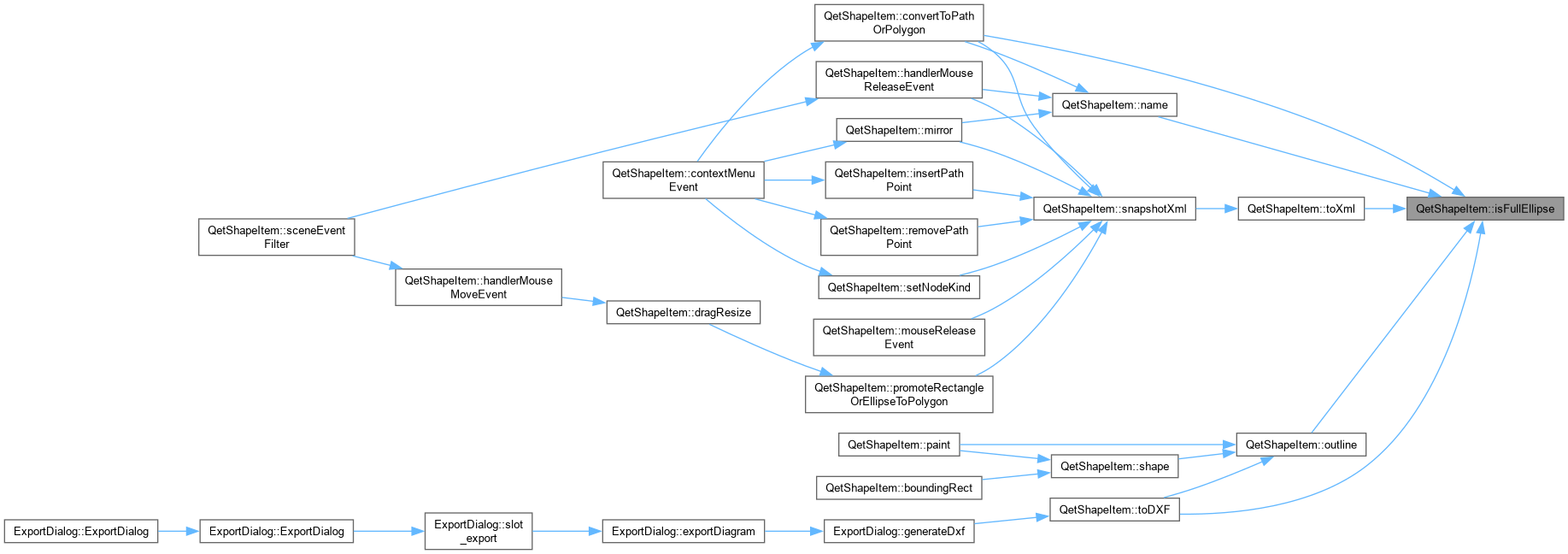
|
staticprivate |
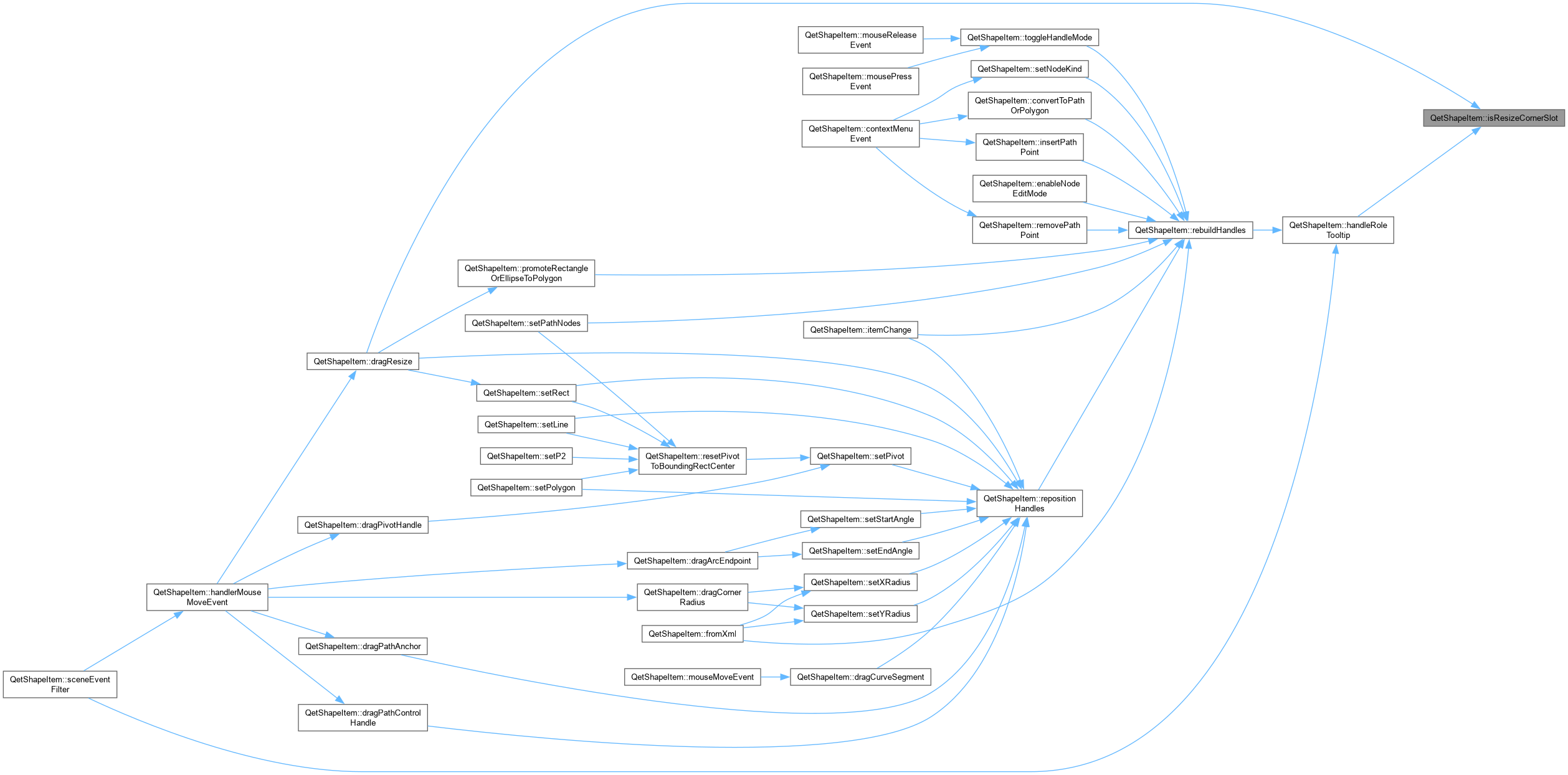
|
overrideprotected |
|
inline |
|
private |
QetShapeItem::localRect The rect used for corner/edge handle placement and for arc/radius math. For Polygon and Path this is the vertex bounding box; for everything else it is simply the P1/P2 rect, as before.
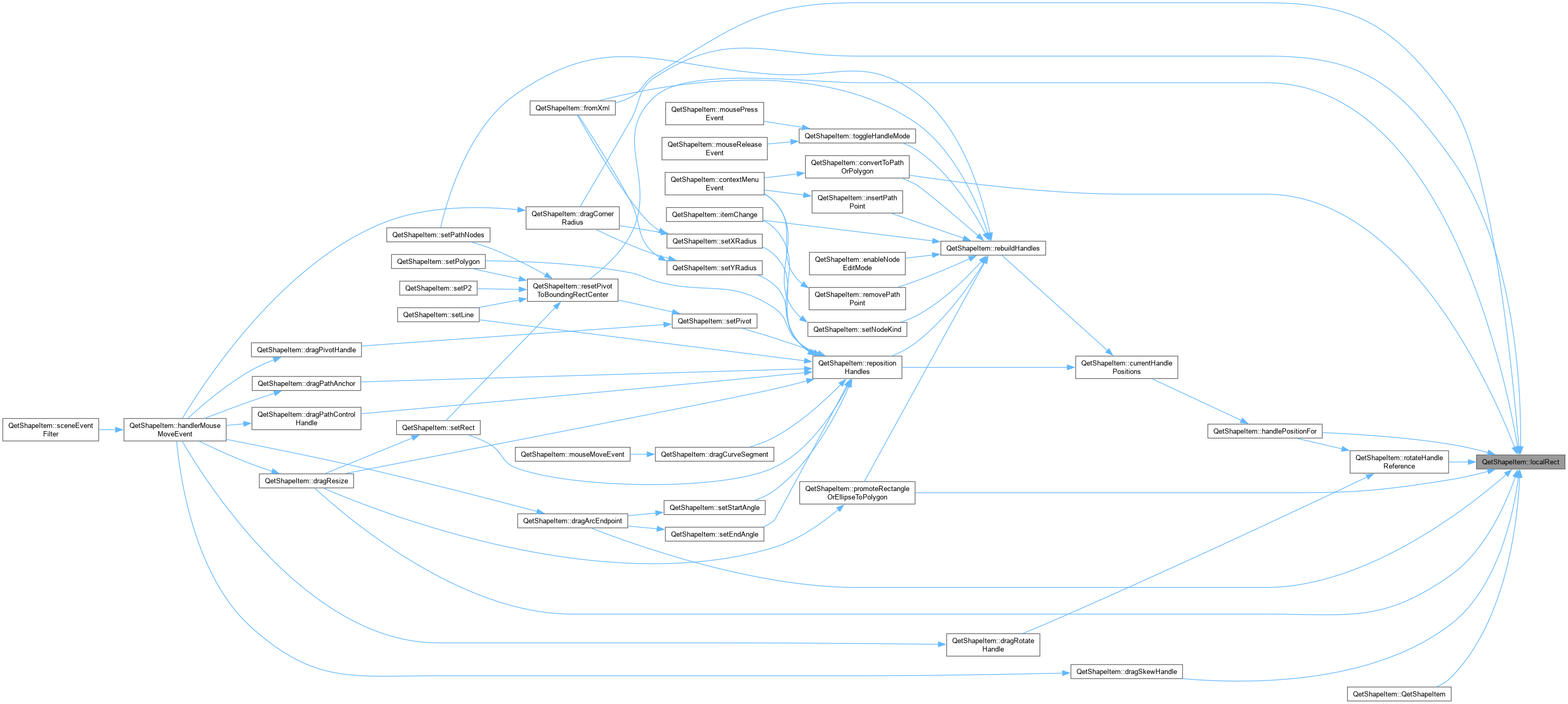
|
staticprivate |
QetShapeItem::lockAspectRatio Shift-constrained resize: keep the pre-drag width:height ratio, driven by whichever dimension moved proportionally more, re-anchored the same way the unconstrained result already was.

|
private |
QetShapeItem::mirror Flips the shape around its own current pivot – horizontal negates scaleFactorX, vertical negates scaleFactorY, composing naturally with whatever rotation/skew are already set rather than needing any shape-specific geometry logic. Verified numerically before building this: the full transform (rotation+skew+scale combined) round-trips exactly under a negative scale just as it does under a positive one, since a negative-scale matrix is just as invertible (non-zero determinant) – and the two interactions that seemed most likely to break under mirroring turned out not to: dragRotateHandle()'s angle-solve isn't hardcoded to assume positive scale (it correctly flips sign for the mirrored case and still tracks the mouse exactly), and dragArcEndpoint() operates entirely in local space via mapFromScene(), which is exactly as exact under a mirror as without one. isResizeCornerSlot() is also unaffected on inspection: it identifies corners by their fixed local index, which mirroring never changes – only where those indices end up on screen.
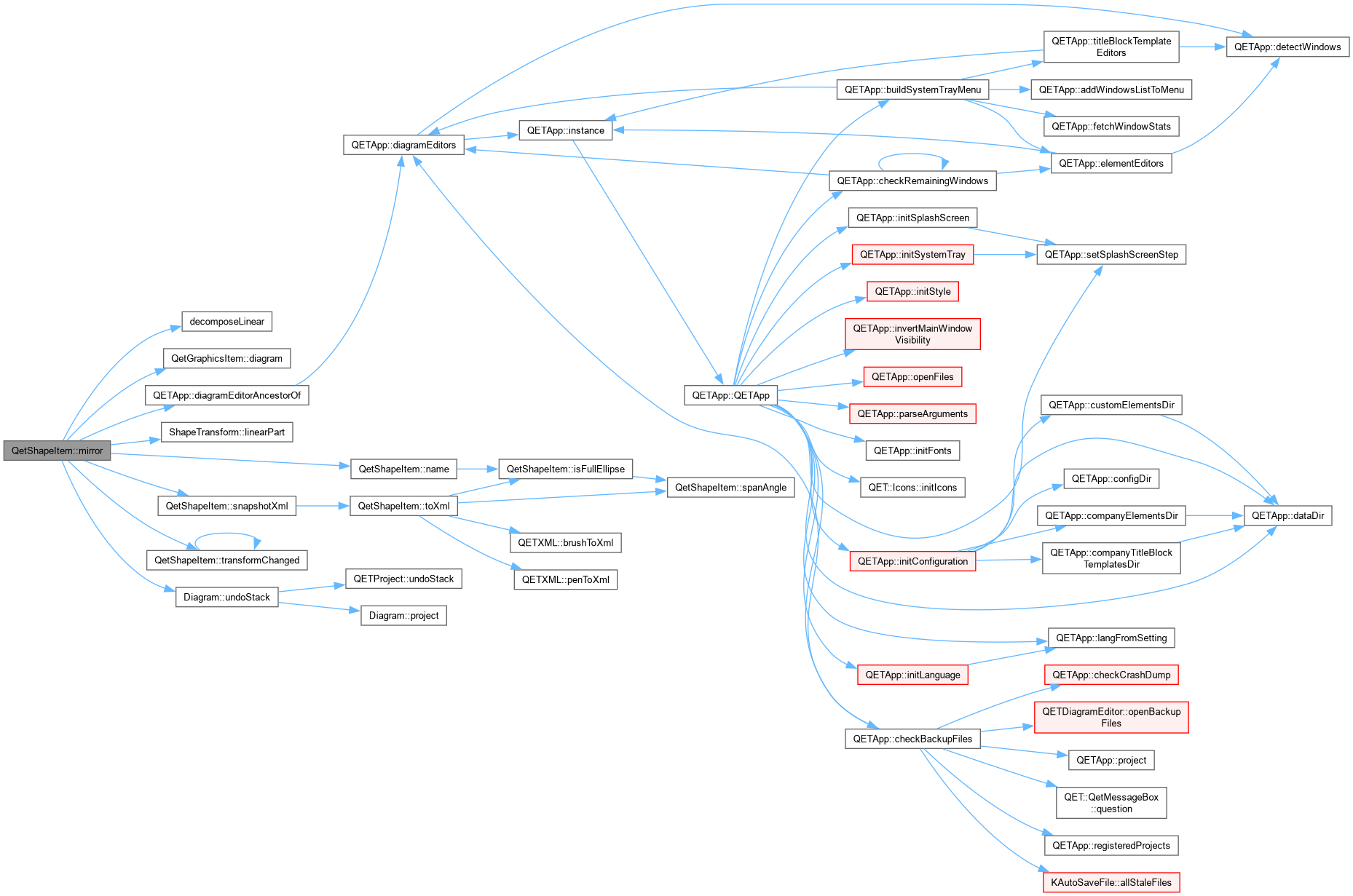
QetShapeItem::mirror Flips the shape around its own current pivot.
The first version of this just negated scaleFactorX/Y directly, leaving rotation and skew untouched – correct only when both happen to already be zero. Reflection doesn't commute with rotation (reflect . rotate(t) = rotate(-t) . reflect) or with shear, so on anything already rotated or skewed that version silently reflected the shape's original, pre-transform geometry and then re-applied the same rotation on top – visibly changing a line's inclination instead of mirroring it, exactly as reported.
Fixed by building the reflection as an actual matrix applied to the CURRENT linear transform (reflecting the shape's current on-screen appearance, not its original geometry), then decomposing the result back into the five scalar fields via decomposeLinear() – the same function already used for importing a foreign matrix, applied here to a structurally identical problem: a matrix exists, scalars that reproduce it are needed. Verified against the real QTransform and decomposeLinear() on a shape that was both rotated and skewed before relying on it here, not just reasoned about abstractly.

|
private |
QetShapeItem::mirrorOppositeHandle Given a node whose one handle (out, if justChangedIsOut; in, otherwise) was just set directly, updates its other handle to respect the node's kind – Smooth keeps both collinear through the anchor but lets each keep its own prior length (tangent-continuous, magnitude-independent); Symmetric also equalizes the lengths; Corner does nothing, since it has no linked handle to update. If the other handle doesn't exist yet at all, it's created here rather than left missing – matching its own length to whichever handle was just dragged, the only sensible default when there's no prior length of its own to preserve. Shared by dragPathControlHandle() (a handle dragged directly), dragCurveSegment() (both handles moved together, indirectly, by dragging the curve between two nodes), and dragPathAnchor()'s Alt-drag (pulling a fresh pair of handles out of a bare Corner node).

|
overrideprotected |
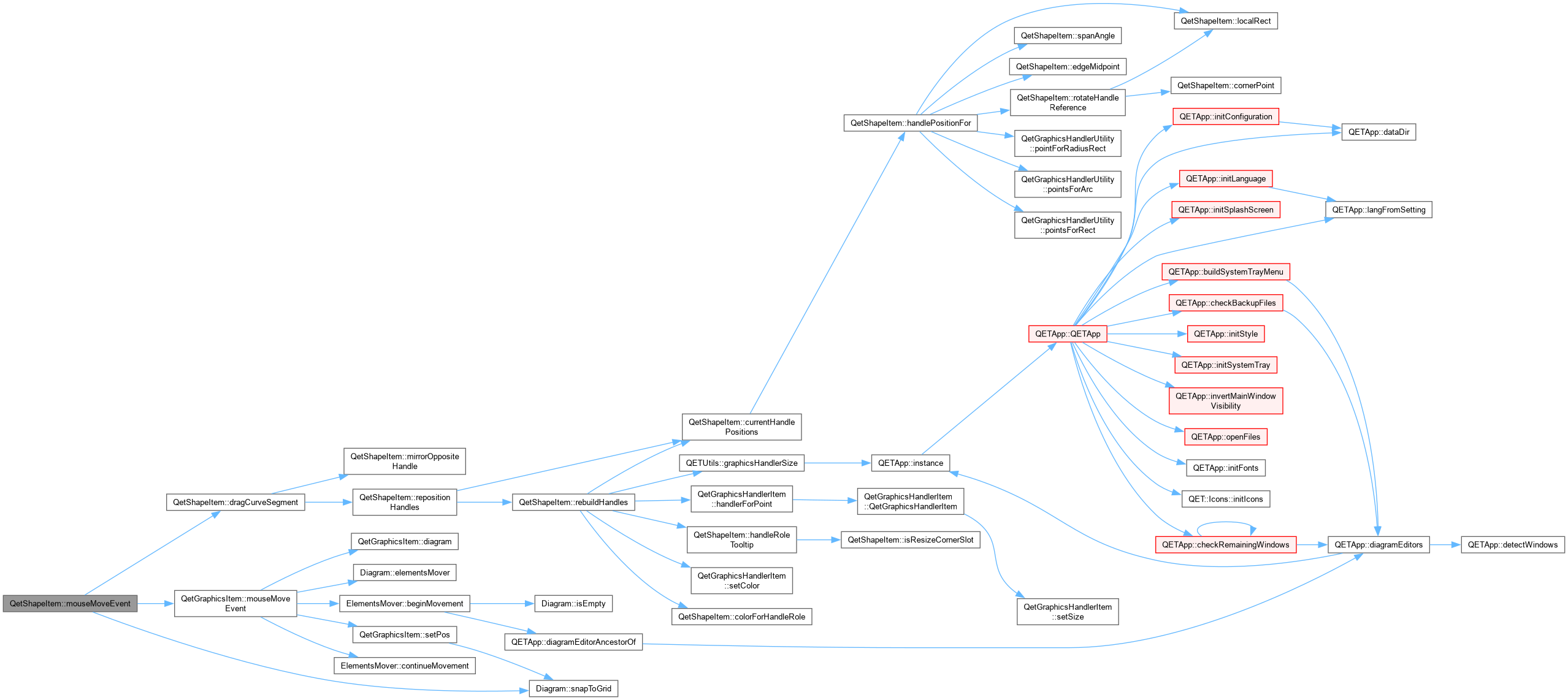
QetShapeItem::mouseMoveEvent Only ever does something different from the base class while a curve-segment drag (started in mousePressEvent above) is pending or active; otherwise this is exactly QetGraphicsItem's own whole-shape- move handling (grid-snapped drag, multi-selection movement via diagram()->elementsMover()), untouched.
|
overrideprotected |
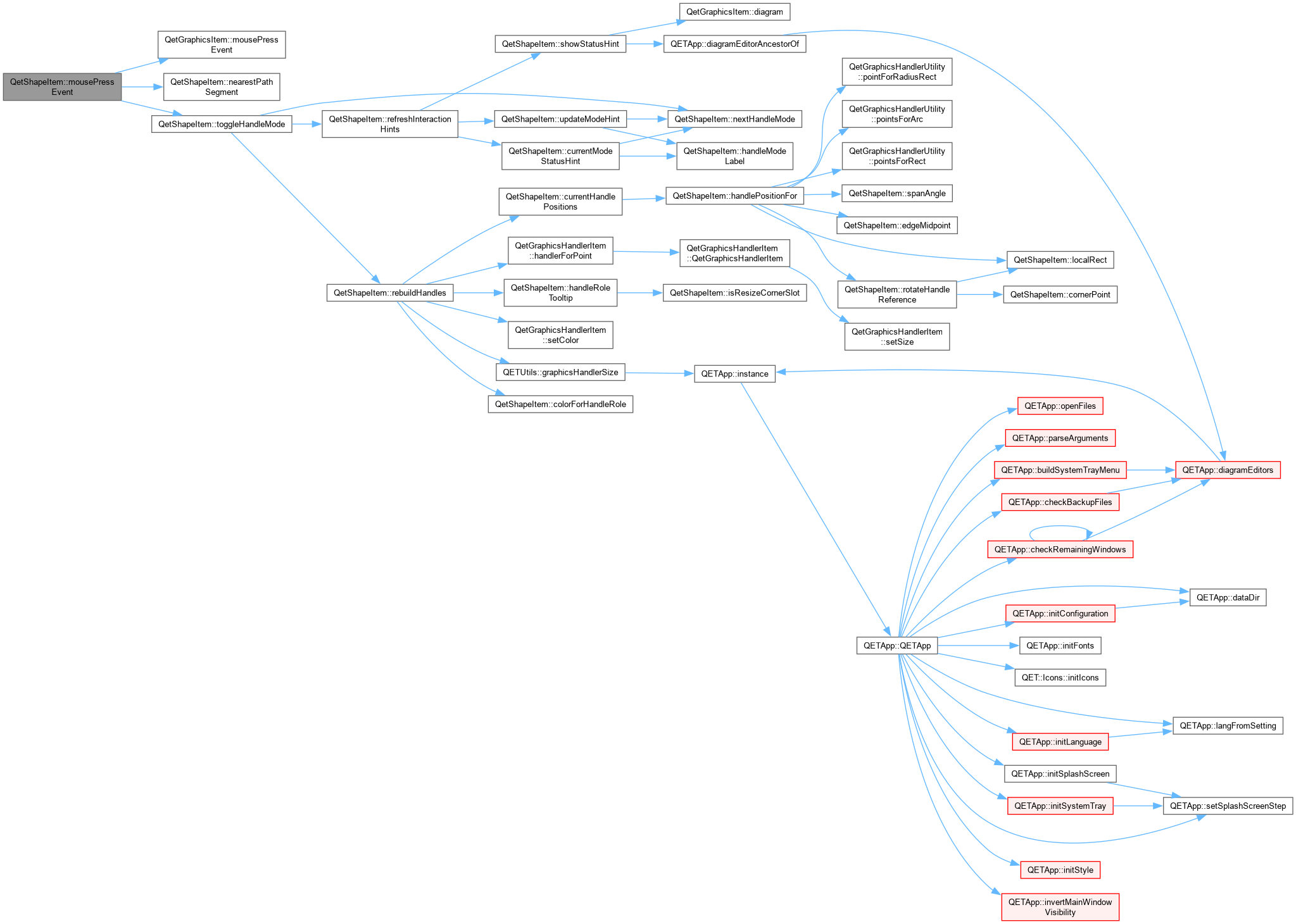
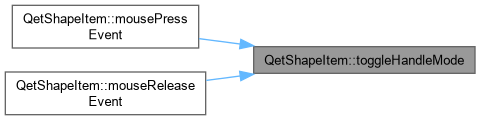
QetShapeItem::mousePressEvent A left click on an already selected shape (without having dragged) toggles between the Size and RotateSkew handle sets – the same convention LibreOffice Draw and PowerPoint use. A click that performs the selection itself does not toggle, so selecting a shape always starts in Size mode.
|
overrideprotected |
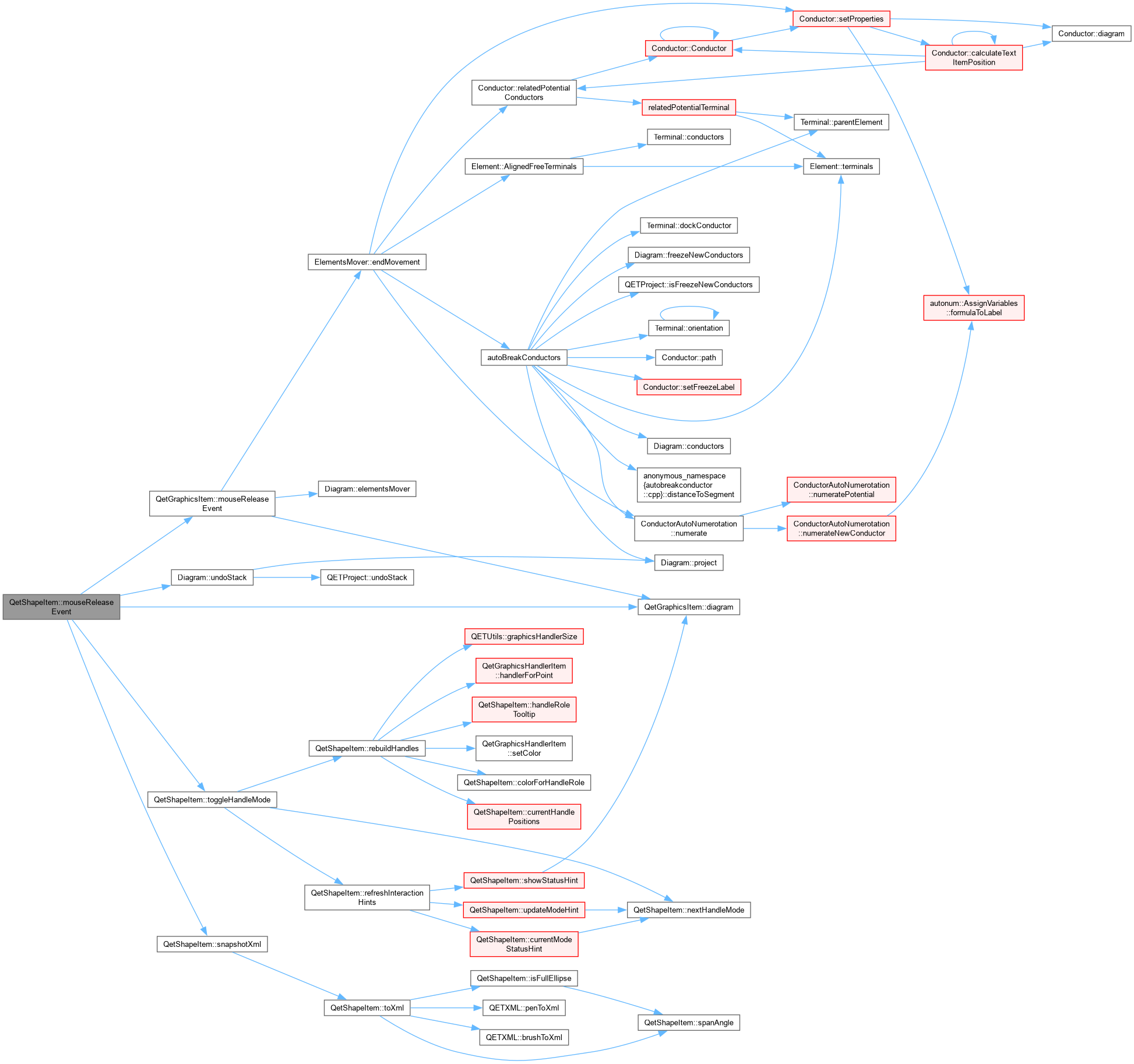
QetShapeItem::mouseReleaseEvent If the press in mousePressEvent never turned into a real drag, this was just a plain click – cycle the handle mode, exactly like a click anywhere else on an already-selected shape would. Otherwise commit the curve-drag's undo entry, reusing the same generic before/after XML snapshot mechanism as every other Path edit. With no curve-drag pending at all, this defers entirely to QetGraphicsItem's own release handling (which ends the whole-shape-move gesture via elementsMover()).
|
overridevirtual |
Reimplemented from QetGraphicsItem.

|
private |
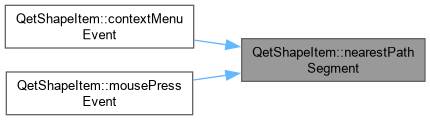
QetShapeItem::nearestPathSegment Nearest point on the whole curve to localPos, found by coarse sampling each segment's cubic Bezier (24 samples is plenty for a context-menu pick – this only has to be close enough to feel right, not exact). Returns {-1, 0} if there are fewer than two nodes to form a segment.
|
private |
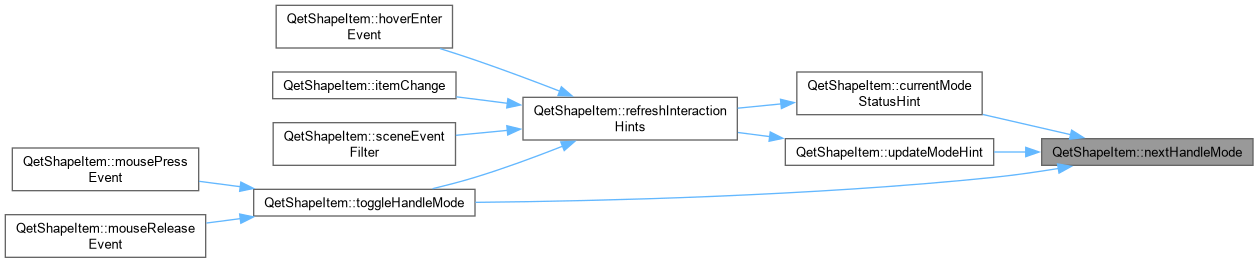
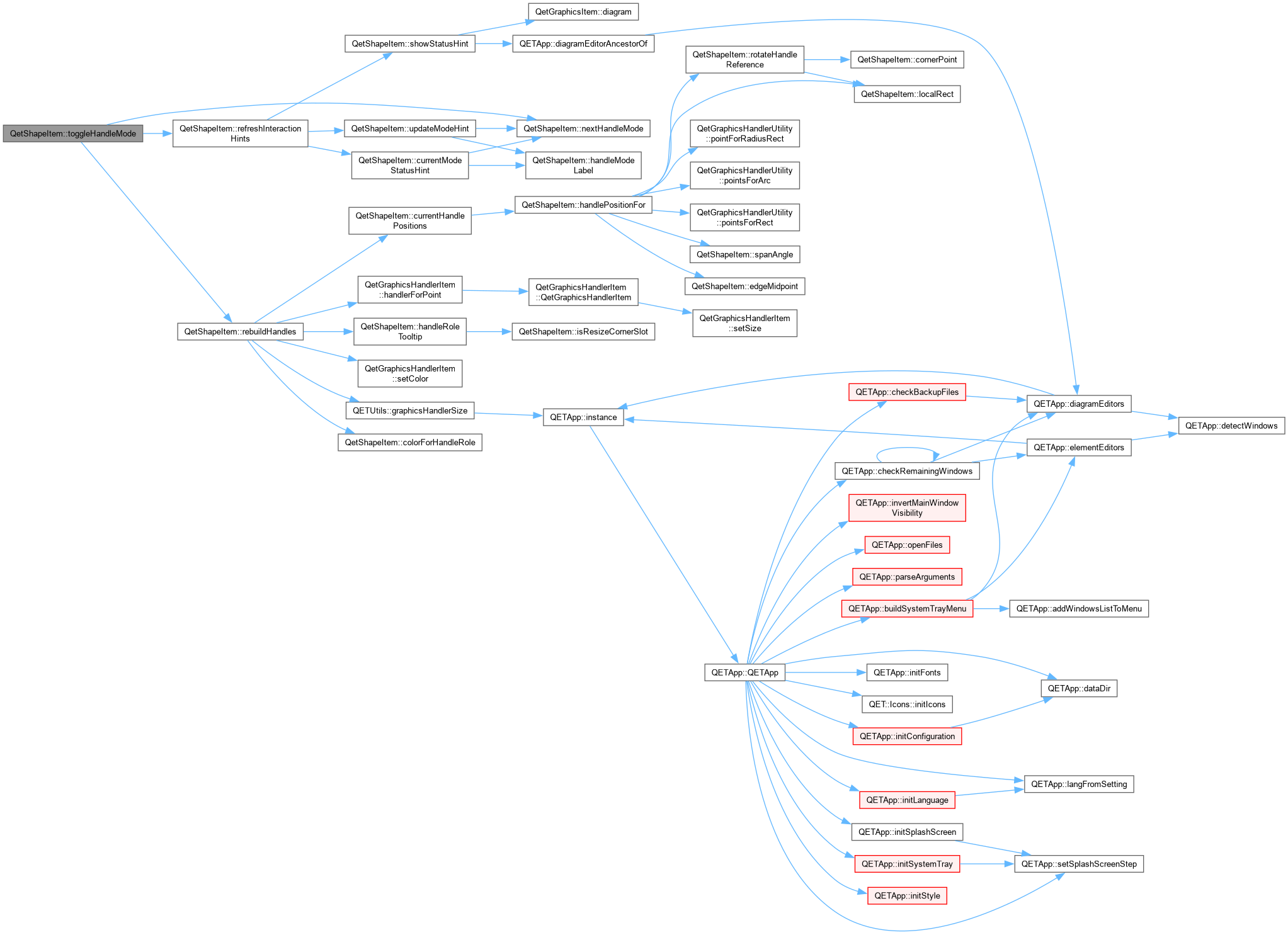
QetShapeItem::toggleHandleMode Cycled by clicking an already-selected shape: Size -> Corner -> RotateSkew -> Size for Rectangle (the only type with a corner-radius concept); Size -> RotateSkew -> Size for everything else, skipping the Corner state entirely rather than showing an empty/meaningless one.
QetShapeItem::nextHandleMode What clicking an already-selected shape switches to from the current mode – the single source of truth for the cycle order, shared by toggleHandleMode() (which acts on it) and updateModeHint() (which just describes it).
|
private |
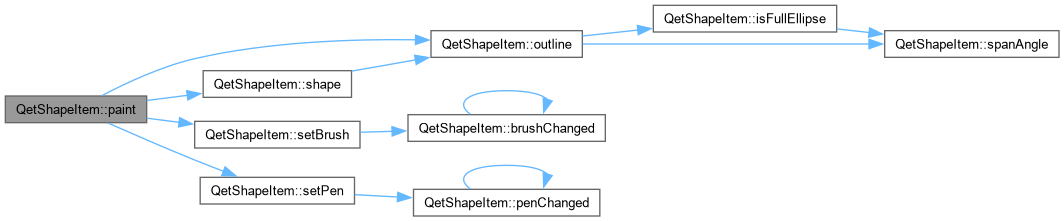
QetShapeItem::outline The raw, unstroked path for the current type, in local coordinates. Shared by shape() (which strokes it for hit-testing/selection) and paint() (which draws it directly) so the two can never disagree about what the shape actually looks like.


|
overrideprotected |
QetShapeItem::paint Paint this item.
| painter | |
| option | |
| widget |
|
inline |
|
inline |
METHODS.
|
signal |
|
inline |
| int QetShapeItem::pointsCount | ( | ) | const |
QetShapeItem::pointCount.

|
inline |
|
private |
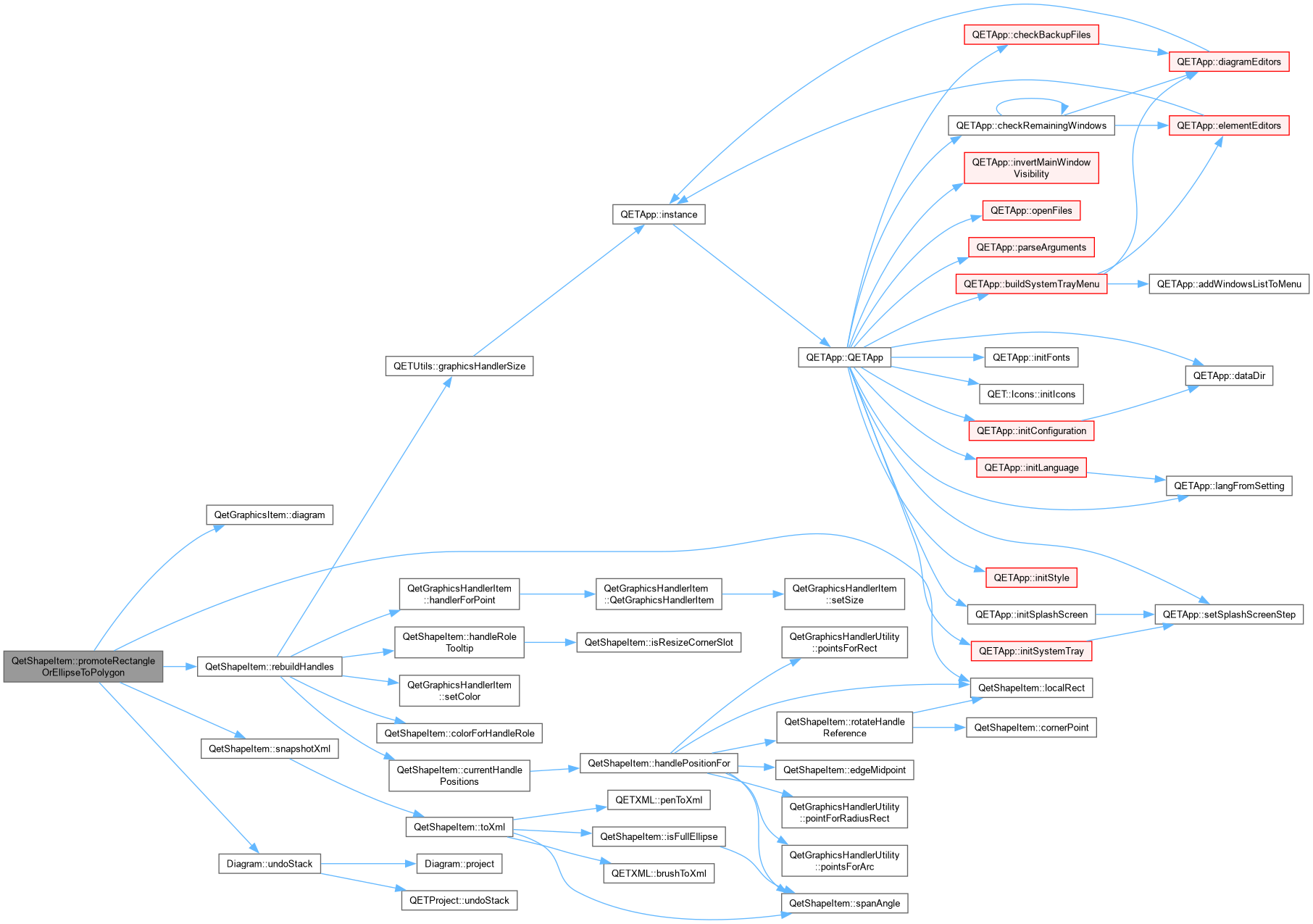
QetShapeItem::promoteRectangleOrEllipseToPolygon Alt+drag on a Resize corner detaches that one vertex, at the moment the shape stops being a Rectangle/Ellipse and becomes a Polygon. The prior state (type, geometry, transform, style) is captured by PromoteShapeCommand so a single Undo restores it exactly – this fact never touches the saved .qet file, only the session's undo stack.
| detachedResizeIndex | the Resize-role slot (0,2,5,7 = corners in QetGraphicsHandlerUtility::pointsForRect's own ordering) being dragged |
| newLocalPos | where that corner is being dragged to |

|
private |
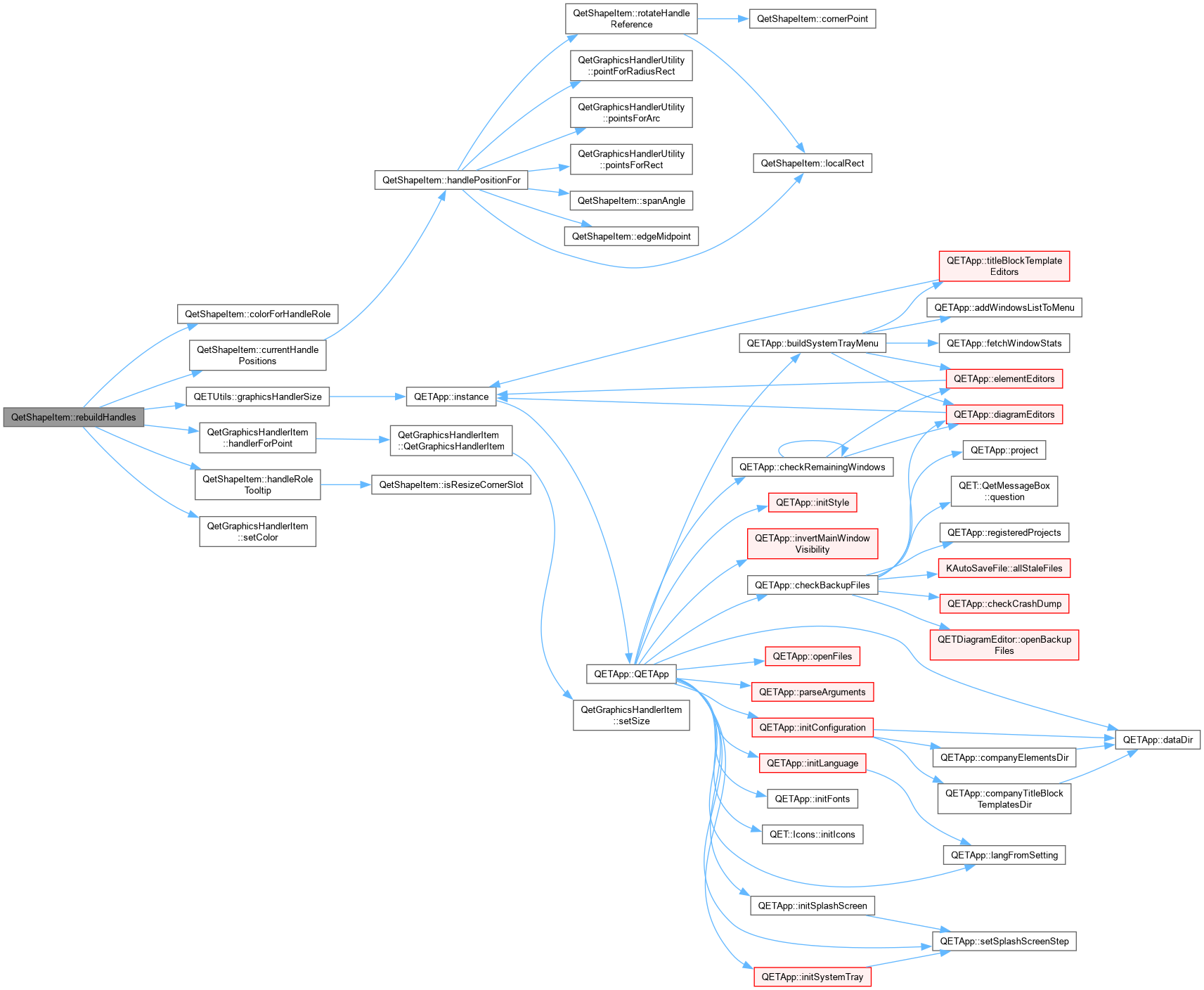
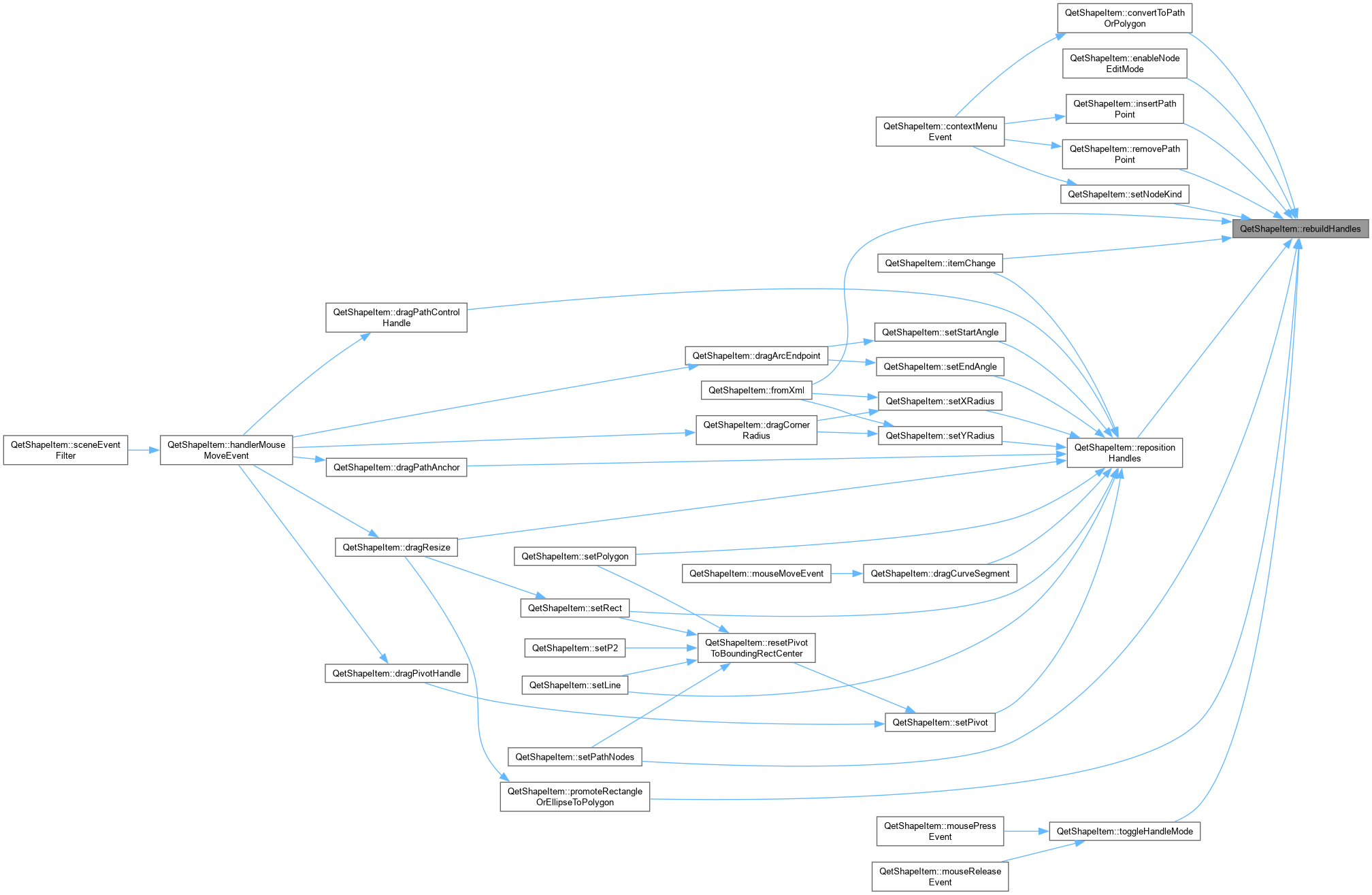
QetShapeItem::rebuildHandles (Re)creates the handler items from scratch, for the current shapeType()/handleMode(). Only called when the set of handles changes – selection, mode toggle, node count change – never during a live drag, since that would delete the very QetGraphicsHandlerItem currently receiving the mouse-move events. See repositionHandles() for the drag-safe alternative.
|
inline |
|
private |
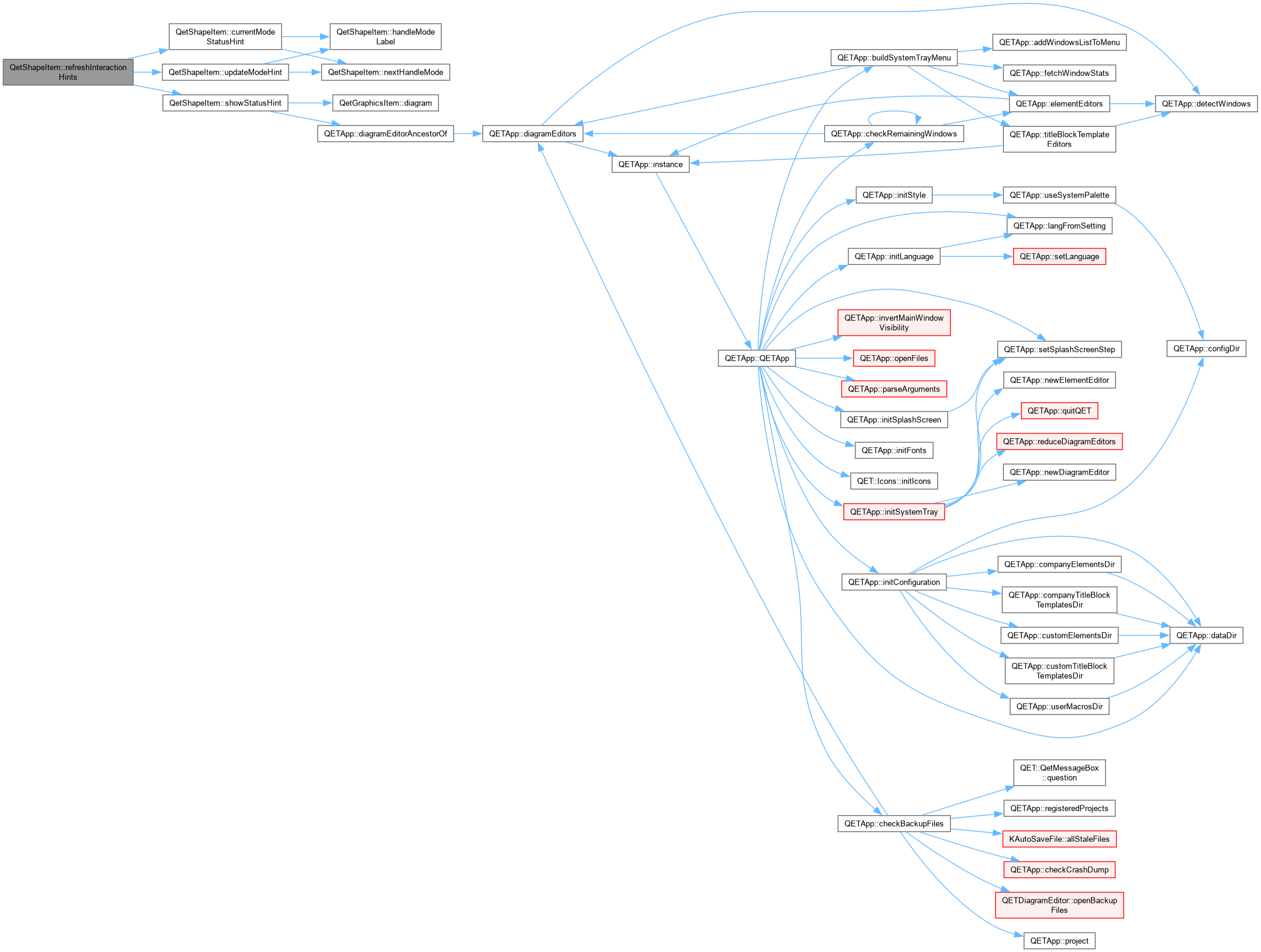
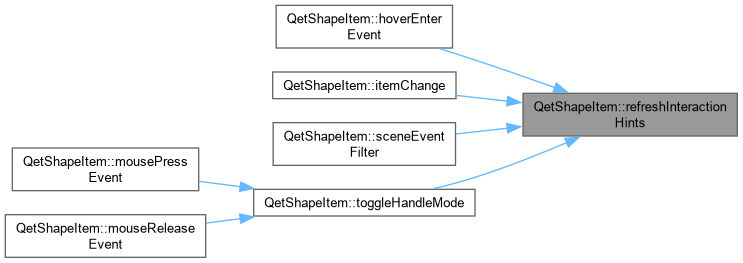
QetShapeItem::refreshInteractionHints Keeps the tooltip text current, and – if the shape is already being hovered – immediately re-shows both the tooltip and the status bar hint rather than leaving them stuck on whatever was true before. Needed because Qt only re-evaluates a tooltip, and this class only re-shows the status bar, when the cursor moves: selecting a shape (often clicked while the mouse was already sitting on it) or cycling handle modes (definitely clicked while sitting on it) both change what should be shown without the cursor moving at all, so without this both would appear stale until the user moved away and back.
|
private |
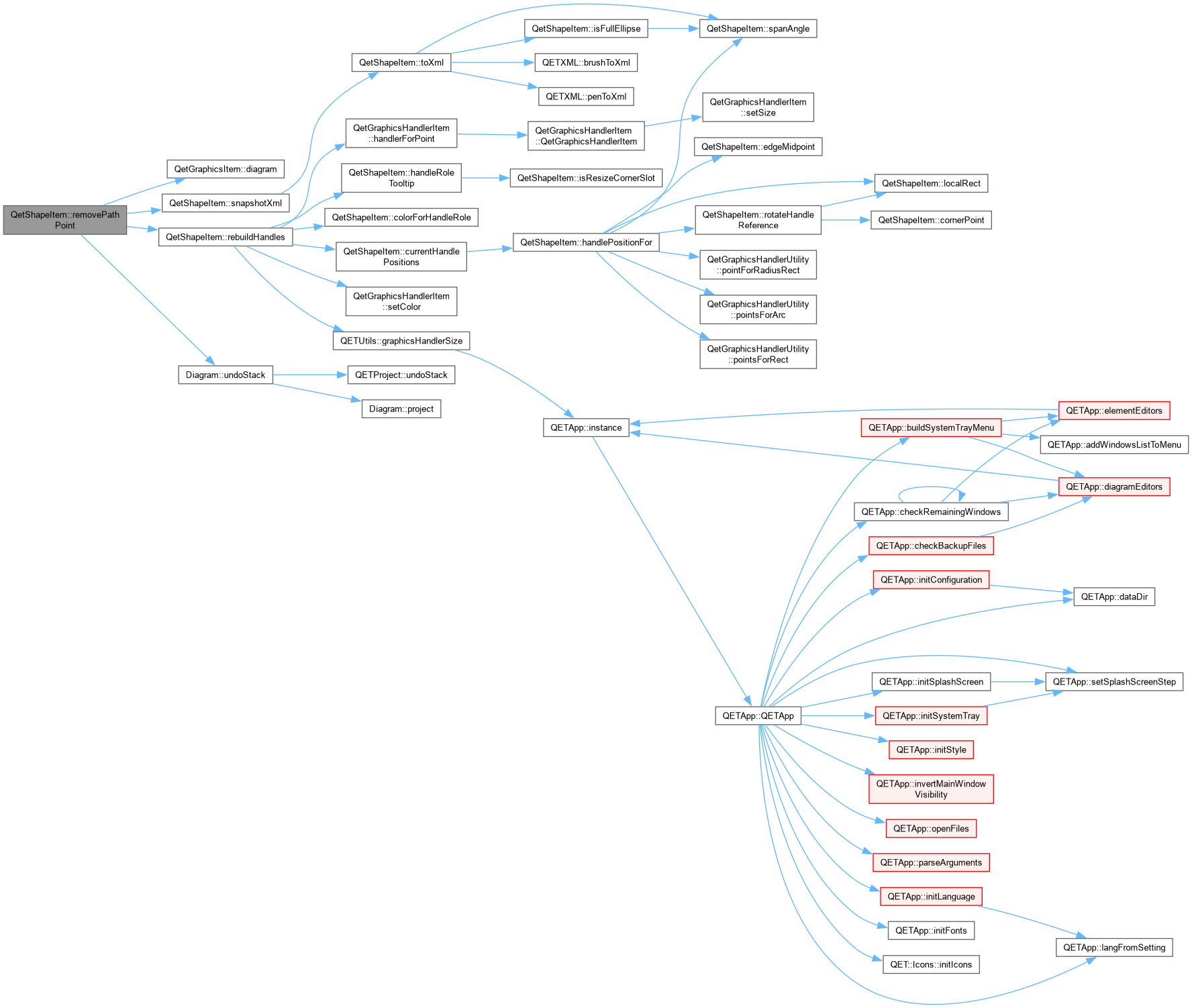
QetShapeItem::removePathPoint Deletes a node outright and lets its two former neighbours connect directly using their own existing handles – no attempt to re-fit a single curve that approximates the old shape through where the point used to be. That's a much harder (and inherently lossy) problem; this is the same plain "just delete it" convention most editors default to.

|
private |


| void QetShapeItem::removePoints | ( | int | number = 1 | ) |
QetShapeItem::removePoints Number of point to remove on the polygon If number is superior to number of polygon points-2, all points of polygon will be removed except the first two (minimum point for the polygon);.

|
private |
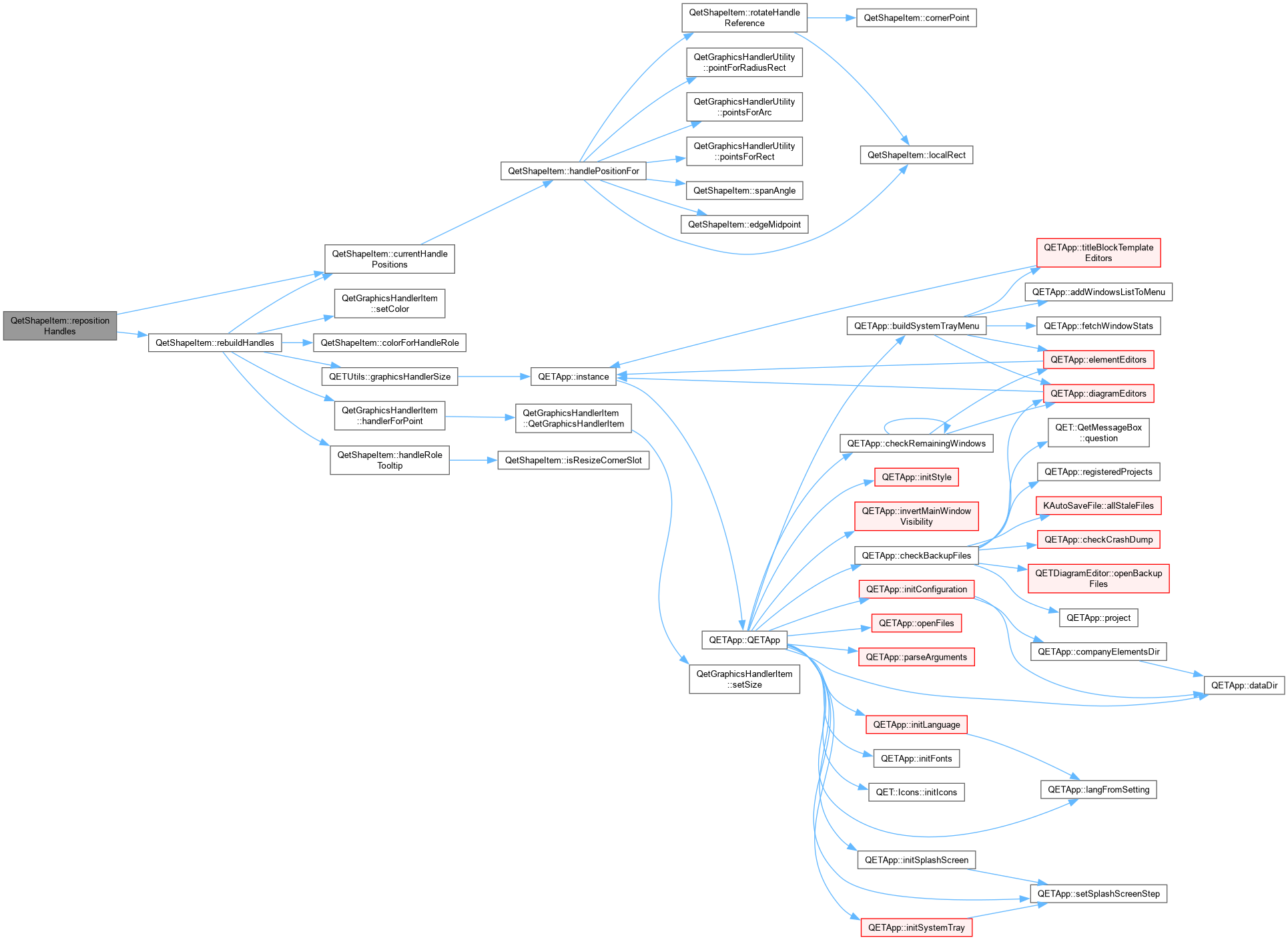
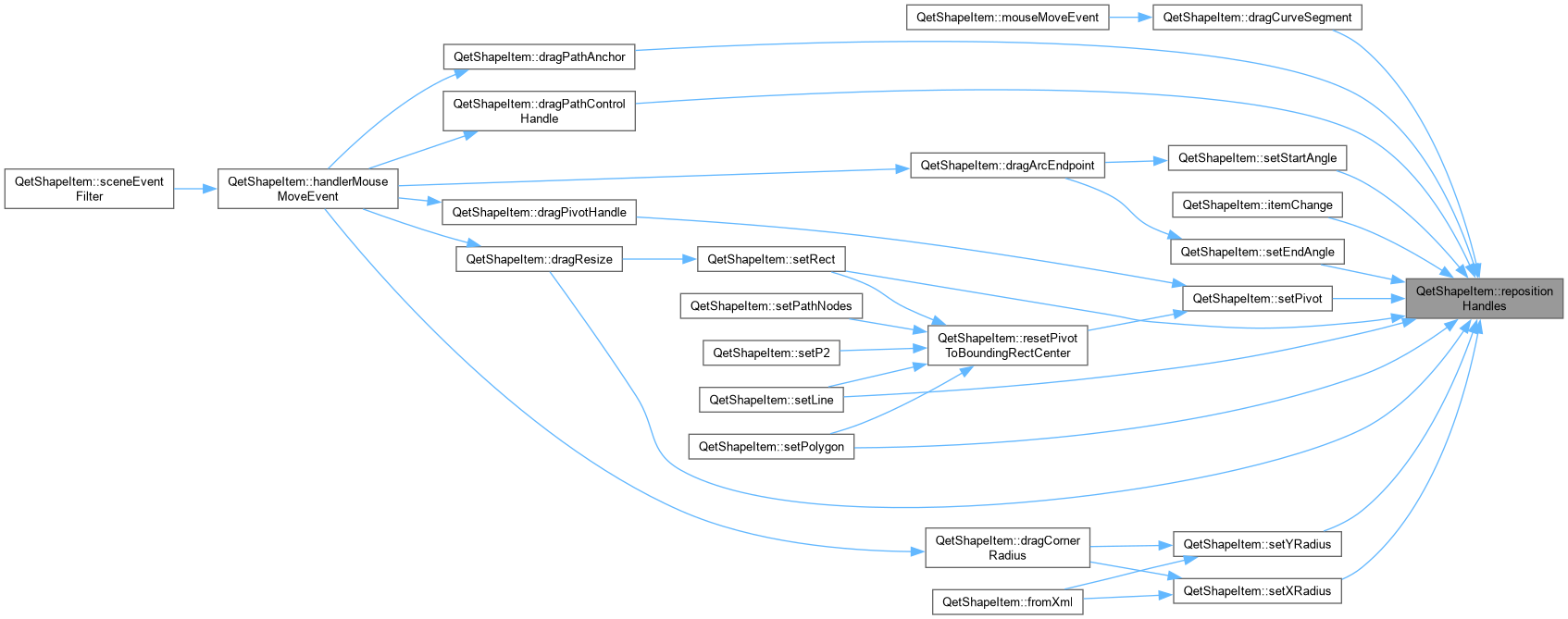
QetShapeItem::repositionHandles Moves the existing handler items to match current geometry, without touching their identity or which one is mid-drag. Safe (and expected) to be called on every frame of a live drag. Falls back to a full rebuild only if the handle count has somehow drifted out of sync – this should not normally happen, since only rebuildHandles() ever changes m_handleRoles/m_handleSlot.
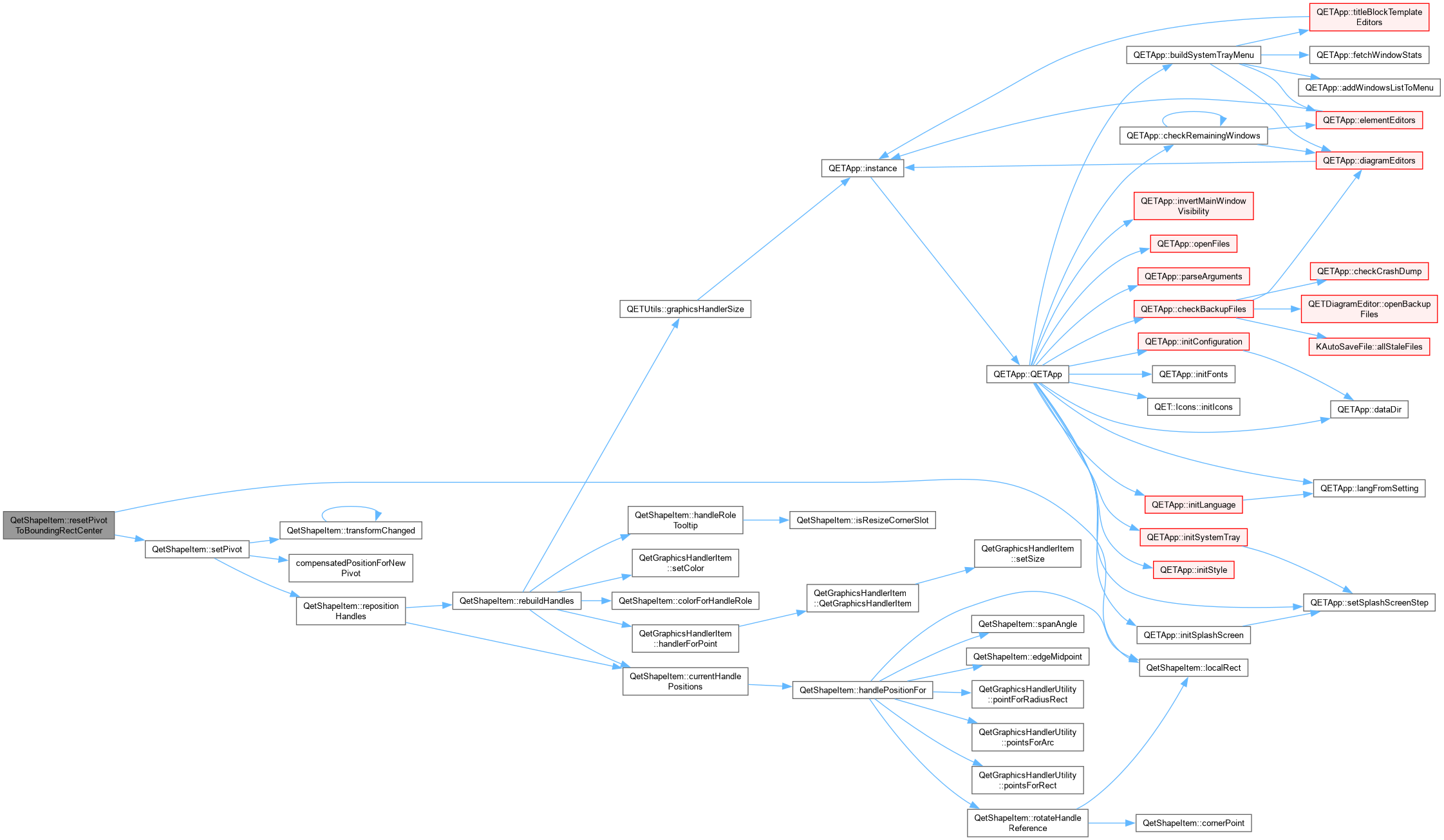
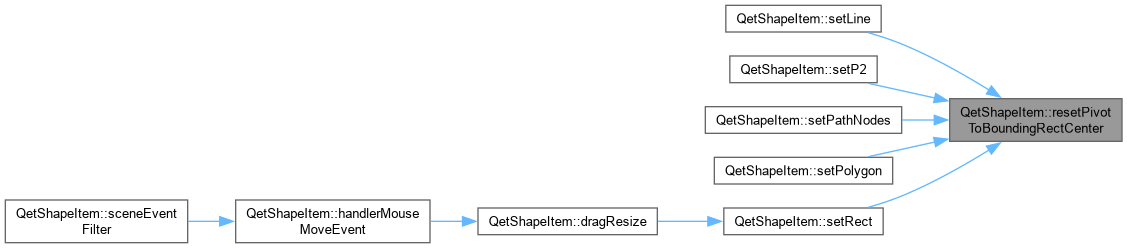
| void QetShapeItem::resetPivotToBoundingRectCenter | ( | ) |
|
private |
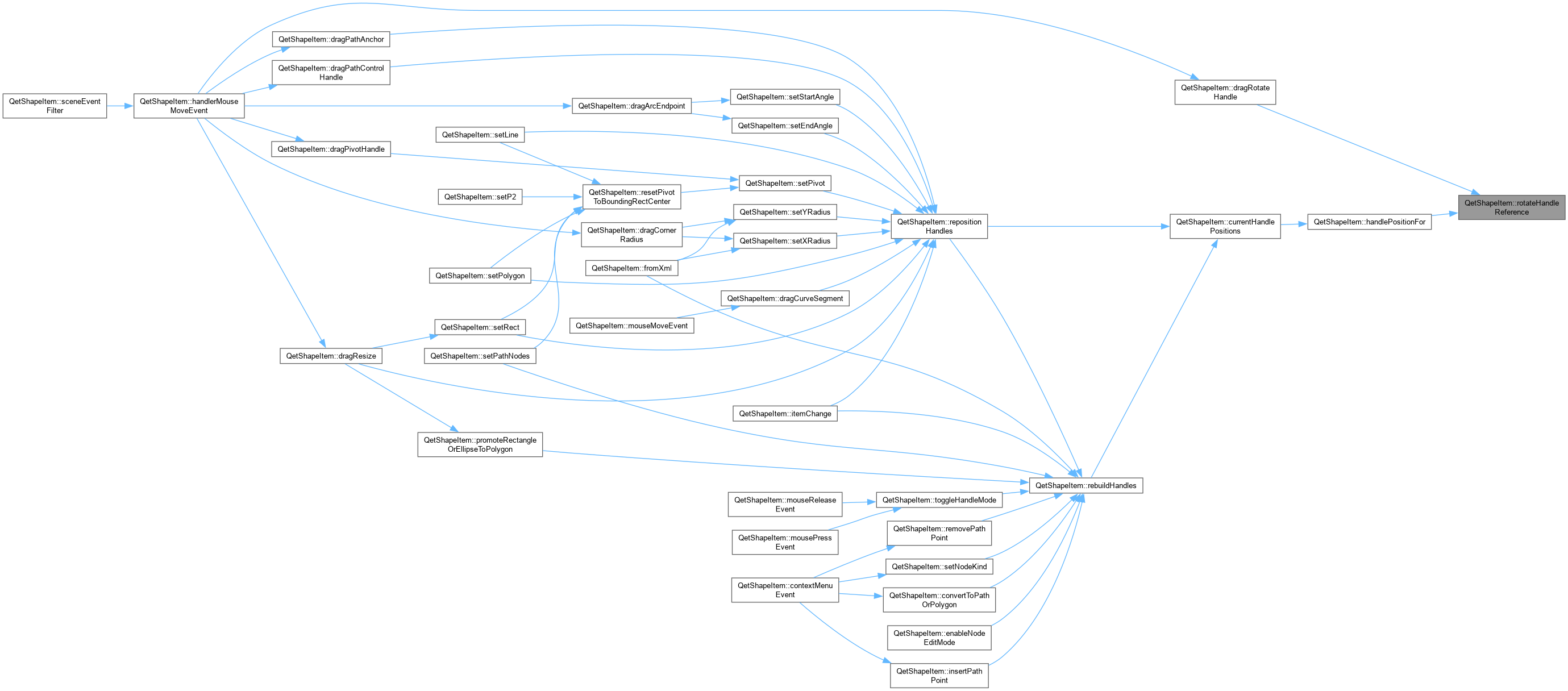
|
inline |
|
private |


|
inline |
|
inline |
|
private |
QetShapeItem::scaleOnlyOffset / scaleAndShearOffset A local point's offset from the pivot, run through only the parts of the linear transform that are not currently being edited by a drag – i.e. the parts that stay fixed while the user is dragging one specific handle. These are the fixed reference values dragRotateHandle() and dragSkewHandle() solve against, instead of round-tripping through mapFromScene() (which would divide out the very parameter being solved for and turn the drag into a feedback loop – see dragRotateHandle()'s comment for the concrete failure mode this replaces).

|
overrideprotected |
QetShapeItem::sceneEventFilter.
| watched | |
| event |
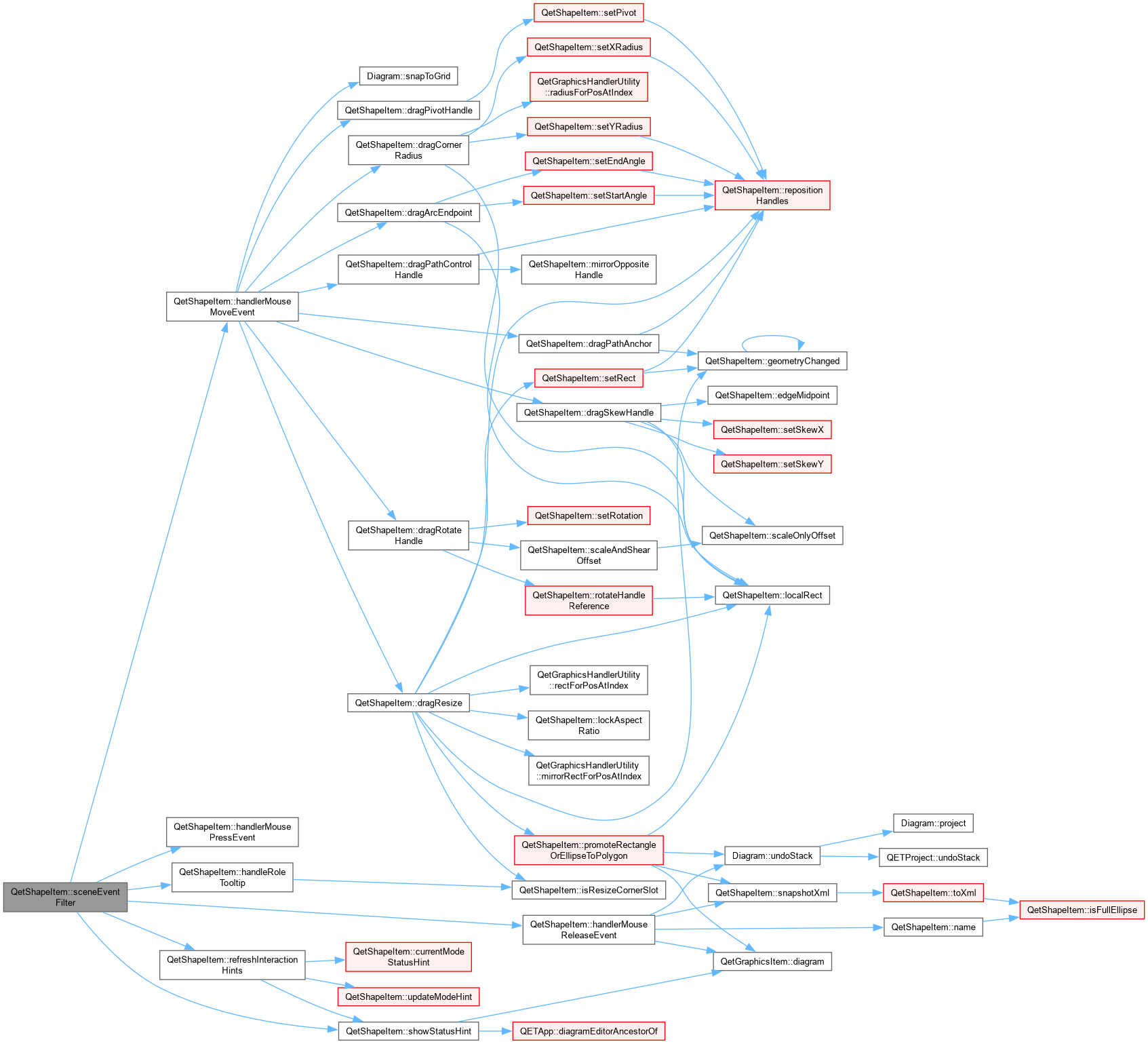
| void QetShapeItem::setArcClosure | ( | ArcClosure | closure | ) |

| void QetShapeItem::setBrush | ( | const QBrush & | brush | ) |
QetShapeItem::setBrush Set the brush to use for the fill the shape.
| brush |


| void QetShapeItem::setClosed | ( | bool | close | ) |
QetShapeItem::setClosed Close this item – has effect for Polygon and Path only (the two shape types with a genuine open/closed distinction at all).
| close |

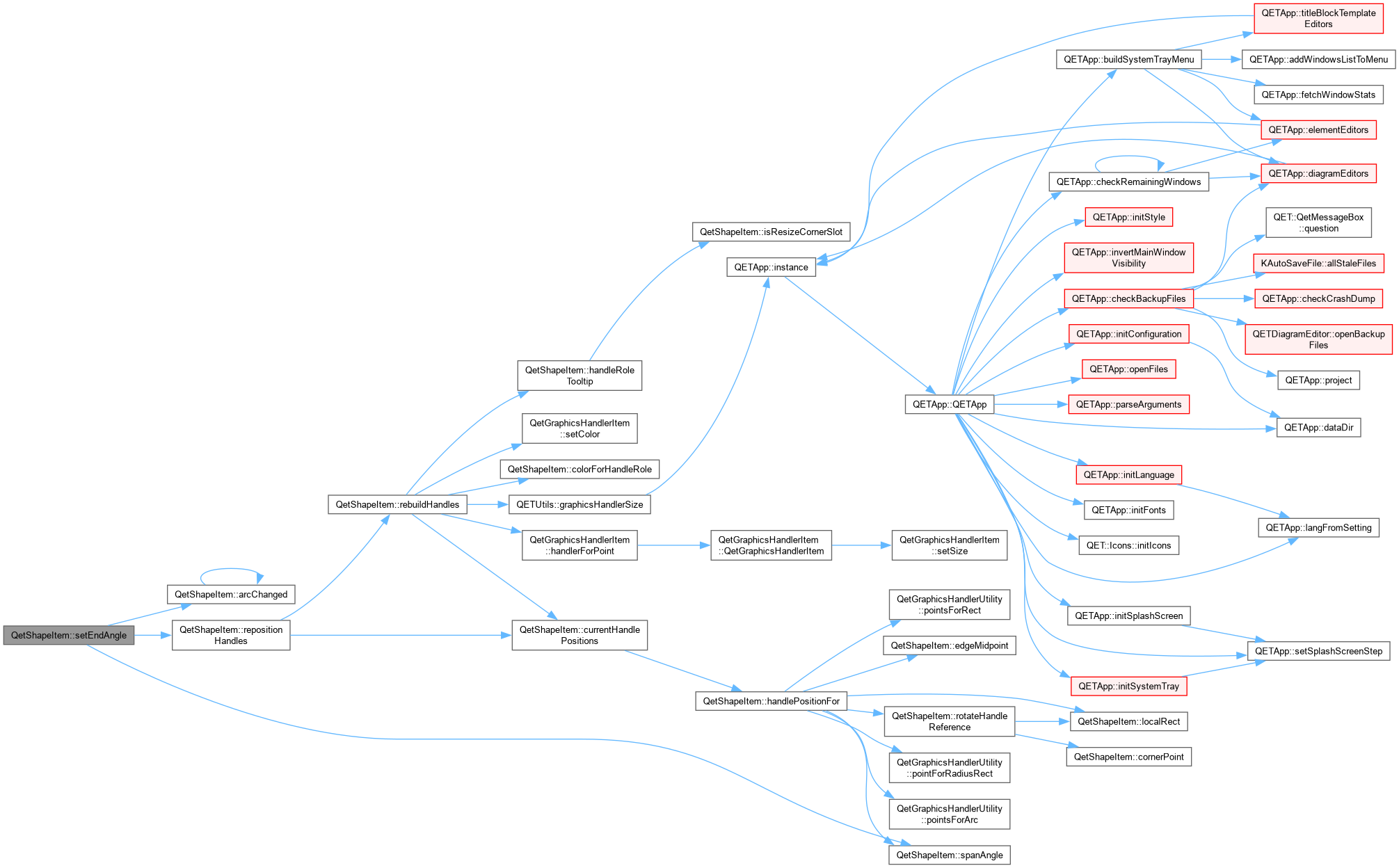
| void QetShapeItem::setEndAngle | ( | qreal | degrees | ) |

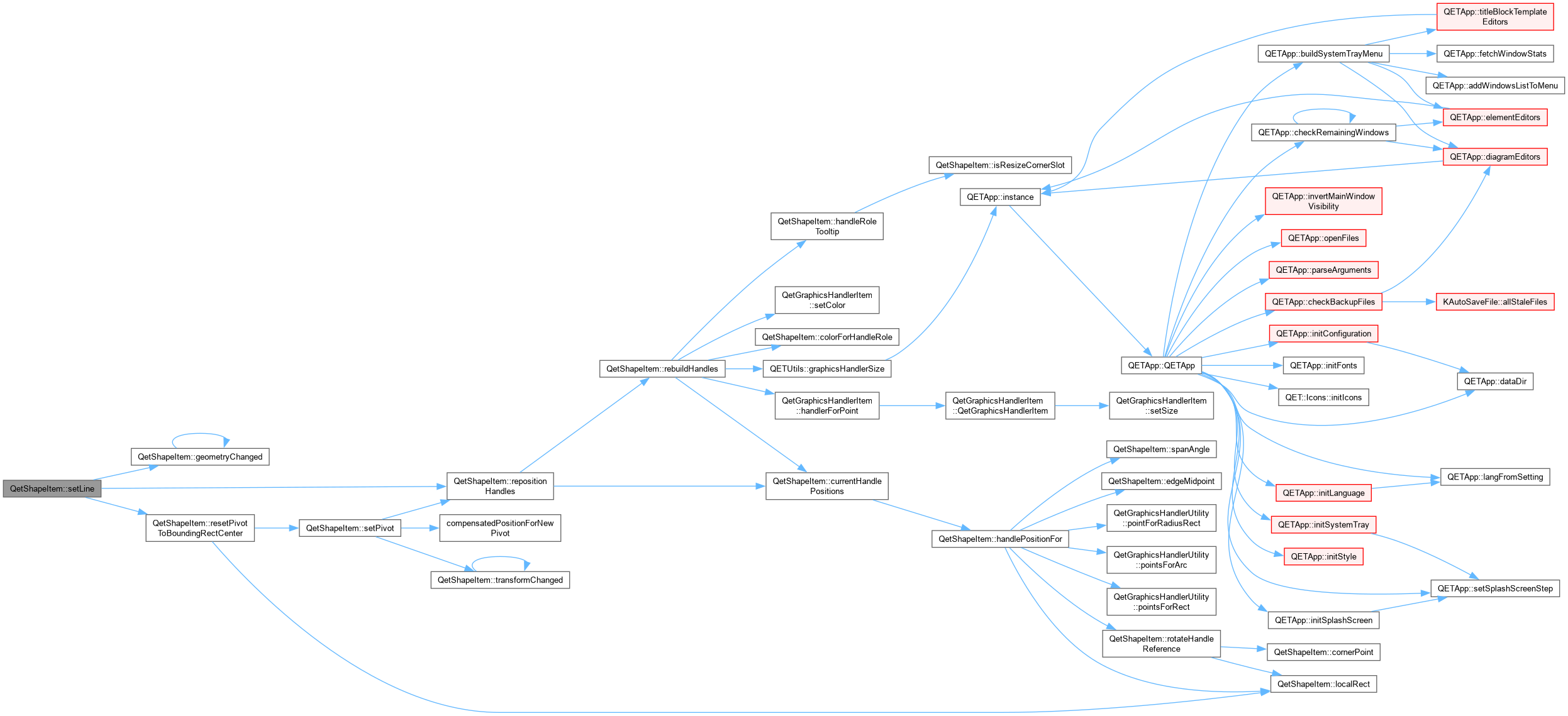
| bool QetShapeItem::setLine | ( | const QLineF & | line | ) |
QetShapeItem::setLine Set item geometry to line (only available for line shape).
| line |
| void QetShapeItem::setNextPoint | ( | QPointF | P | ) |
QetShapeItem::setNextPoint Add a new point to the current polygon.
| P | the new point. |

|
private |
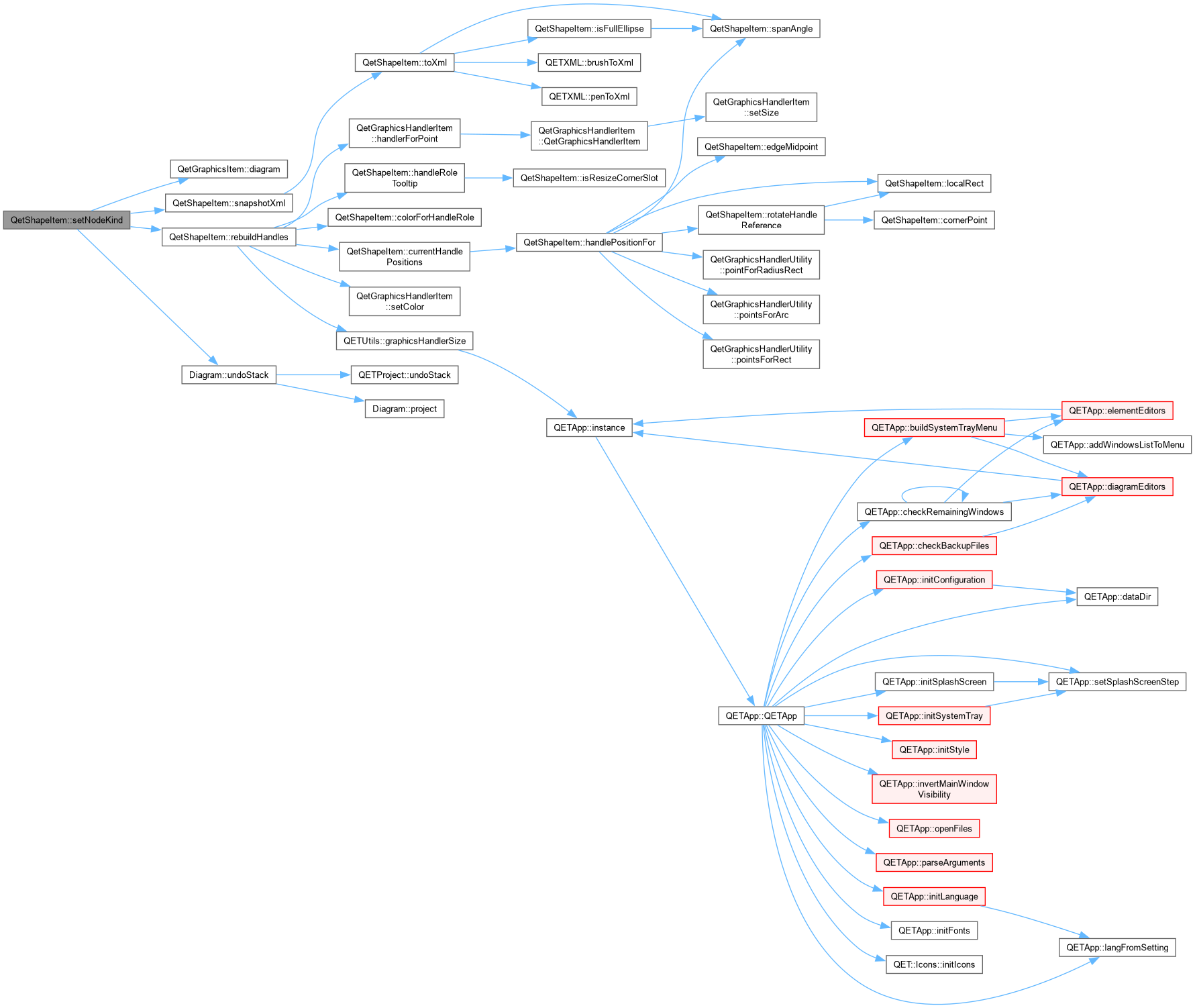
QetShapeItem::setNodeKind Change a Path node's kind, via the context menu rather than a drag. Promoting a Corner node to Smooth or Symmetric synthesizes whichever handles it doesn't already have, from its neighbours – direction toward the far neighbour, length a third of the distance to the near one, the same simple heuristic most vector editors use for a "make smooth" action. Demoting to Corner leaves any existing handles untouched (a Corner node can still have handles – see dragPathControlHandle() – it just stops forcing them to stay linked). Also switches into NodeEdit mode, so the result is immediately visible rather than a change to data you'd otherwise have to click into node-edit mode again to see.

| void QetShapeItem::setP2 | ( | const QPointF & | P2 | ) |
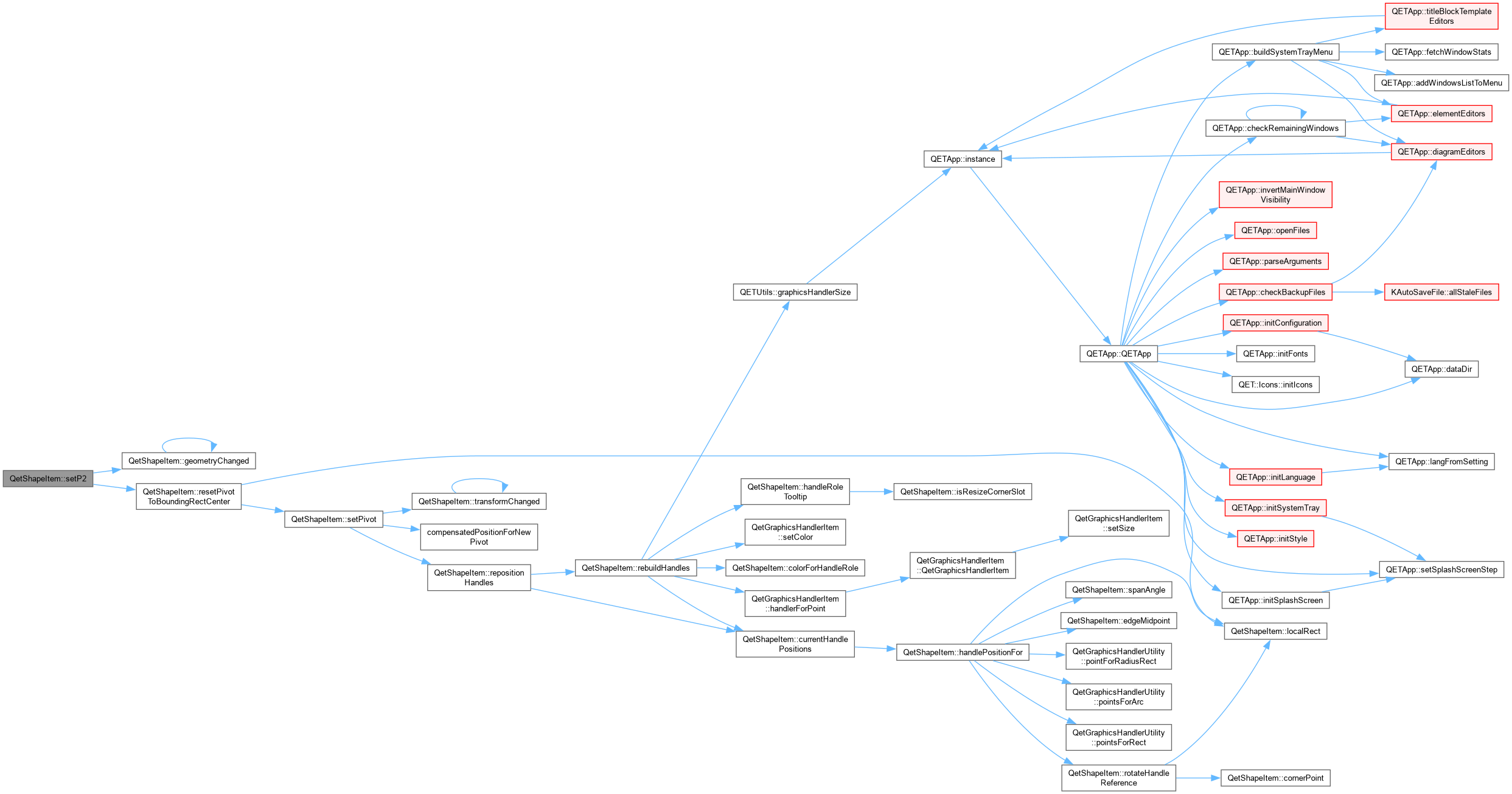
QetShapeItem::setP2 Set the second point of this item. If this item is a polyline, the last point of the polyline is replaced by P2.
| P2 |
| void QetShapeItem::setPathNodes | ( | const QVector< PathNode > & | nodes | ) |
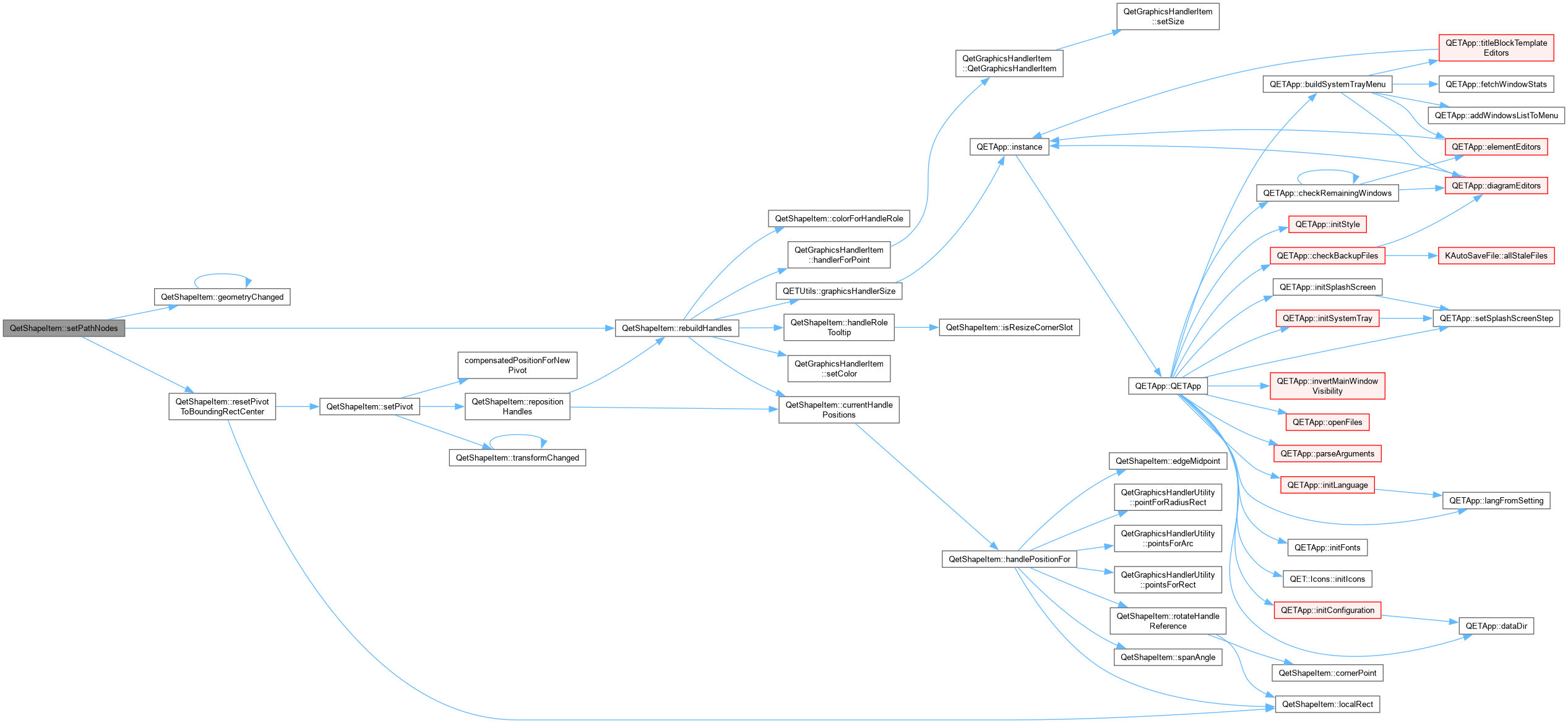
QetShapeItem::setPathNodes Replace the node list of a Path shape. Interactive editing of anchors and control handles both go through the handle roles built by rebuildHandles() (PathAnchor always visible; PathControlIn/Out for the active node once double-click enters node-edit mode) – this setter itself is just the plain data replacement underneath that.
| void QetShapeItem::setPen | ( | const QPen & | pen | ) |
QetShapeItem::setPen Set the pen to use for draw the shape.
| pen |


| void QetShapeItem::setPivot | ( | const QPointF & | newPivot | ) |
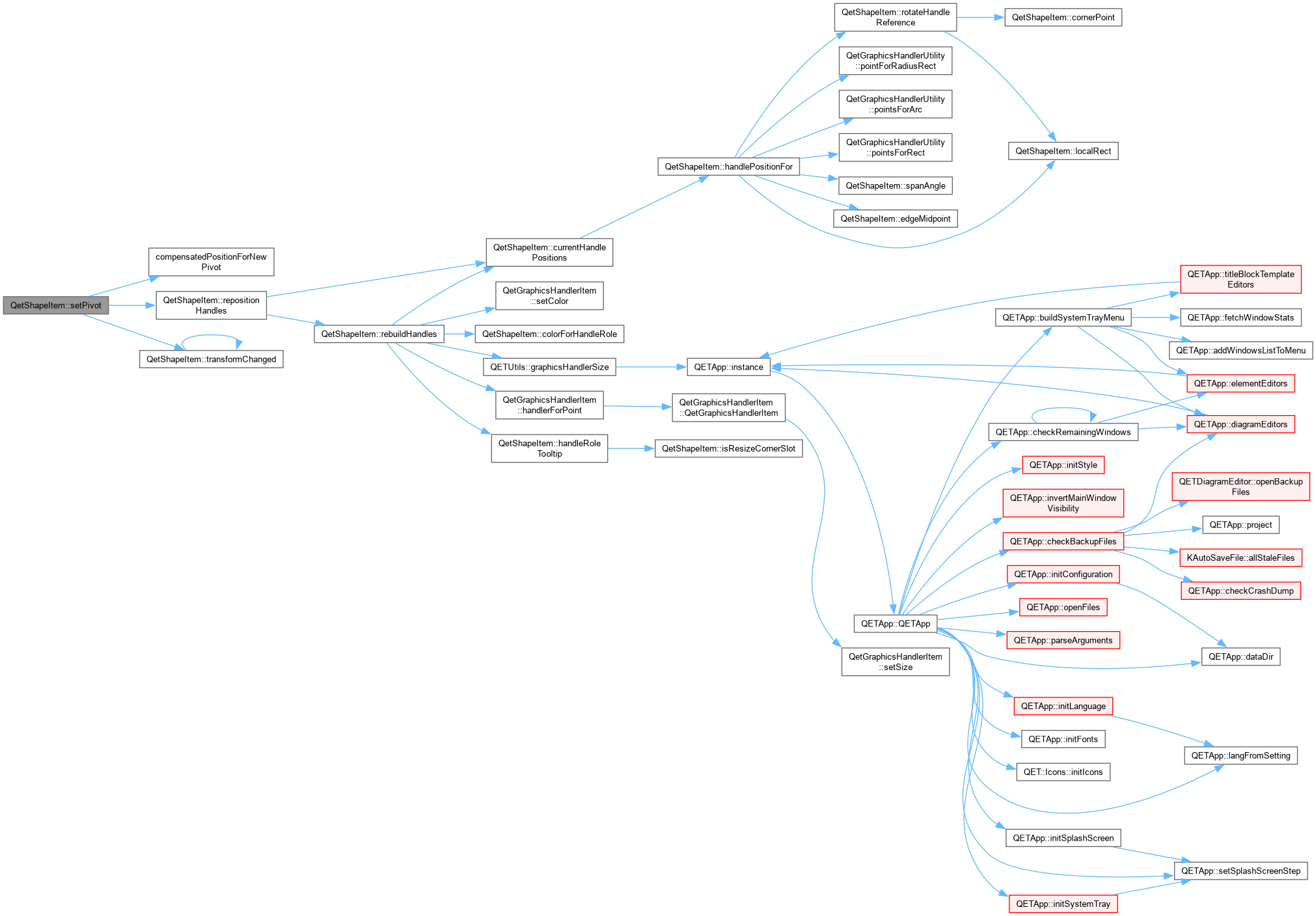
QetShapeItem::setPivot Move the pivot point. pos() is adjusted at the same time so the shape never visibly jumps – see compensatedPositionForNewPivot() in shapetransform.h for why that adjustment is needed at all.
| newPivot | in local coordinates |

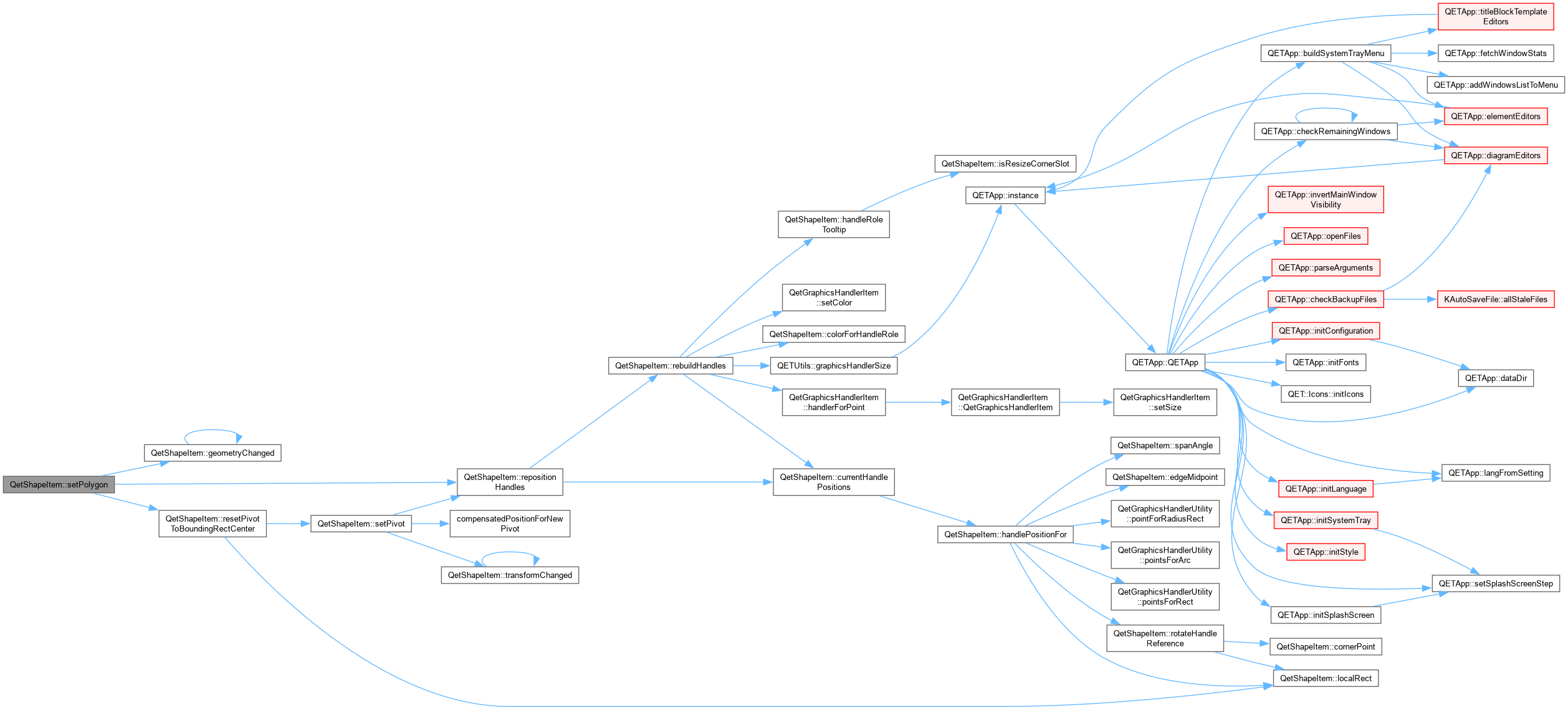
| bool QetShapeItem::setPolygon | ( | const QPolygonF & | polygon | ) |
QetShapeItem::setPolygon Set this item geometry to polygon (only available if shape is a polyline).
| polygon | : new polygon |
| bool QetShapeItem::setRect | ( | const QRectF & | rect | ) |
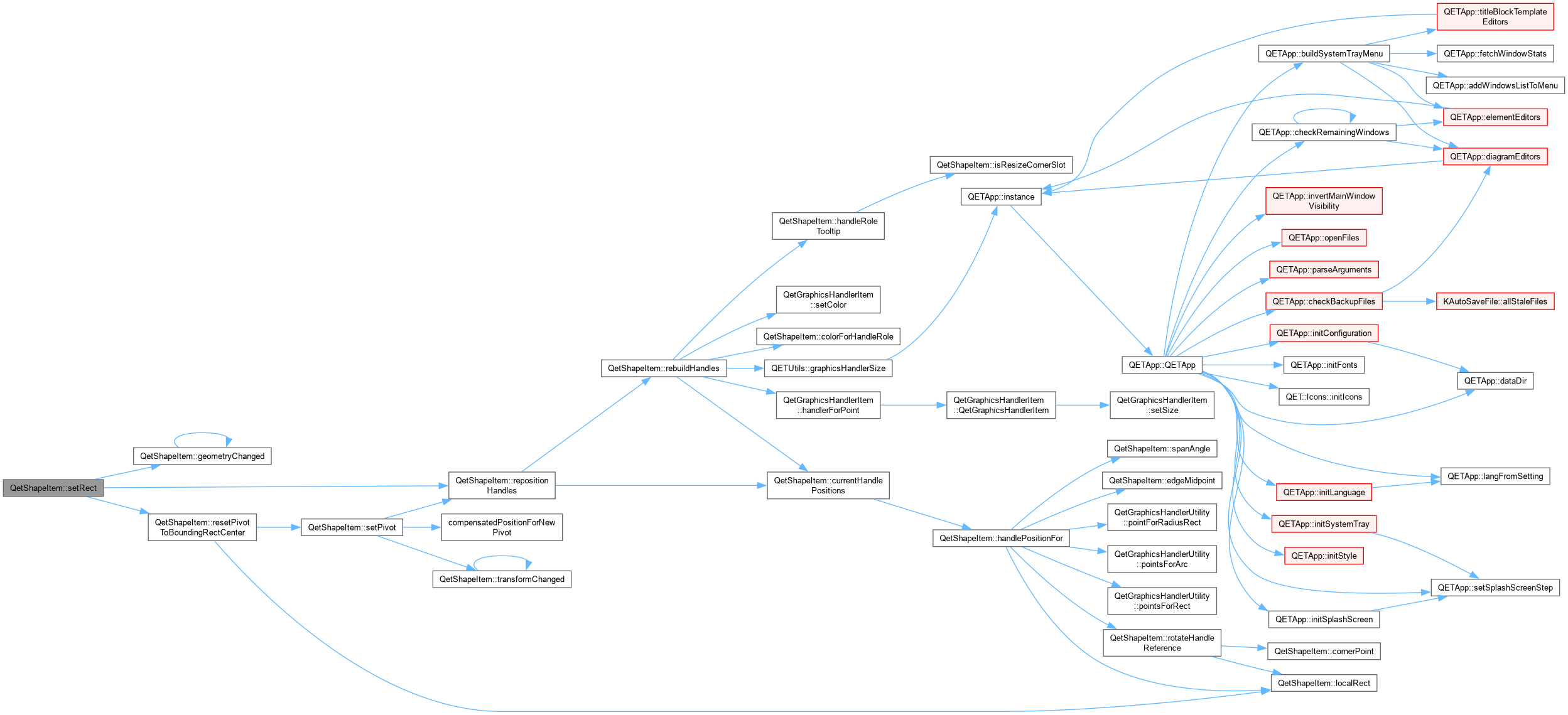
QetShapeItem::setRect Set this item geometry to rect (only available if shape is a rectangle or an ellipse).
| rect | : new rect |

| void QetShapeItem::setRotation | ( | qreal | degrees | ) |
| degrees | One property per ShapeTransform scalar: every handle (and the properties panel) touches exactly one of these, never the matrix directly. See shapetransform.h for why the matrix itself is only ever built from these, never mutated by hand. |


| void QetShapeItem::setScaleFactorX | ( | qreal | factor | ) |

| void QetShapeItem::setScaleFactorY | ( | qreal | factor | ) |

| void QetShapeItem::setSkewX | ( | qreal | degrees | ) |


| void QetShapeItem::setSkewY | ( | qreal | degrees | ) |


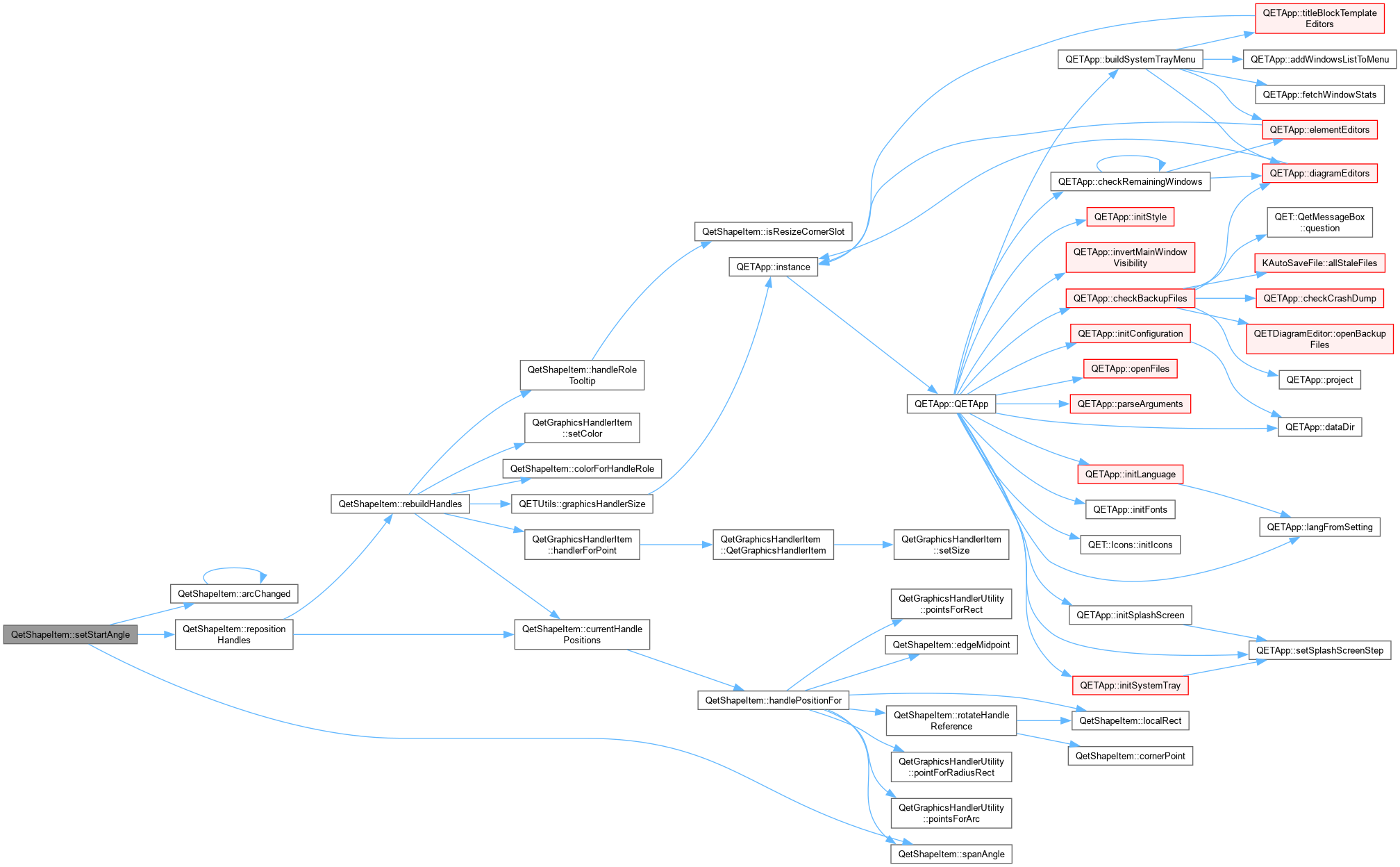
| void QetShapeItem::setStartAngle | ( | qreal | degrees | ) |

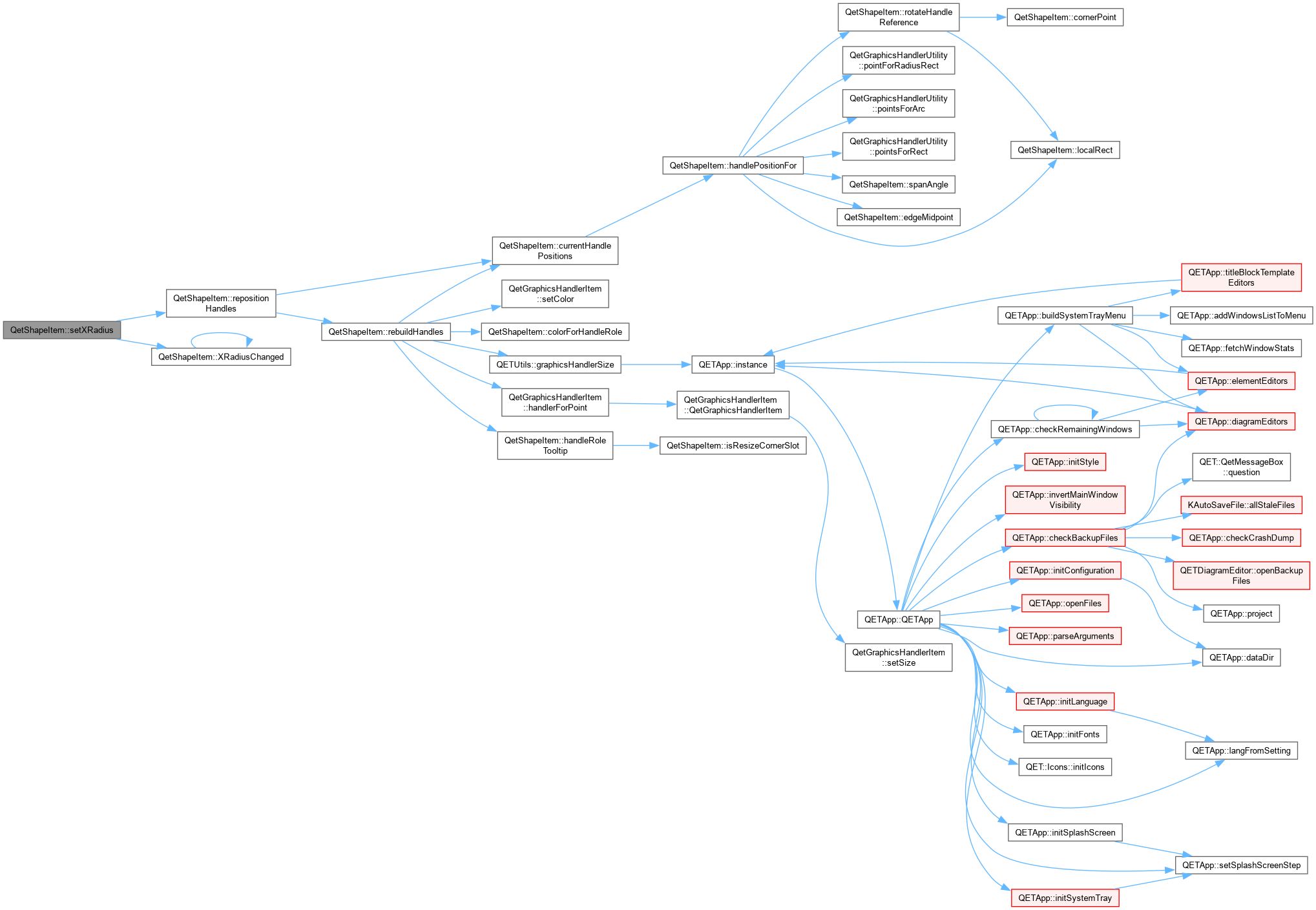
| void QetShapeItem::setXRadius | ( | qreal | X | ) |

| void QetShapeItem::setYRadius | ( | qreal | Y | ) |

|
override |

|
inline |
|
inline |
|
private |
|
inline |
|
inline |
|
private |
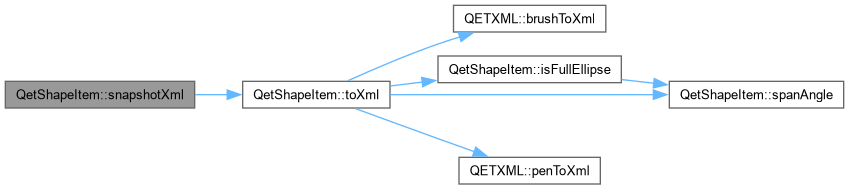
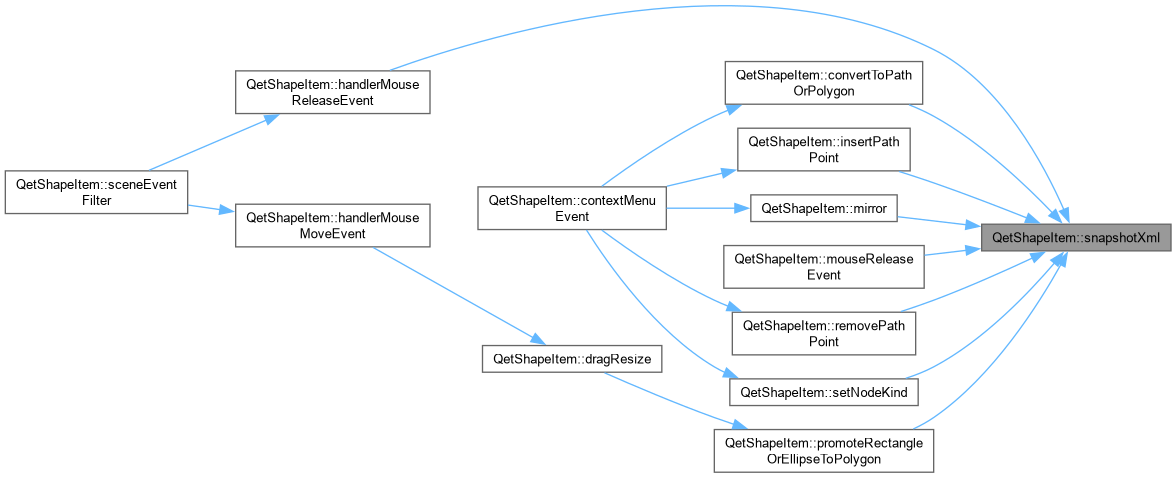
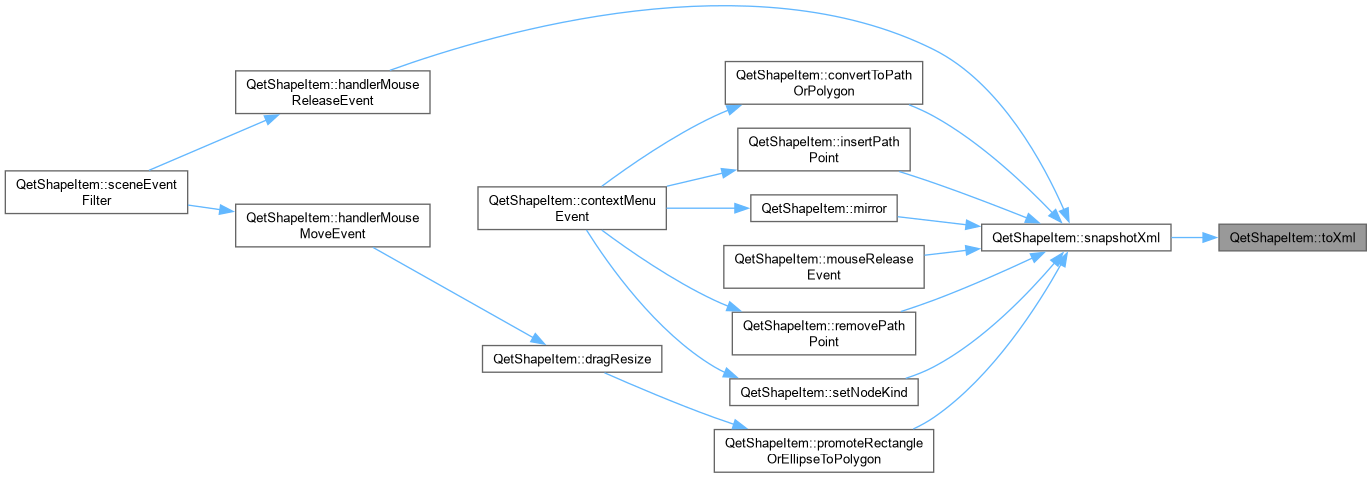
QetShapeItem::snapshotXml toXml() into a private, throwaway document – used only to hand a self-contained QDomElement to PromoteShapeCommand, which deep-clones it again into its own document anyway (see promoteshapecommand.cpp).
|
inline |
|
inline |
|
virtual |
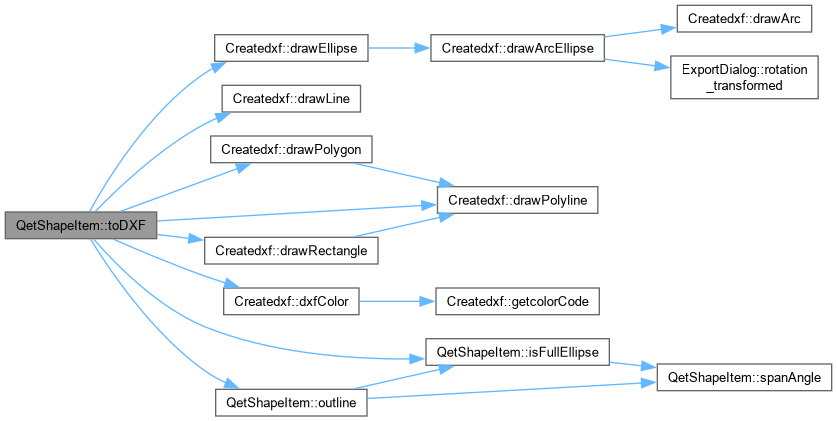
QetShapeItem::toDXF Draw this element to the dxf document.
| filepath | file path of the the dxf document |
| pen |

|
private |
|
virtual |
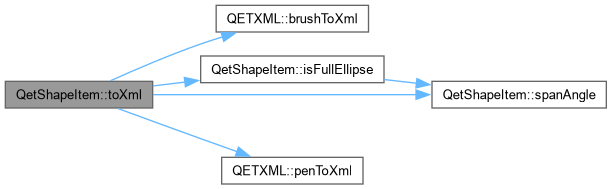
QetShapeItem::toXml Save this item to xml element.
| document | parent document xml |
|
signal |
|
inlineoverride |
|
private |
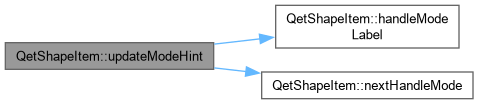
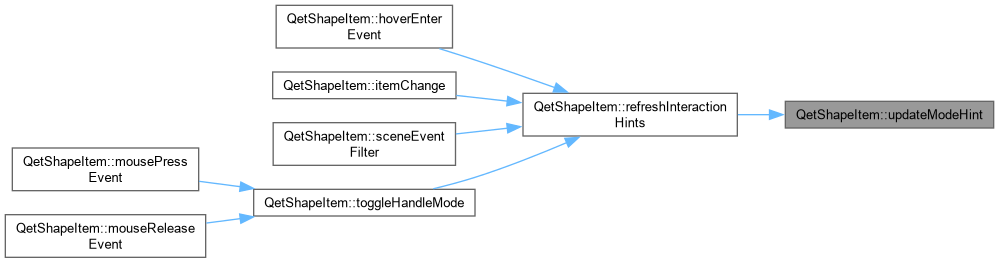
QetShapeItem::updateModeHint Keeps the tooltip in sync with what the next click would do – called on selection change (so it appears/disappears with the handles themselves) and after every mode switch. Deliberately short: this is a tooltip, not documentation – the fuller gesture/modifier reference lives in the status bar instead (see currentModeStatusHint(), hoverEnterEvent()), which has room for it without popping up uninvited.
|
inline |
|
signal |

|
inline |
|
signal |

|
private |
|
private |
|
private |
|
private |
|
private |
|
private |
|
private |
|
private |
|
private |
|
private |
|
private |
|
private |
|
private |
|
private |
|
private |
|
private |
|
private |
|
private |
|
private |
|
private |
|
private |
|
private |
|
private |
|
private |
|
private |
|
private |
|
private |
|
private |
|
private |
|
private |
|
private |
|
private |
|
private |
|
private |
|
private |
|
private |
|
private |
ATTRIBUTES.
|
private |
|
private |
|
private |
|
private |
|
private |
|
readwrite |
|
readwrite |
|
readwrite |
|
readwrite |
|
readwrite |
|
readwrite |
|
readwrite |
|
readwrite |
|
readwrite |
|
readwrite |
|
readwrite |
|
readwrite |
|
readwrite |
|
readwrite |
|
readwrite |
|
readwrite |
 1.15.0