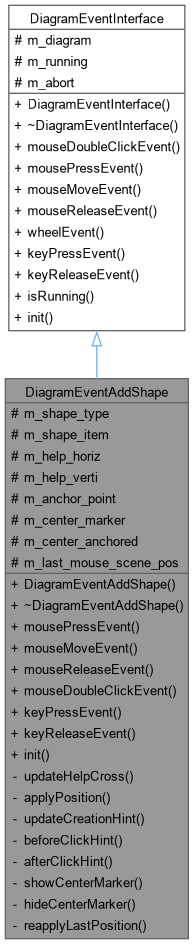
The DiagramEventAddShape class This event manage the creation of a shape.
More...
#include <diagrameventaddshape.h>
The DiagramEventAddShape class This event manage the creation of a shape.
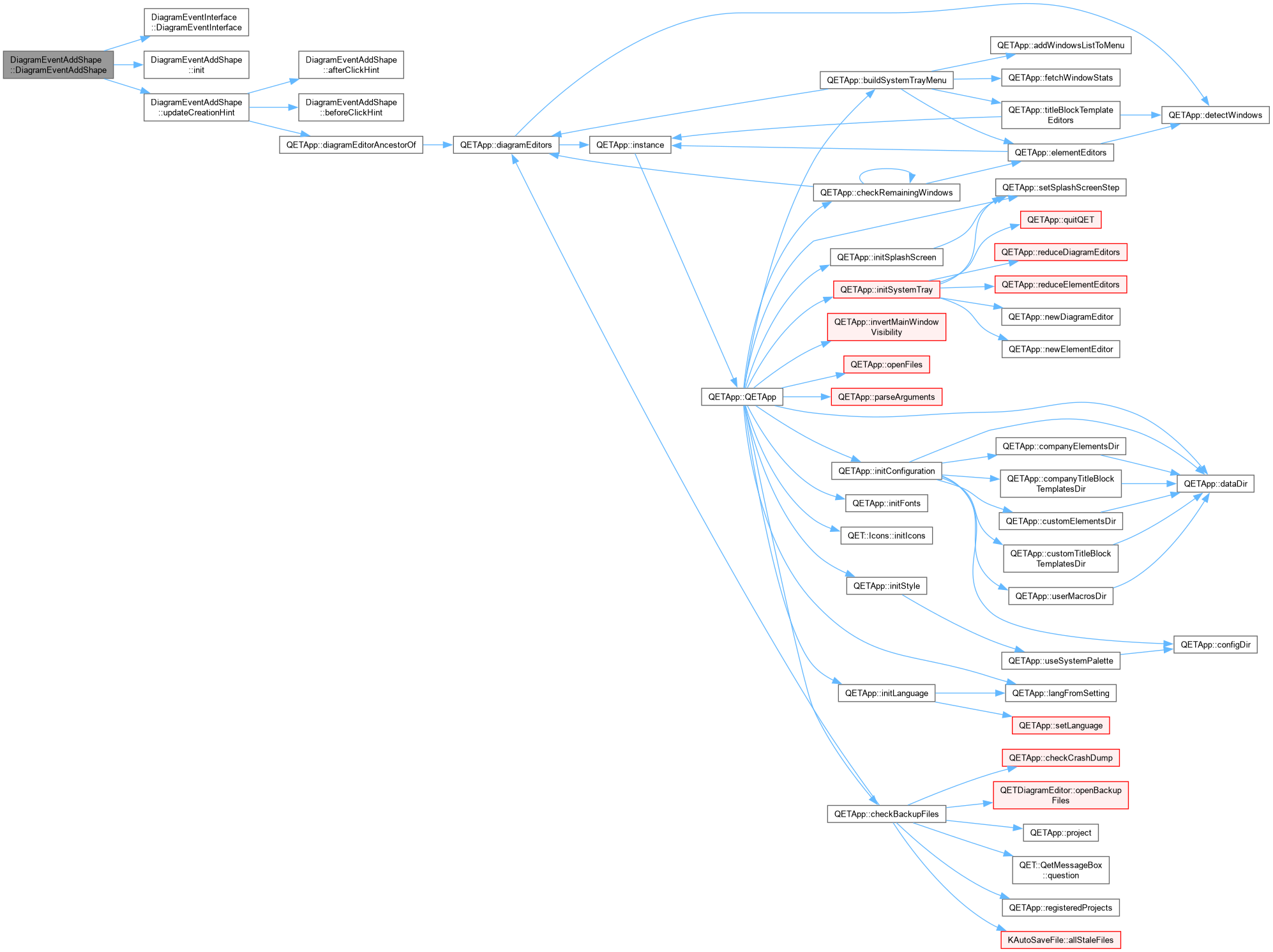
◆ DiagramEventAddShape()
◆ ~DiagramEventAddShape()
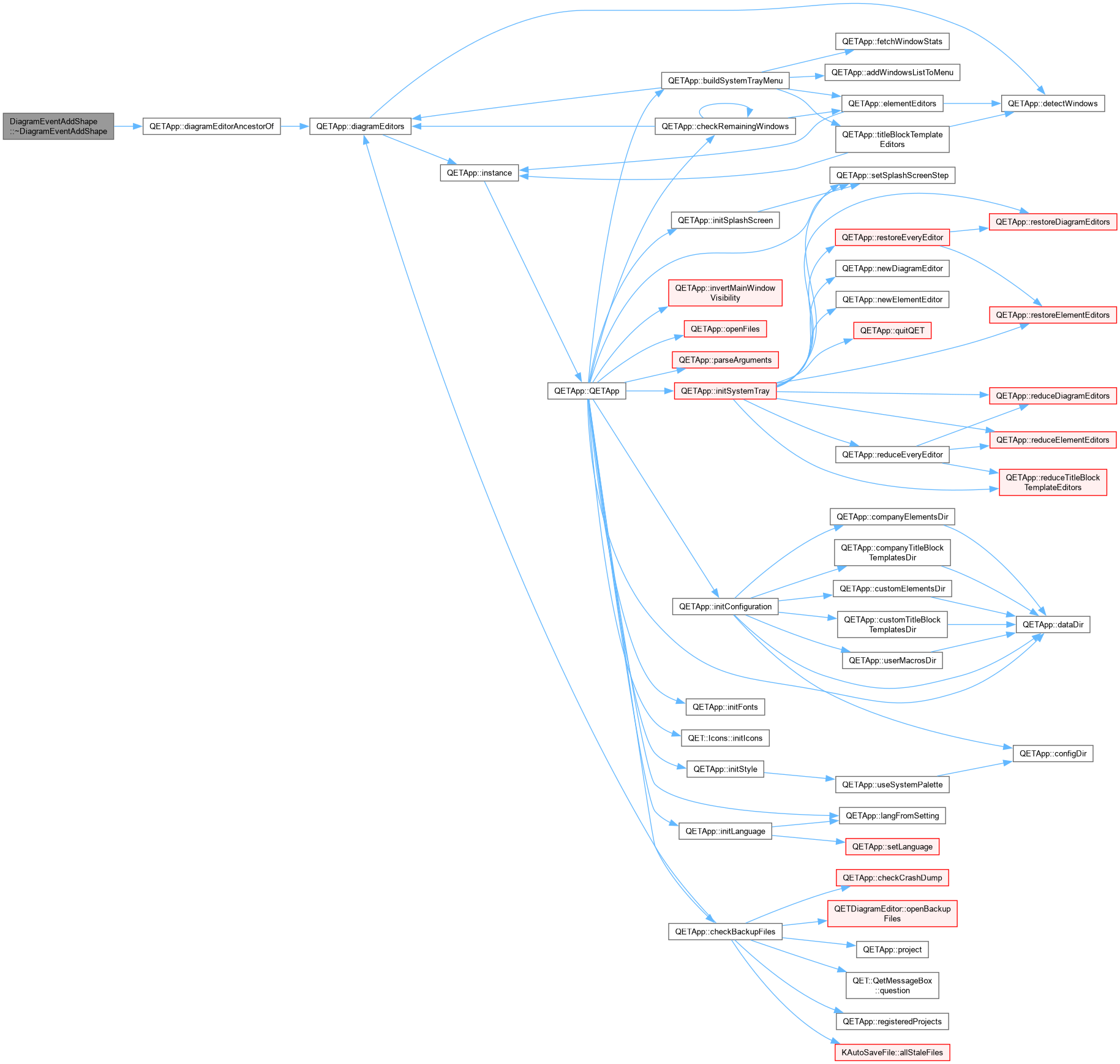
| DiagramEventAddShape::~DiagramEventAddShape |
( |
| ) |
|
|
override |
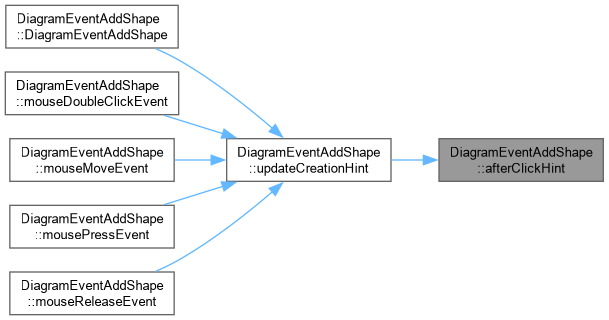
◆ afterClickHint()
| QString DiagramEventAddShape::afterClickHint |
( |
| ) |
const |
|
private |
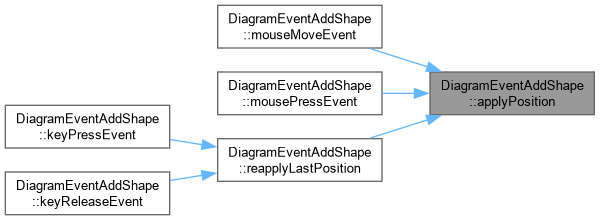
◆ applyPosition()
| void DiagramEventAddShape::applyPosition |
( |
const QPointF & | pos, |
|
|
Qt::KeyboardModifiers | mods ) |
|
private |
DiagramEventAddShape::applyPosition Applies a drag/click position to the in-progress shape, honouring two modifiers that mirror how the very same shape can already be edited afterward, once placed:
- Ctrl, for Rectangle/Ellipse only: the first click becomes the shape's center rather than a corner, growing symmetrically as the cursor moves away from it – the same meaning Ctrl already has on a Resize handle (anchor at center). Deliberately not offered for Line: unlike the Rectangle/Ellipse case, there's no established convention for "a line grows symmetrically from its
middle" to justify it by, so Ctrl for Line means only free positioning (see the plain grid-snap check above), nothing more.
- Shift, for Rectangle/Ellipse only: forces the bounding box square (so Ellipse becomes a true circle), using whichever of the two dragged dimensions is currently larger and mirroring that onto the other, preserving the direction the user is actually dragging in. Both can combine (Ctrl+Shift: a centered square/circle). Whether or not Ctrl is currently held, the non-anchored branch always rebuilds from m_anchor_point rather than nudging the existing rect/line – otherwise, if Ctrl had been held earlier in the same drag (moving the shape's own first point to a mirrored position), releasing it would leave that point stuck there instead of actually restoring it.
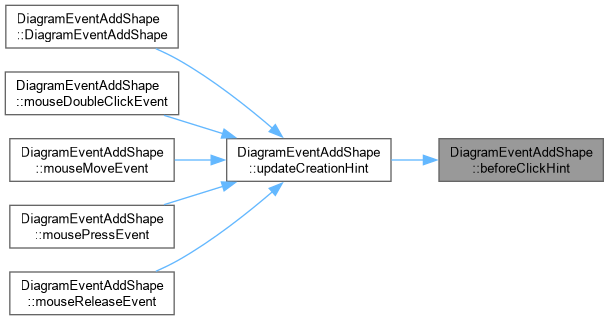
◆ beforeClickHint()
| QString DiagramEventAddShape::beforeClickHint |
( |
| ) |
const |
|
private |
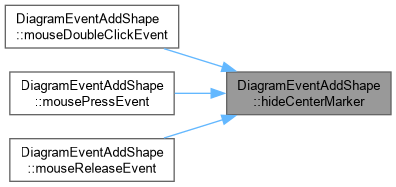
◆ hideCenterMarker()
| void DiagramEventAddShape::hideCenterMarker |
( |
| ) |
|
|
private |
◆ init()
| void DiagramEventAddShape::init |
( |
| ) |
|
|
overridevirtual |
◆ keyPressEvent()
| void DiagramEventAddShape::keyPressEvent |
( |
QKeyEvent * | event | ) |
|
|
overridevirtual |
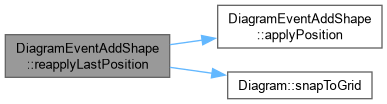
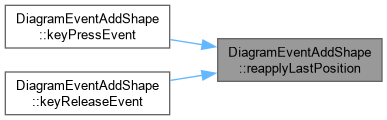
DiagramEventAddShape::keyPressEvent / keyReleaseEvent Pressing or releasing Shift (the square/circle lock) does nothing visible on its own – applyPosition() only ever runs from mouseMoveEvent, so without this, a keyboard-only change just sits there until the next, often incidental, pixel of mouse movement brings the shape in line with it. That's exactly what looked like a freeze: holding Shift while the mouse is genuinely still produces no visible change (correctly – nothing has moved), and it only "unsticks" once the mouse moves again, which released keys tend to coincide with purely by hand tremor, not because releasing itself did anything. Re-running the last known mouse position through applyPosition() here makes the key press or release itself the trigger, giving immediate feedback instead of waiting on chance.
Reimplemented from DiagramEventInterface.
◆ keyReleaseEvent()
| void DiagramEventAddShape::keyReleaseEvent |
( |
QKeyEvent * | event | ) |
|
|
overridevirtual |
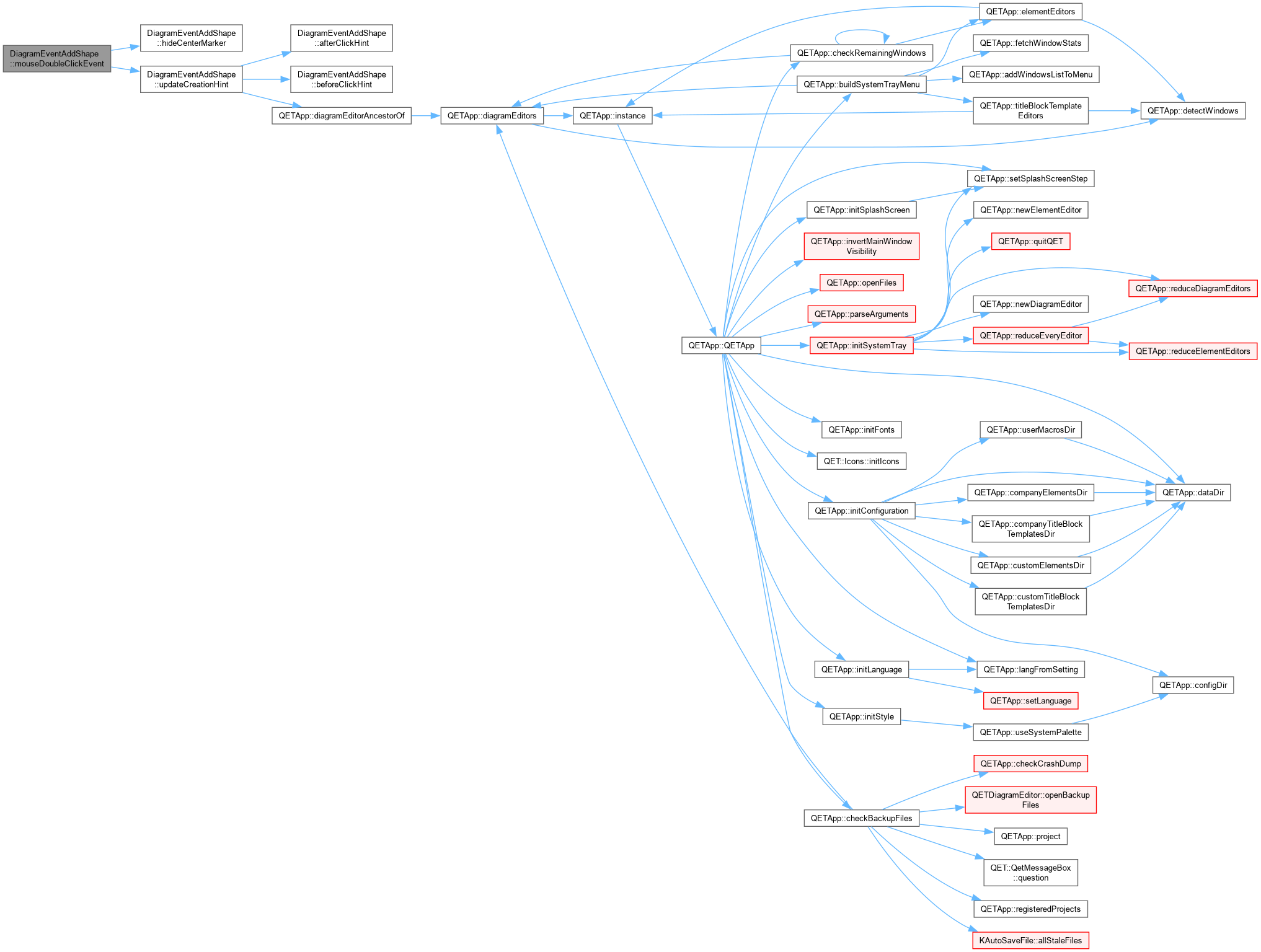
◆ mouseDoubleClickEvent()
| void DiagramEventAddShape::mouseDoubleClickEvent |
( |
QGraphicsSceneMouseEvent * | event | ) |
|
|
overridevirtual |
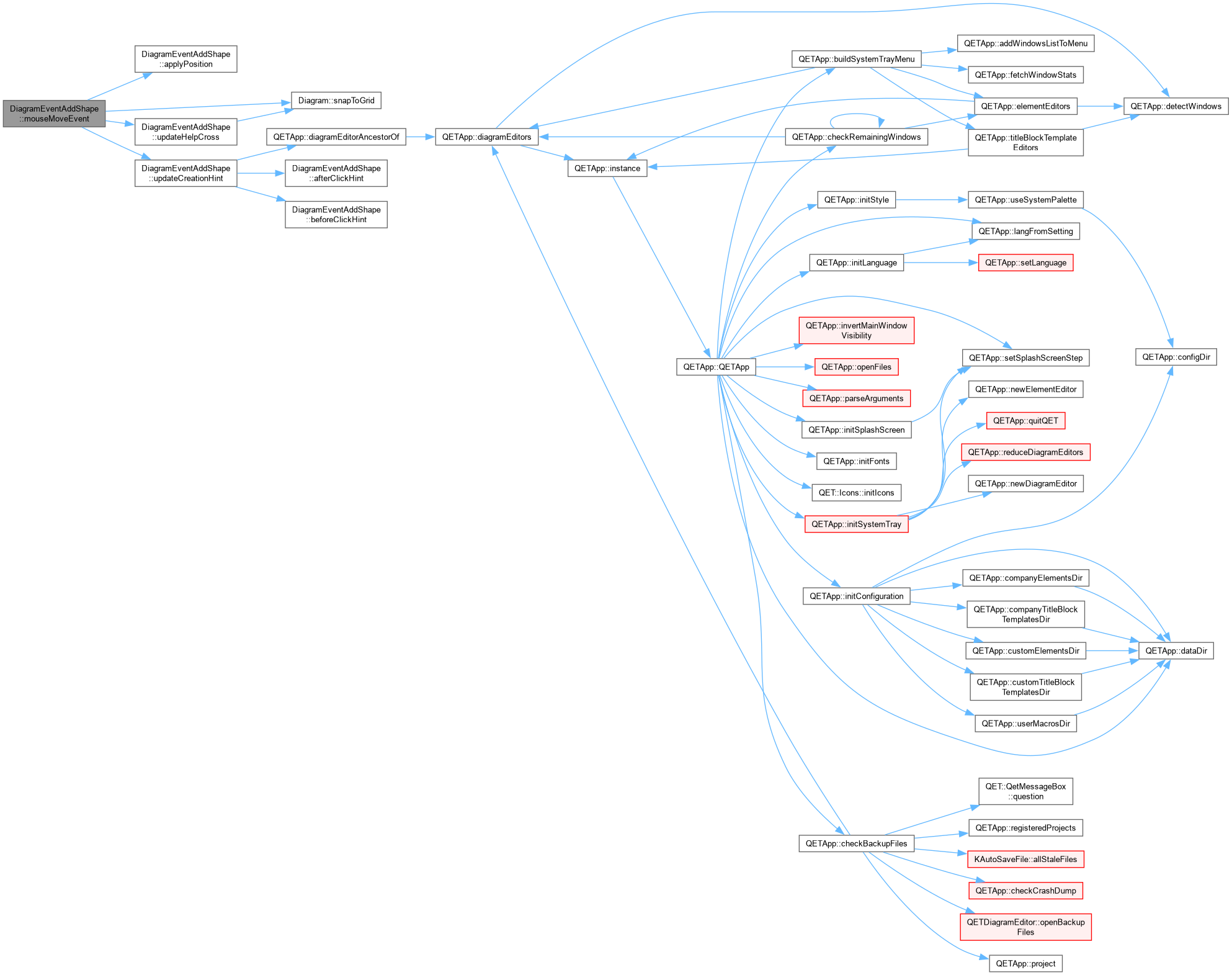
◆ mouseMoveEvent()
| void DiagramEventAddShape::mouseMoveEvent |
( |
QGraphicsSceneMouseEvent * | event | ) |
|
|
overridevirtual |
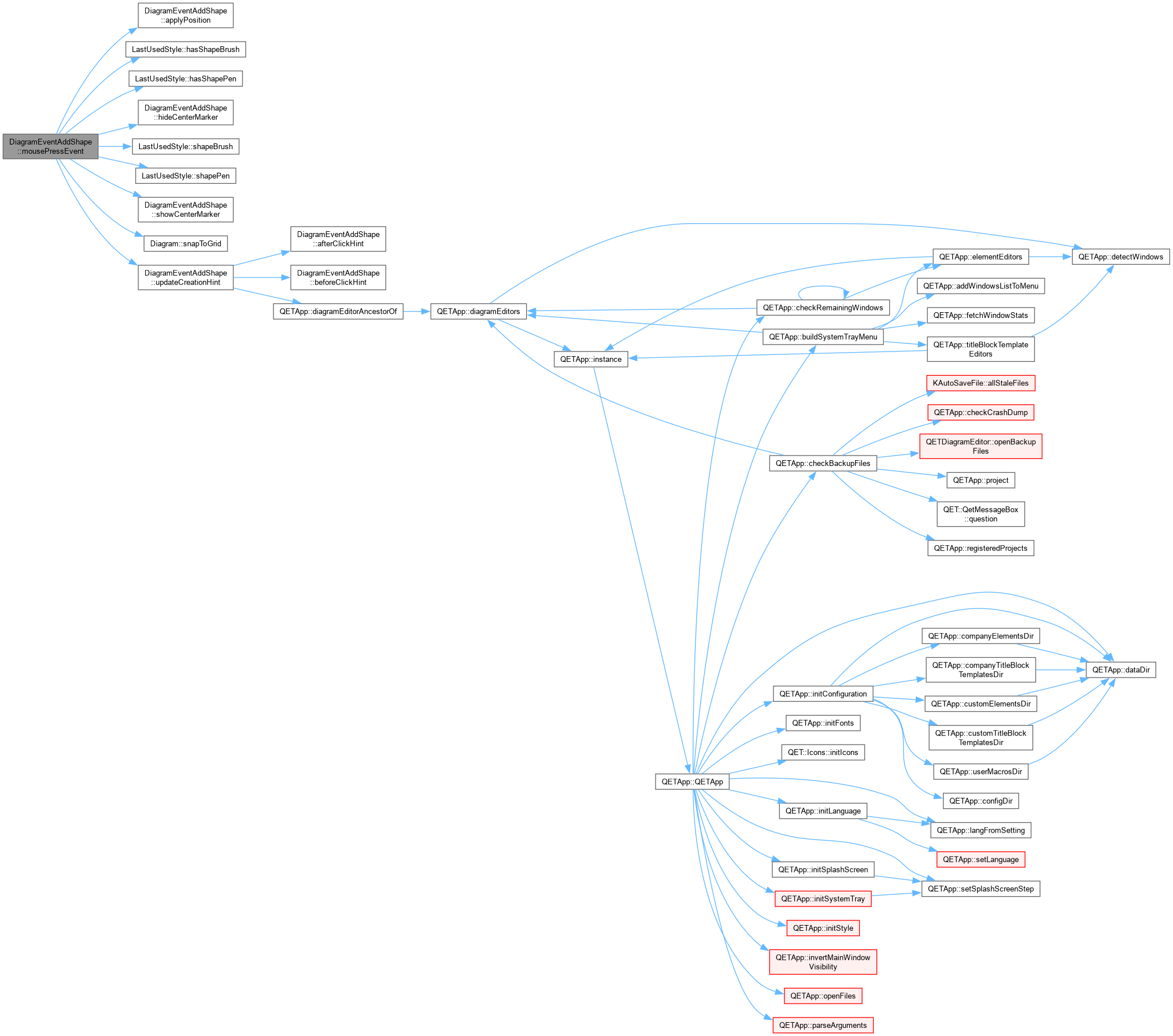
◆ mousePressEvent()
| void DiagramEventAddShape::mousePressEvent |
( |
QGraphicsSceneMouseEvent * | event | ) |
|
|
overridevirtual |
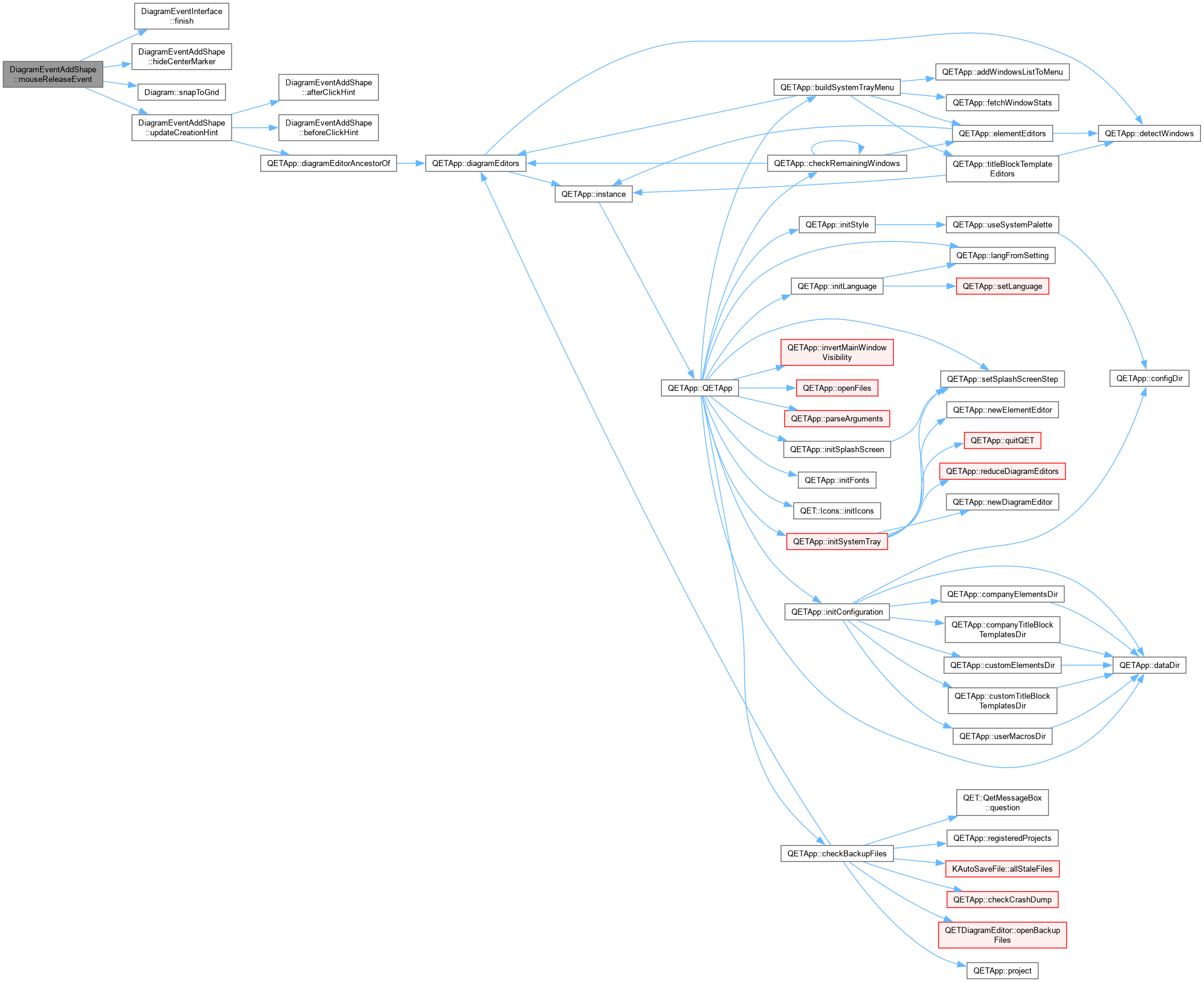
◆ mouseReleaseEvent()
| void DiagramEventAddShape::mouseReleaseEvent |
( |
QGraphicsSceneMouseEvent * | event | ) |
|
|
overridevirtual |
◆ reapplyLastPosition()
| void DiagramEventAddShape::reapplyLastPosition |
( |
QKeyEvent * | event | ) |
|
|
private |
◆ showCenterMarker()
| void DiagramEventAddShape::showCenterMarker |
( |
const QPointF & | scenePos | ) |
|
|
private |
DiagramEventAddShape::showCenterMarker Small, filled marker at the anchor point, shown only while Ctrl- anchoring is actually in effect right now (see applyPosition()) – doubling as live confirmation that it is, rather than leaving the user to infer it purely from how the shape happens to be growing.
◆ updateCreationHint()
| void DiagramEventAddShape::updateCreationHint |
( |
| ) |
const |
|
private |
◆ updateHelpCross()
| void DiagramEventAddShape::updateHelpCross |
( |
const QPointF & | p | ) |
|
|
private |
◆ m_anchor_point
| QPointF DiagramEventAddShape::m_anchor_point |
|
protected |
◆ m_center_anchored
| bool DiagramEventAddShape::m_center_anchored = false |
|
protected |
◆ m_center_marker
| QGraphicsEllipseItem* DiagramEventAddShape::m_center_marker = nullptr |
|
protected |
◆ m_help_horiz
| QGraphicsLineItem* DiagramEventAddShape::m_help_horiz |
|
protected |
◆ m_help_verti
| QGraphicsLineItem * DiagramEventAddShape::m_help_verti |
|
protected |
◆ m_last_mouse_scene_pos
| QPointF DiagramEventAddShape::m_last_mouse_scene_pos |
|
protected |
◆ m_shape_item
◆ m_shape_type
The documentation for this class was generated from the following files:





 1.15.0