 |
QElectroTech 0.200.1-dev
|
|
QElectroTech 0.200.1-dev
|
#include <autonumberingdockwidget.h>
Inherits QDockWidget.
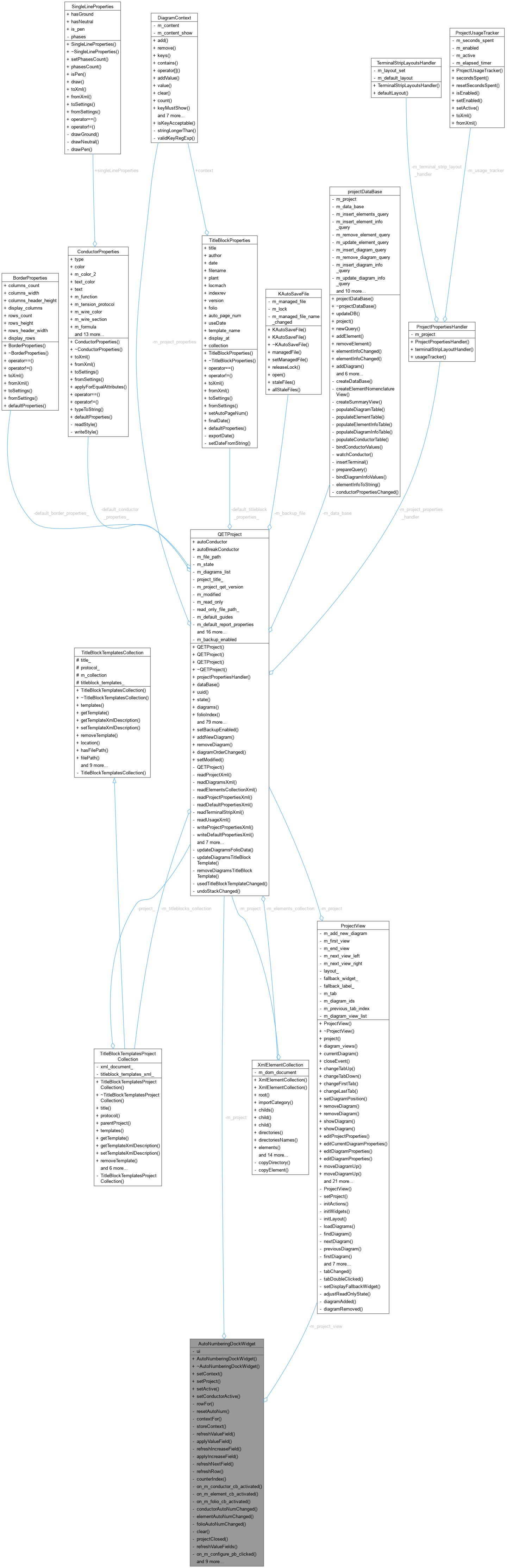
Classes | |
| struct | Row |
Public Slots | |
| void | setActive () |
| AutoNumberingDockWidget::setActive Set current used autonumberings. | |
| void | setConductorActive (DiagramView *) |
| AutoNumberingDockWidget::setConductorActive. | |
Public Member Functions | |
| AutoNumberingDockWidget (QWidget *parent=nullptr) | |
| AutoNumberingDockWidget::AutoNumberingDockWidget Constructor. | |
| ~AutoNumberingDockWidget () override | |
| AutoNumberingDockWidget::~AutoNumberingDockWidget Destructor. | |
| void | setContext () |
| AutoNumberingDockWidget::setContext Add all itens to comboboxes. | |
| void | setProject (QETProject *, ProjectView *) |
| AutoNumberingDockWidget::setProject. | |
Private Types | |
| enum class | AutoNumCategory { Conductor , Element , Folio } |
Private Member Functions | |
| Row | rowFor (AutoNumCategory category) const |
| AutoNumberingDockWidget::rowFor. | |
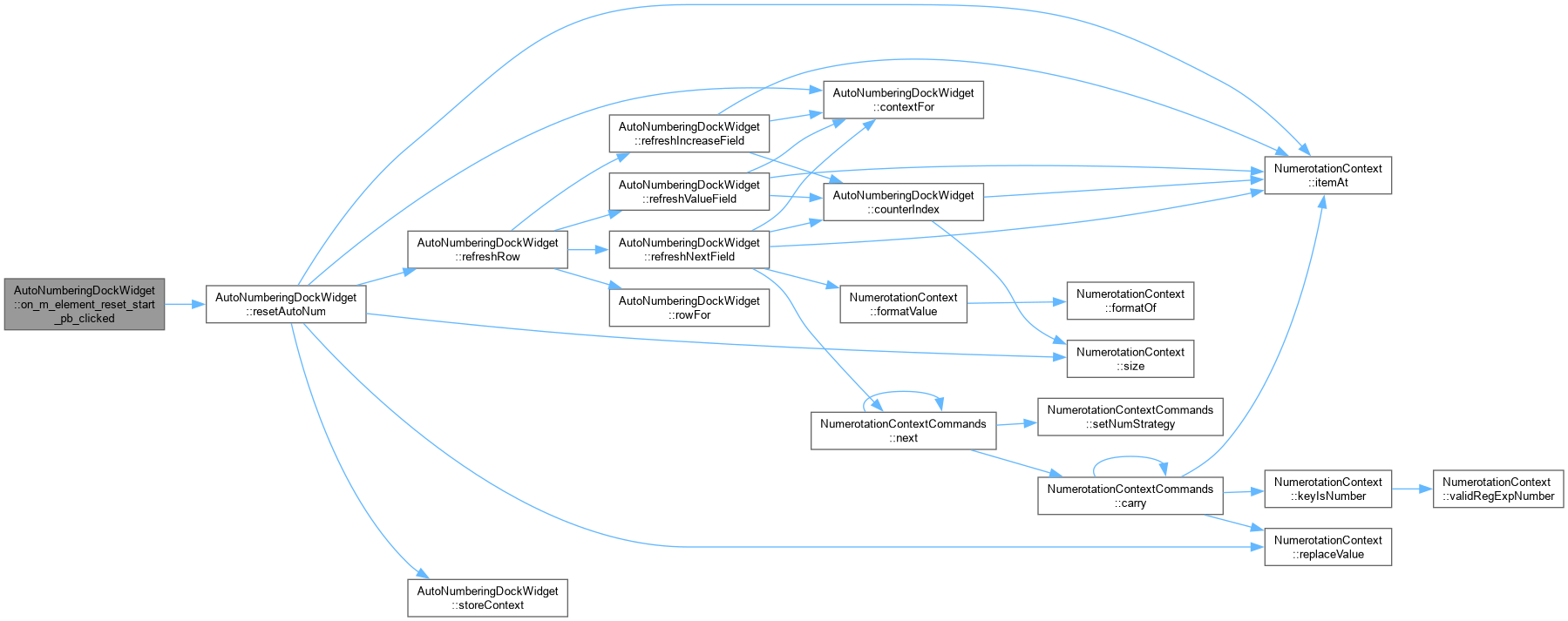
| void | resetAutoNum (QComboBox *combo_box, AutoNumCategory category) |
| resetAutoNum Reset the numerotation context currently selected in combo_box (for the given category) to a per-type starting value. Does nothing if no context is selected. | |
| NumerotationContext | contextFor (QComboBox *combo_box, AutoNumCategory category) const |
| Read/write the numerotation context named in combo_box. | |
| void | storeContext (QComboBox *combo_box, AutoNumCategory category, const NumerotationContext &context) |
| AutoNumberingDockWidget::storeContext Write context back under the name selected in combo_box and flag the project as modified – without that last step the change is not saved and the user is never asked to save it on close. | |
| void | refreshValueField (QComboBox *combo_box, QLineEdit *line_edit, AutoNumCategory category) |
| Refresh a value field from its context, and apply a typed value. | |
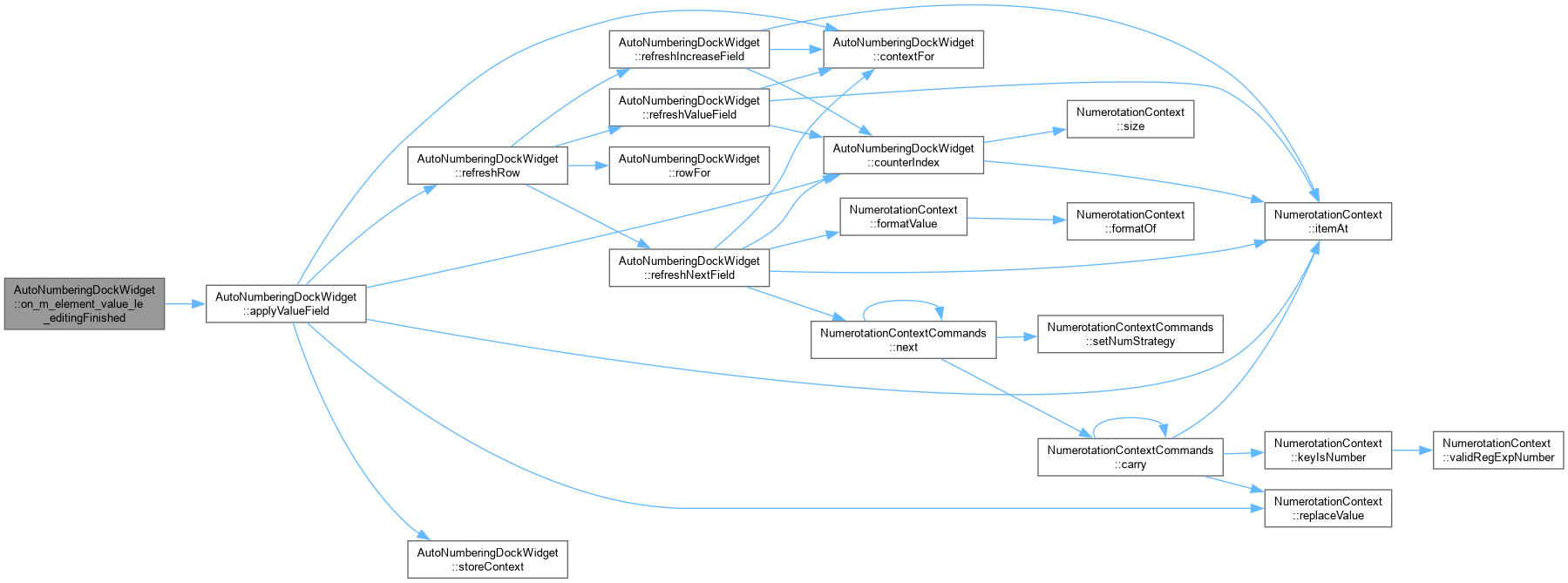
| void | applyValueField (QComboBox *combo_box, QLineEdit *line_edit, AutoNumCategory category) |
| AutoNumberingDockWidget::applyValueField Write the value typed in line_edit to the counter it displays. An empty field is treated as "no change" rather than as an empty value, so clearing the box by accident cannot wipe the counter. | |
| void | refreshIncreaseField (QComboBox *combo_box, QSpinBox *increase_sb, AutoNumCategory category) |
| Refresh/apply the increment spin box the same way. | |
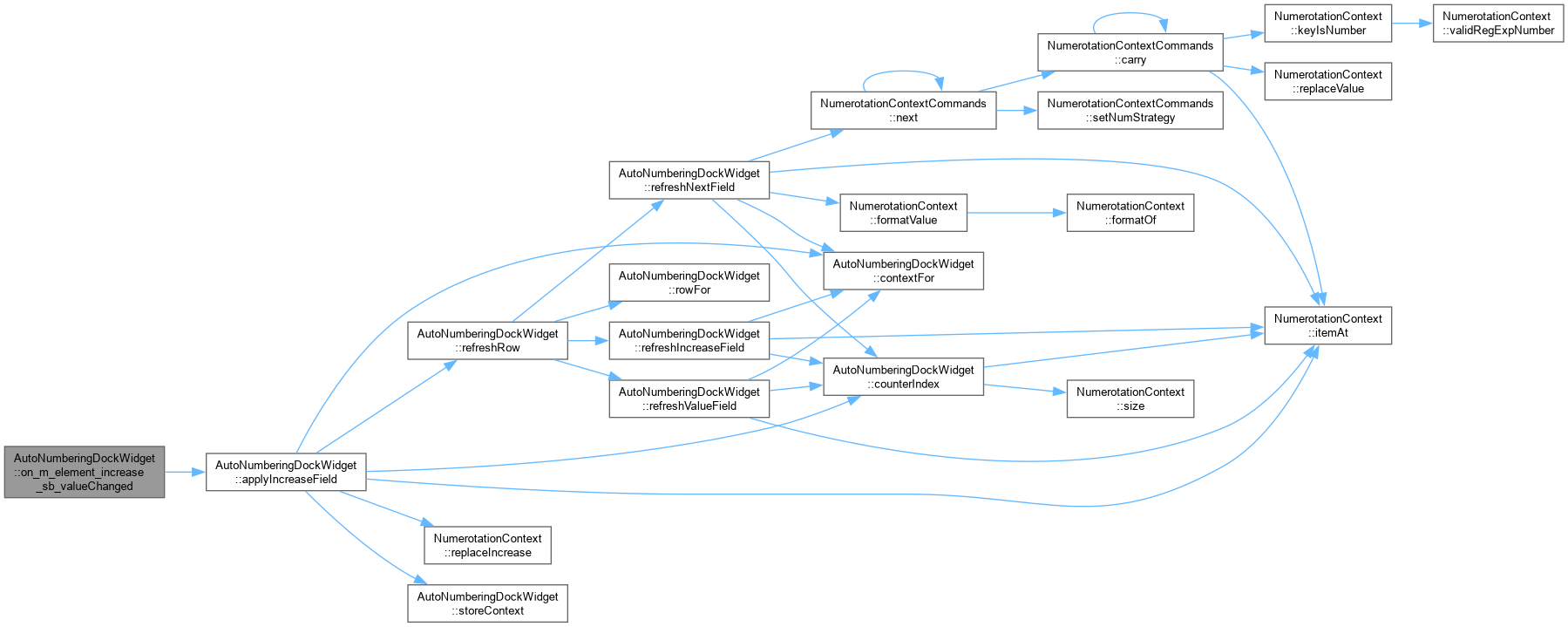
| void | applyIncreaseField (QComboBox *combo_box, QSpinBox *increase_sb, AutoNumCategory category) |
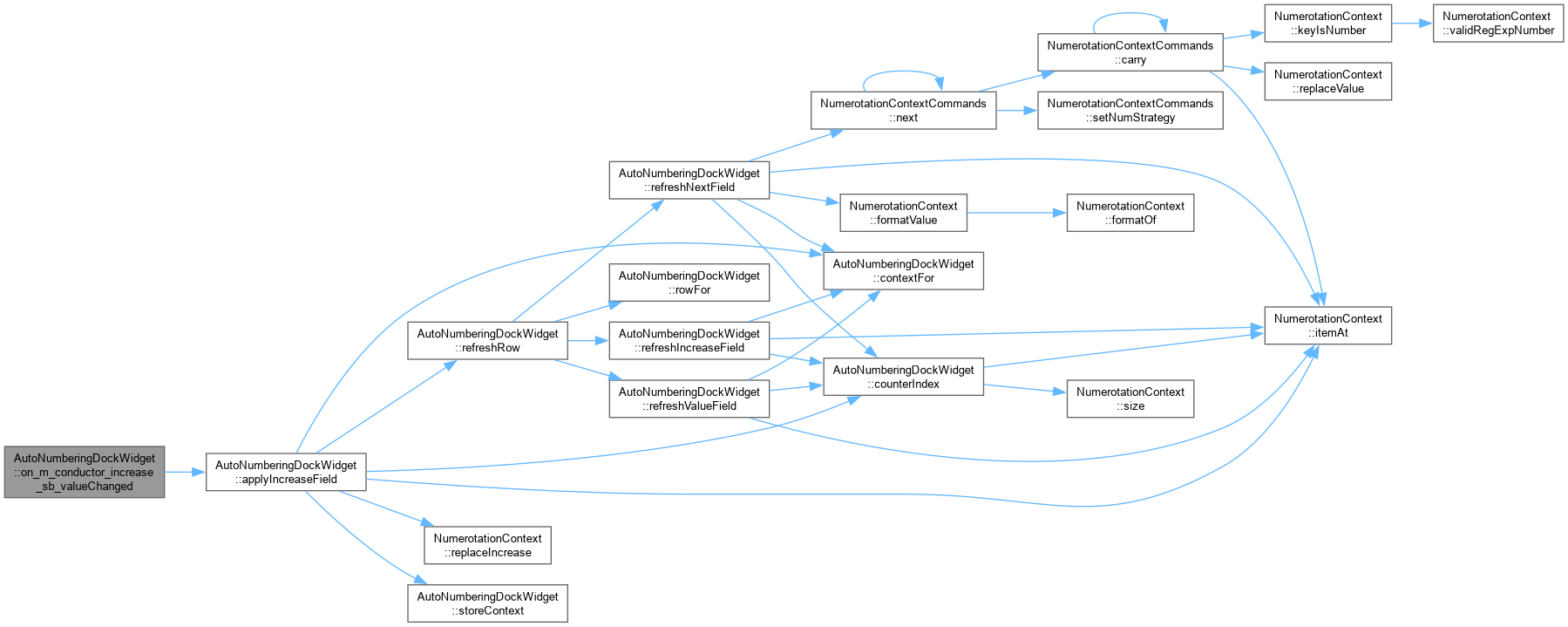
| AutoNumberingDockWidget::applyIncreaseField Write the spin box's step size to the counter it displays (bug #331). | |
| void | refreshNextField (QComboBox *combo_box, QLineEdit *next_edit, AutoNumCategory category) |
| AutoNumberingDockWidget::refreshNextField Show what this counter will read after one more step (bug #331: "visualiser
la prochaine numérotation qui sera appliquée"). Advances a copy of the whole context through NumerotationContextCommands – the same engine the Suivant button in the full configuration dialog uses to step a context – so wrap-and-carry into this part from a following part, or out of it into a preceding one, comes out identical to what will actually happen when the number is next consumed. | |
| void | refreshRow (AutoNumCategory category) |
| AutoNumberingDockWidget::refreshRow Refresh a category's value, increment and next-value preview together – every call site that used to refresh just the value field needs the other two kept in step with it as well. | |
Static Private Member Functions | |
| static int | counterIndex (const NumerotationContext &context) |
| AutoNumberingDockWidget::counterIndex. | |
Private Attributes | |
| Ui::AutoNumberingDockWidget * | ui |
| QETProject * | m_project = nullptr |
| ProjectView * | m_project_view = nullptr |
|
strongprivate |
|
explicit |
AutoNumberingDockWidget::AutoNumberingDockWidget Constructor.
| parent | : parent widget |
|
override |
|
private |
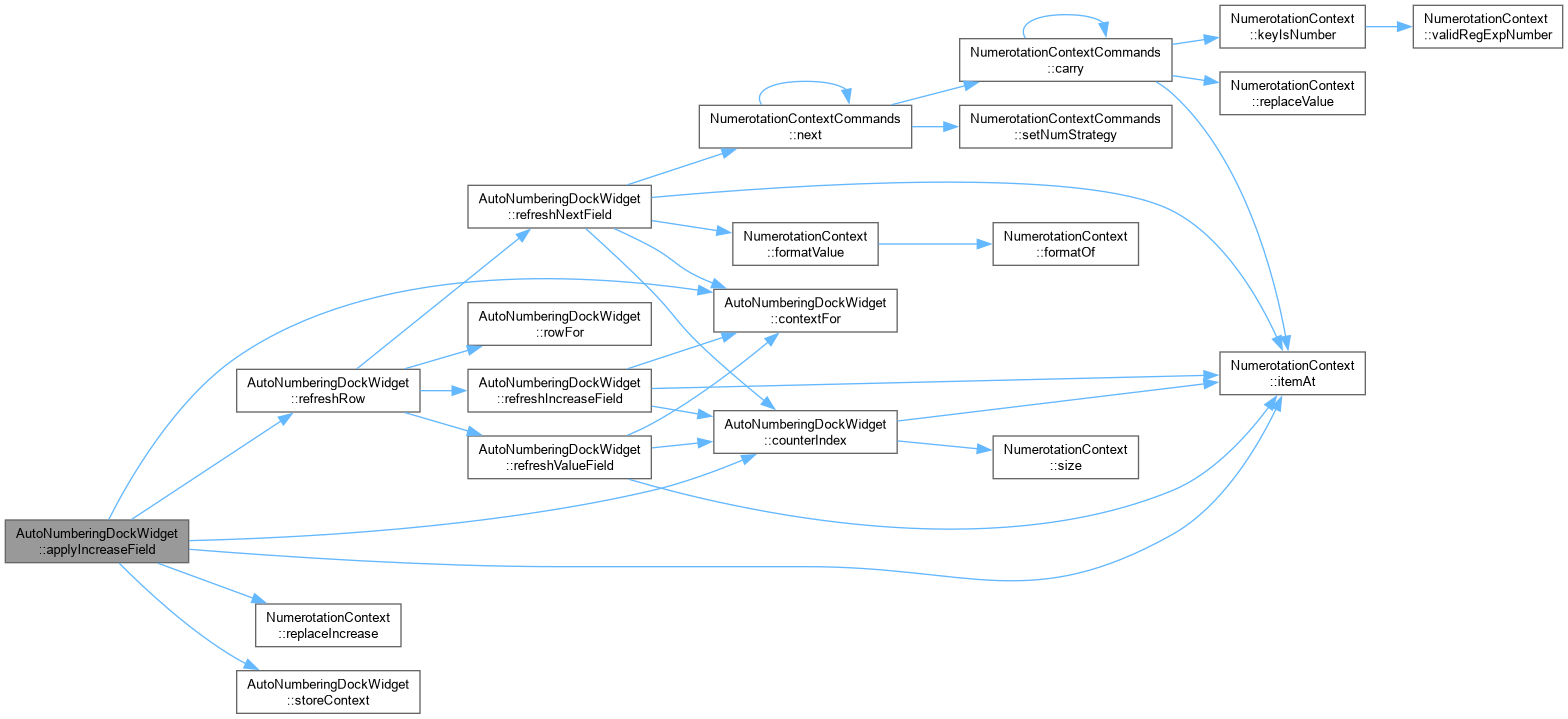
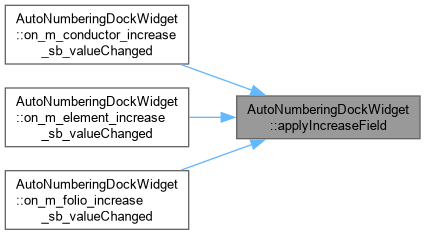
AutoNumberingDockWidget::applyIncreaseField Write the spin box's step size to the counter it displays (bug #331).
|
private |
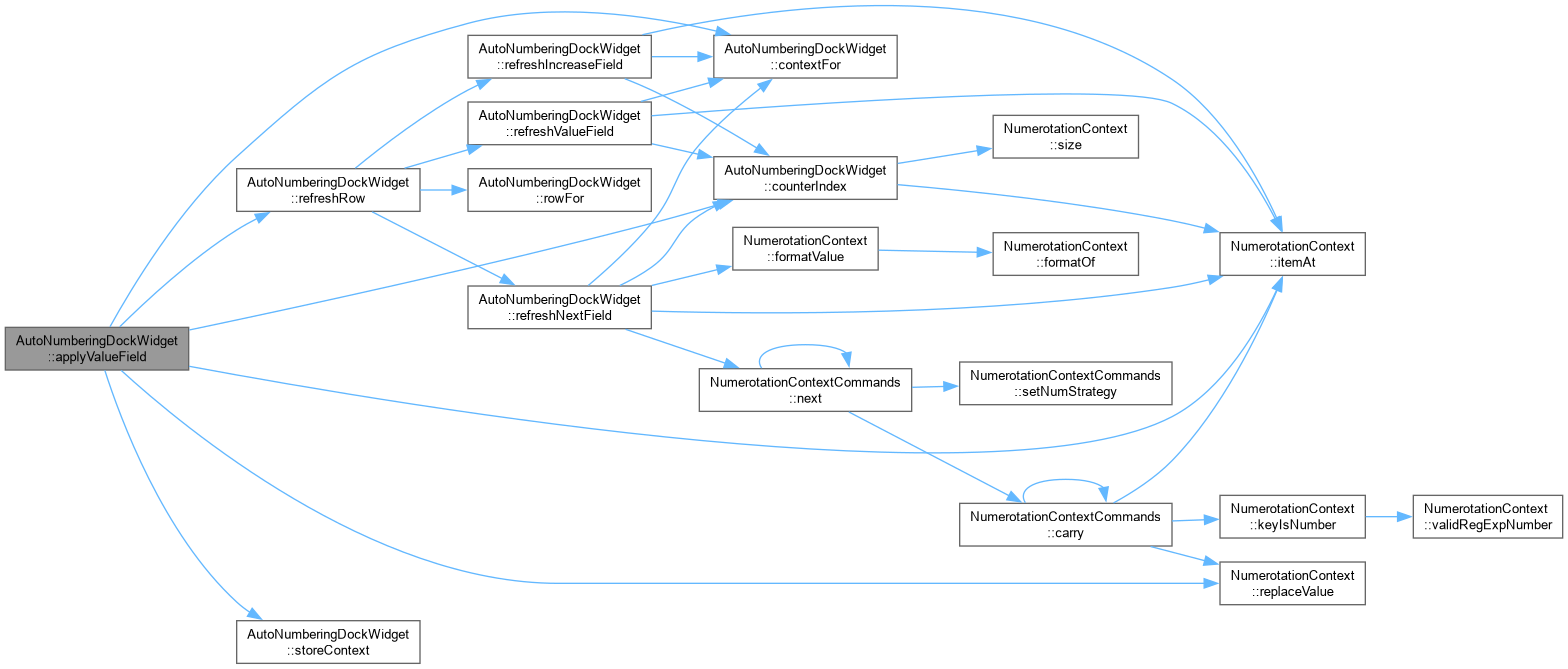
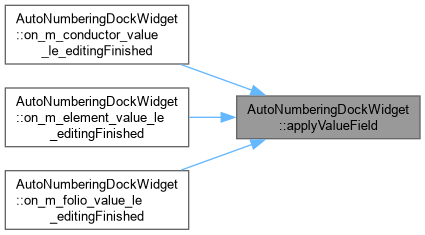
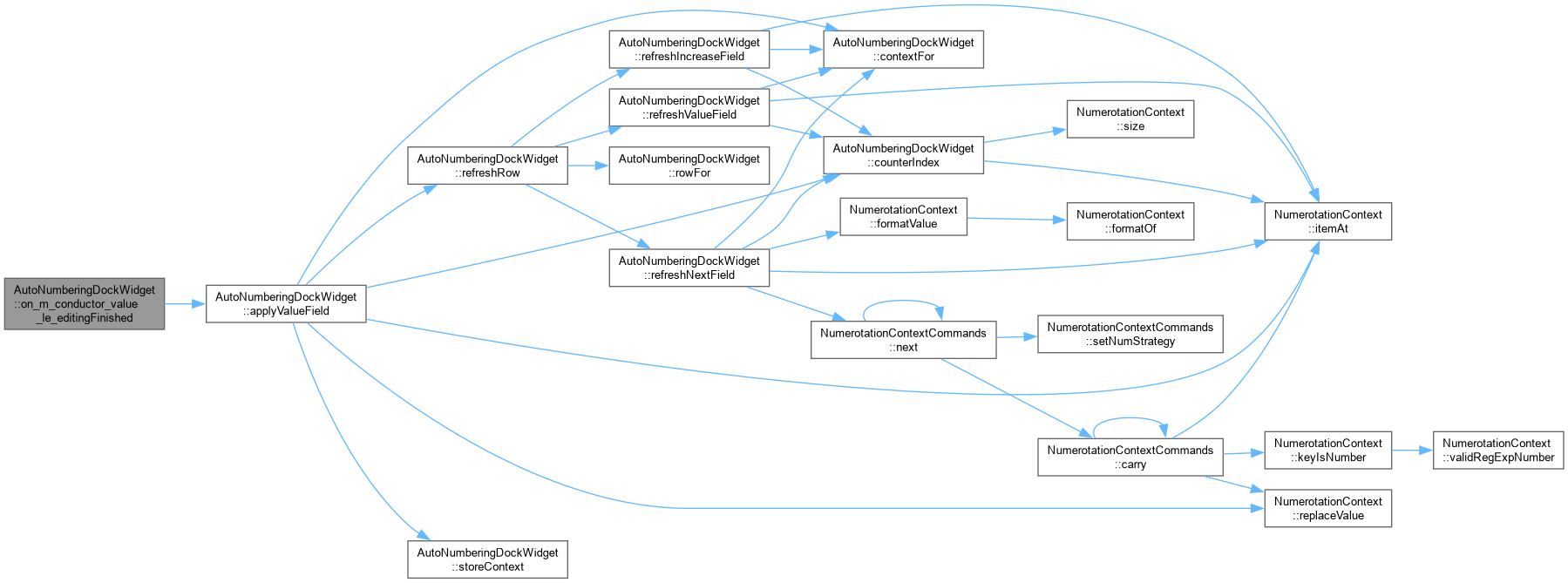
AutoNumberingDockWidget::applyValueField Write the value typed in line_edit to the counter it displays. An empty field is treated as "no change" rather than as an empty value, so clearing the box by accident cannot wipe the counter.
|
privateslot |
AutoNumberingDockWidget::clear Remove all combo box values.

|
privateslot |
AutoNumberingDockWidget::conductorAutoNumChanged Add new or remove conductor auto num from combobox.


|
private |
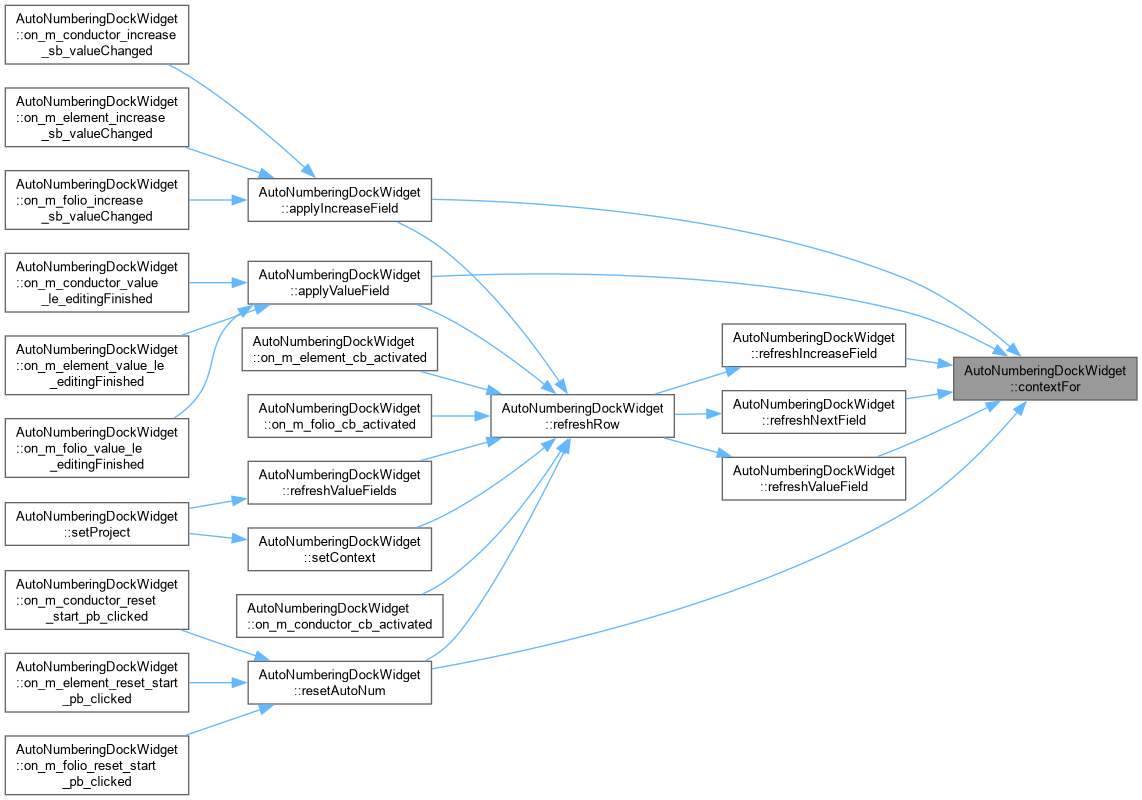
Read/write the numerotation context named in combo_box.
AutoNumberingDockWidget::contextFor.
|
staticprivate |
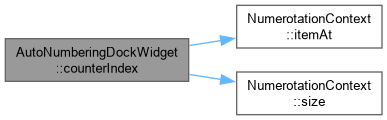
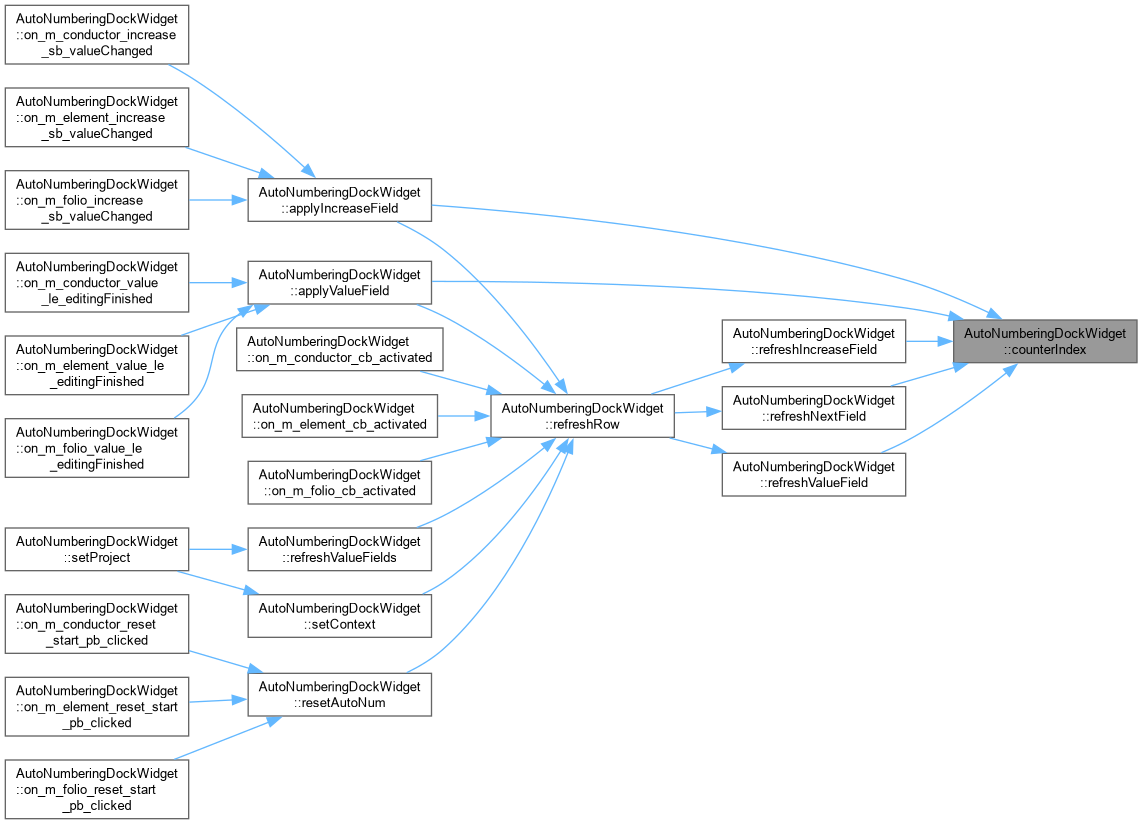
AutoNumberingDockWidget::counterIndex.
Index of the counter the value field shows and edits: the last part that actually progresses. Returns -1 when the context has no such part (e.g. it is only fixed text).
|
privateslot |
AutoNumberingDockWidget::elementAutoNumChanged Add new or remove element auto num from combobox.


|
privateslot |
AutoNumberingDockWidget::folioAutoNumChanged Add new or remove folio auto num from combobox.


|
privateslot |
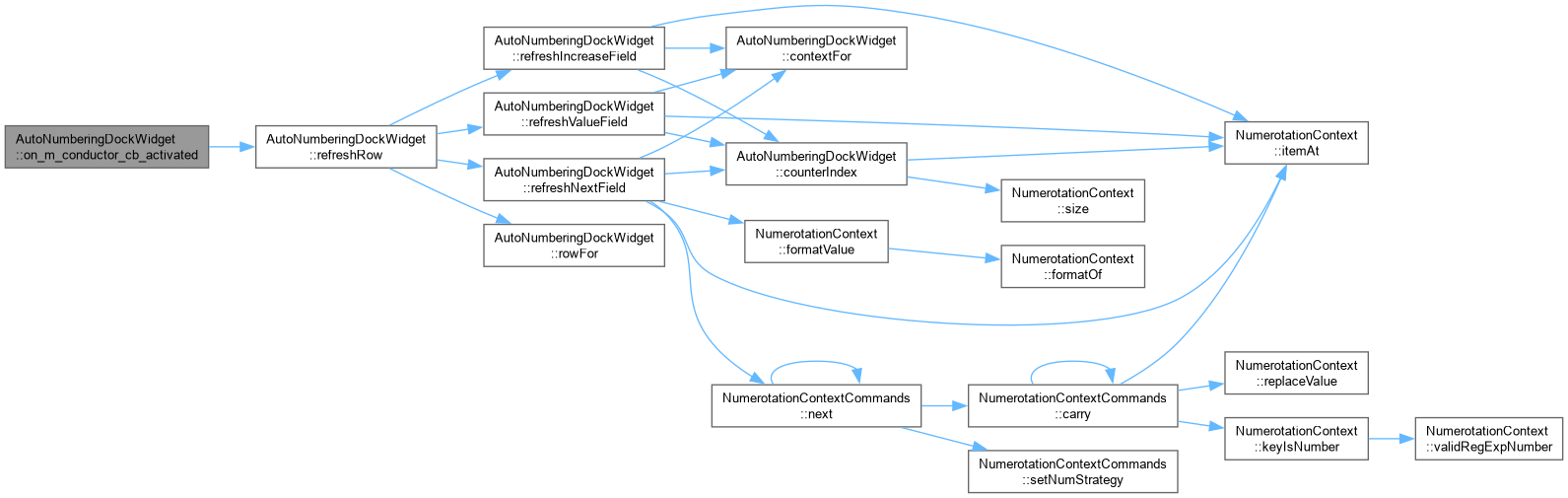
AutoNumberingDockWidget::on_m_conductor_cb_activated Set new conductor AutoNum.
|
privateslot |
|
privateslot |
|
privateslot |
|
privateslot |
|
privateslot |
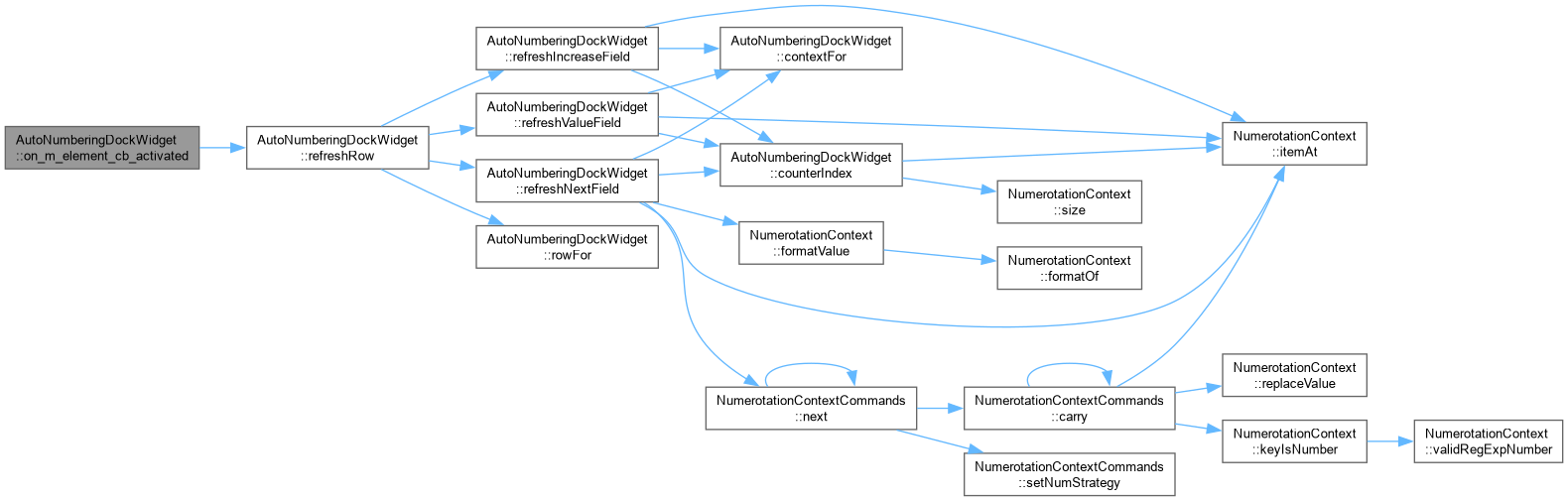
AutoNumberingDockWidget::on_m_element_cb_activated Set new element AutoNum.
|
privateslot |
|
privateslot |
|
privateslot |
|
privateslot |
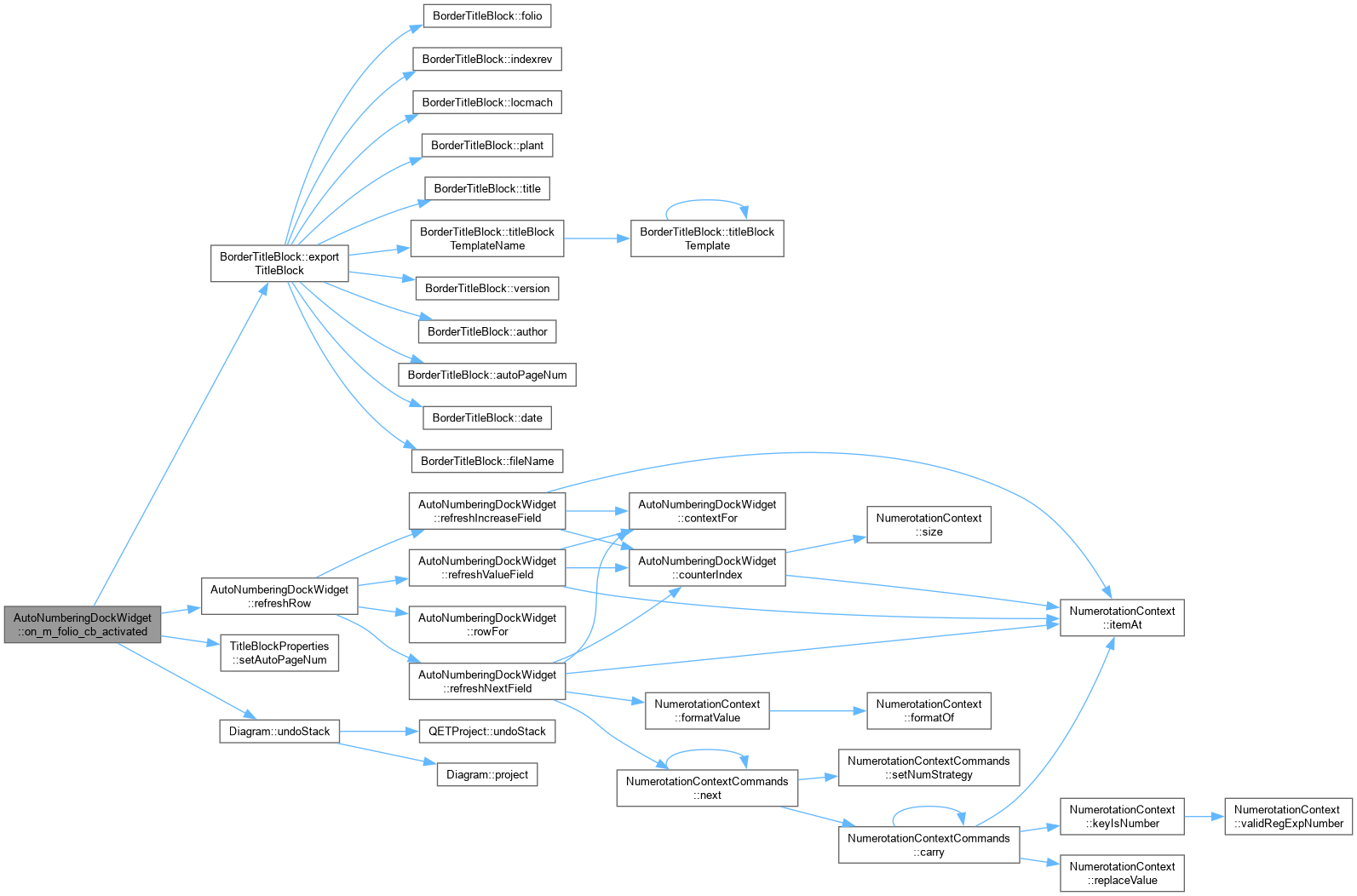
AutoNumberingDockWidget::on_m_folio_cb_activated Set new folio AutoNum.
|
privateslot |
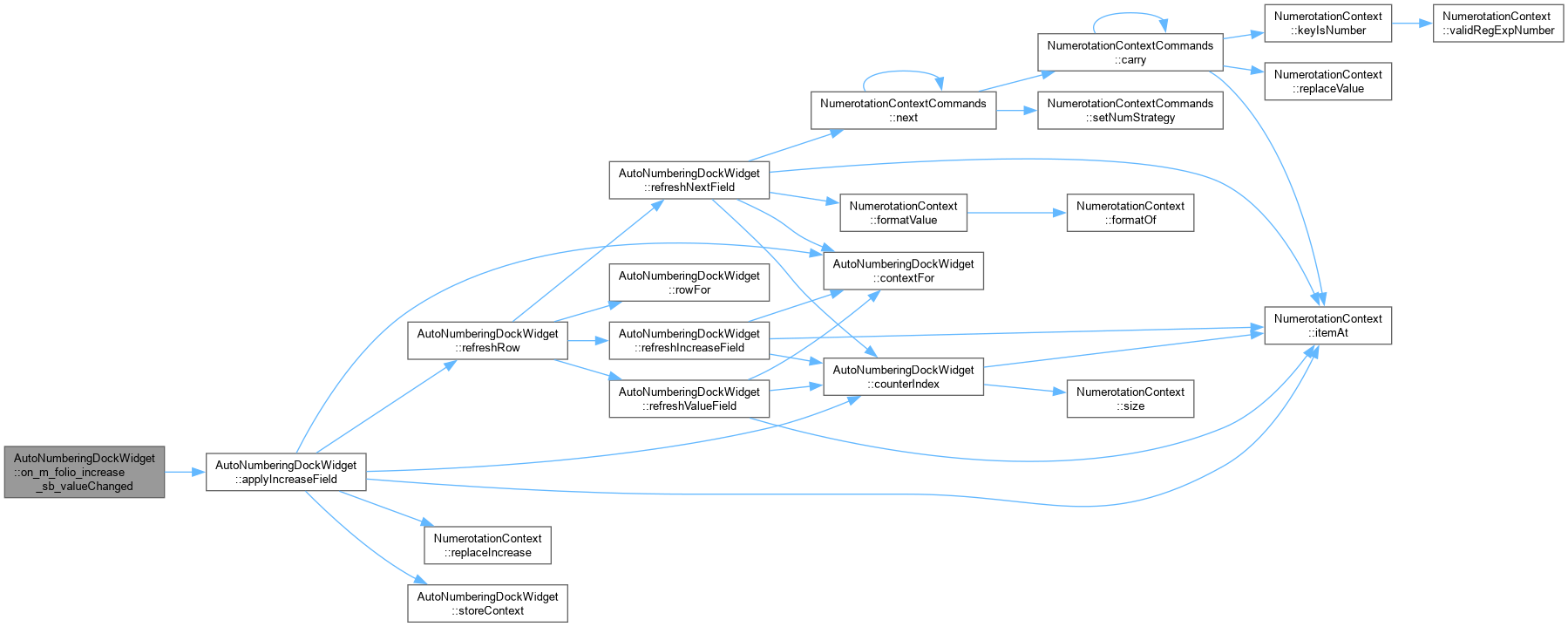
|
privateslot |
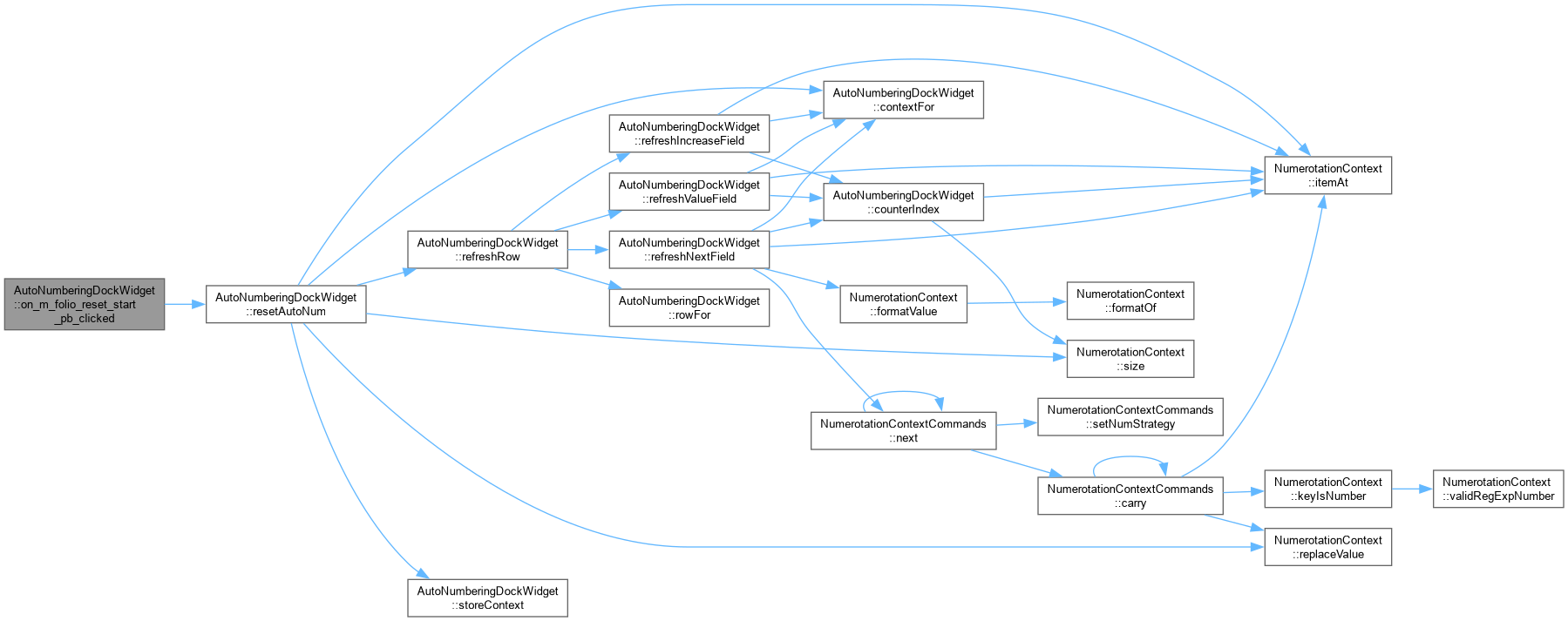
|
privateslot |
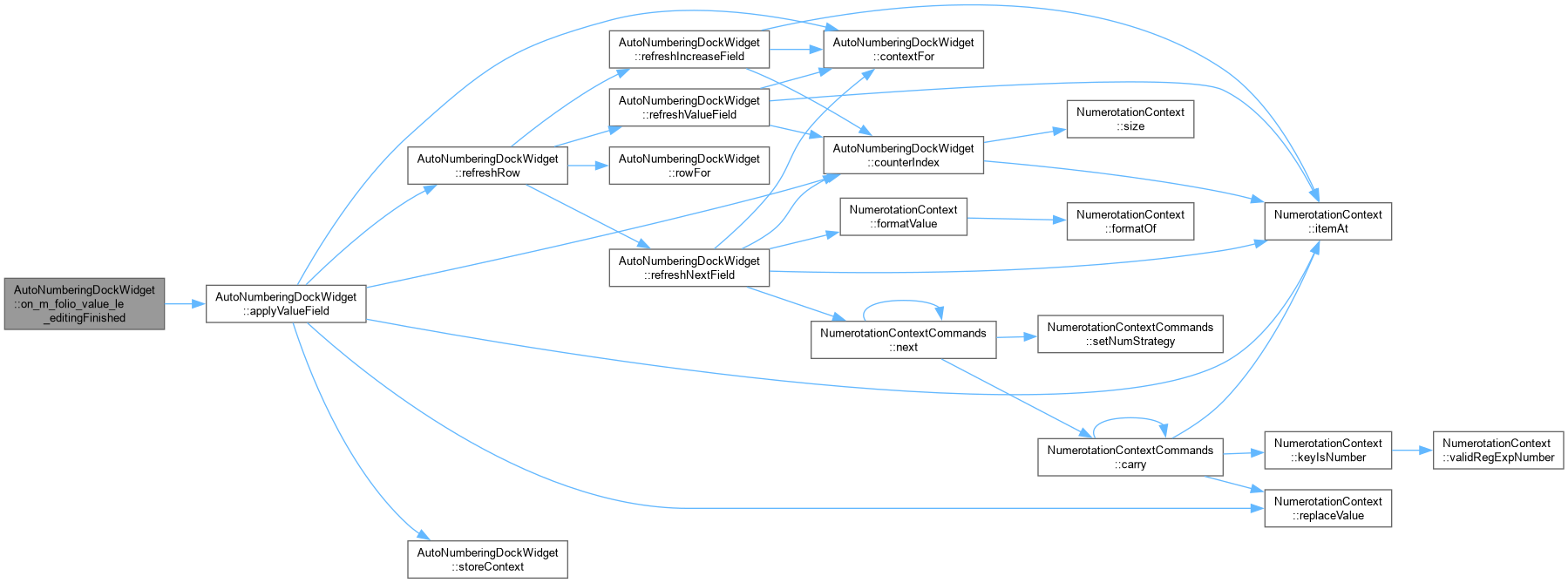
|
privateslot |


|
private |
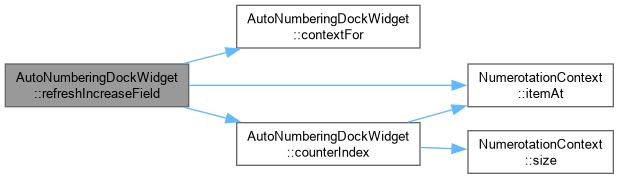
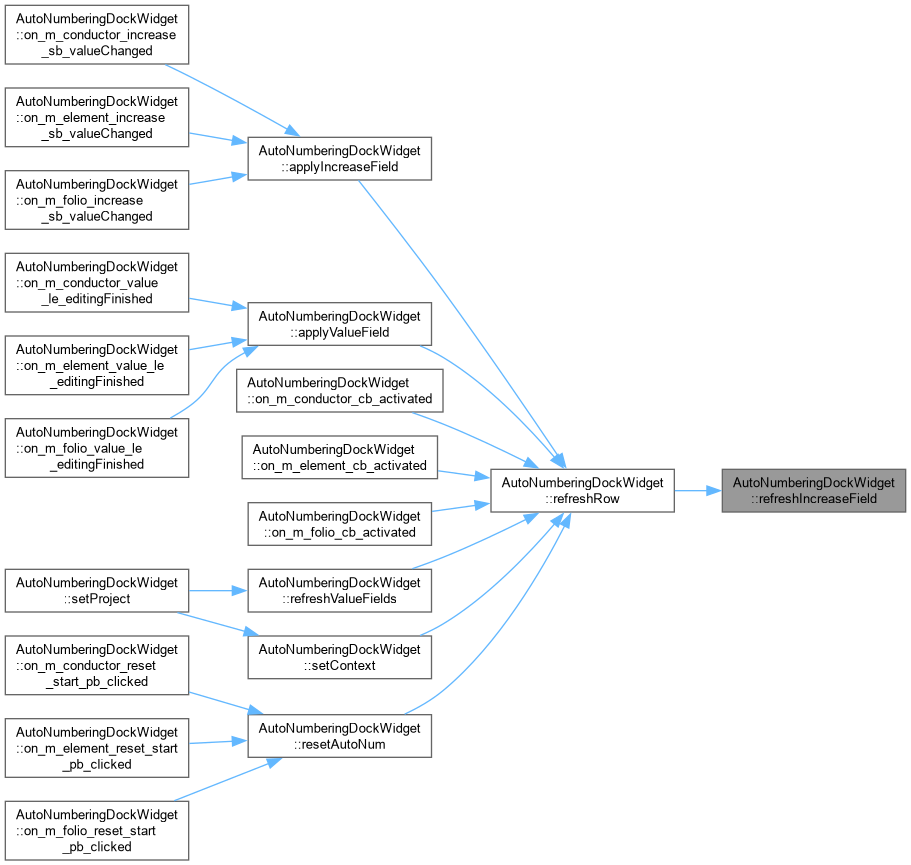
Refresh/apply the increment spin box the same way.
AutoNumberingDockWidget::refreshIncreaseField Show the counter's current step size (bug #331: previously only reachable from the full configuration dialog, via "Configurer").
|
private |
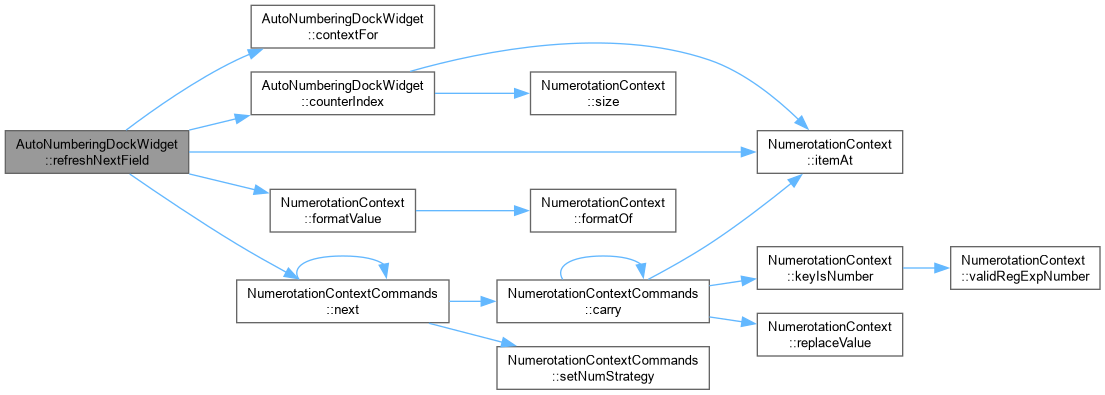
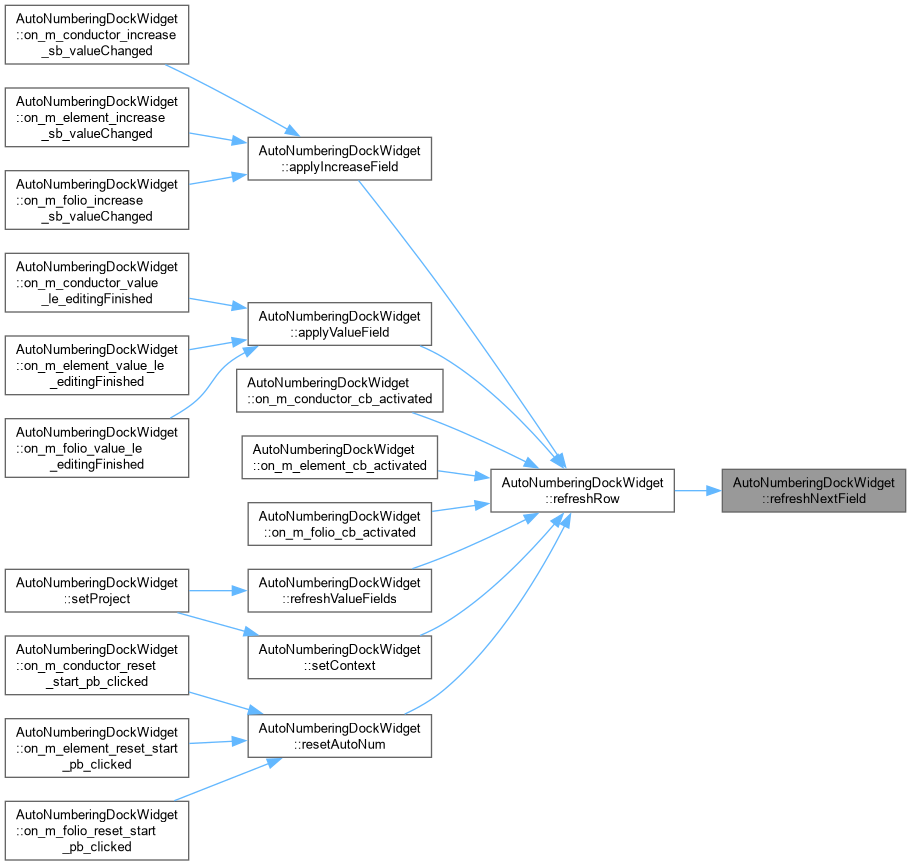
AutoNumberingDockWidget::refreshNextField Show what this counter will read after one more step (bug #331: "visualiser la prochaine numérotation qui sera appliquée"). Advances a copy of the whole context through NumerotationContextCommands – the same engine the Suivant button in the full configuration dialog uses to step a context – so wrap-and-carry into this part from a following part, or out of it into a preceding one, comes out identical to what will actually happen when the number is next consumed.
Show what the counter will read after one more step, using the same NumerotationContextCommands engine the Suivant button in the full configuration dialog already advances the whole context with – so the preview can never disagree with what actually happens when the number is next consumed.
|
private |
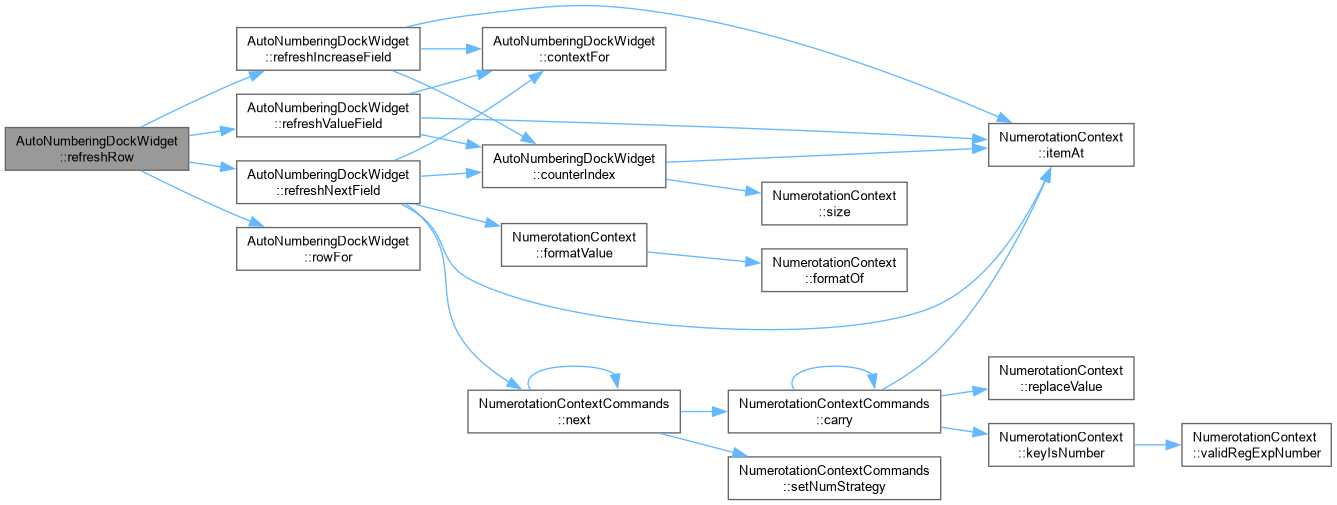
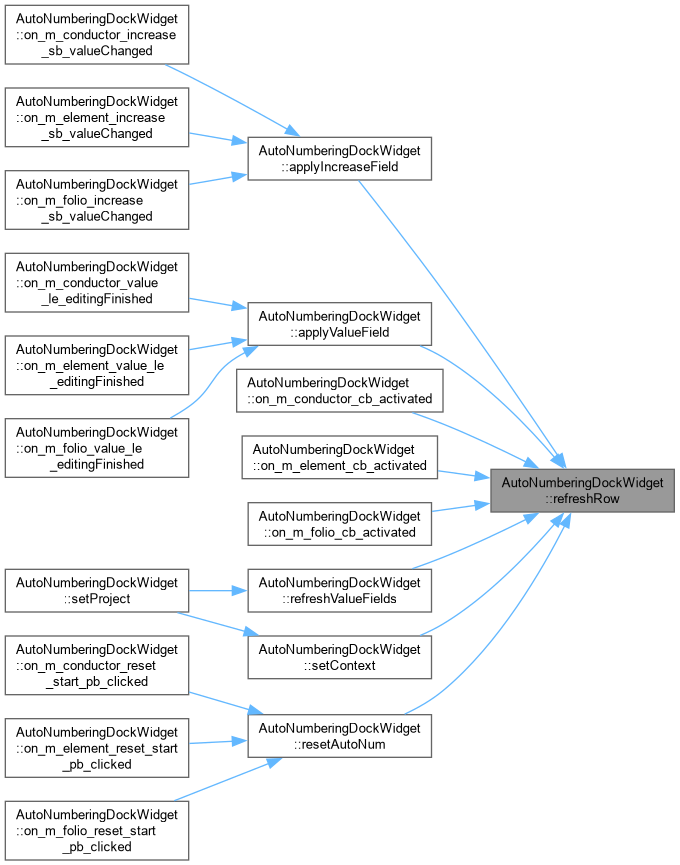
AutoNumberingDockWidget::refreshRow Refresh a category's value, increment and next-value preview together – every call site that used to refresh just the value field needs the other two kept in step with it as well.
Refresh a whole row – value, increment and next-value preview – in one call. Every refresh call site needs the increment and preview kept in step with the value now, so this replaces refreshValueField() at each of them.
|
private |
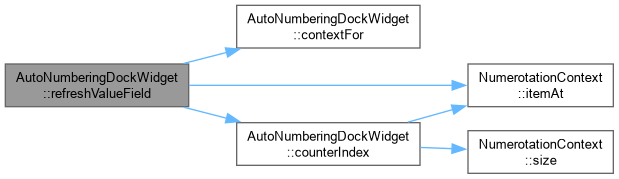
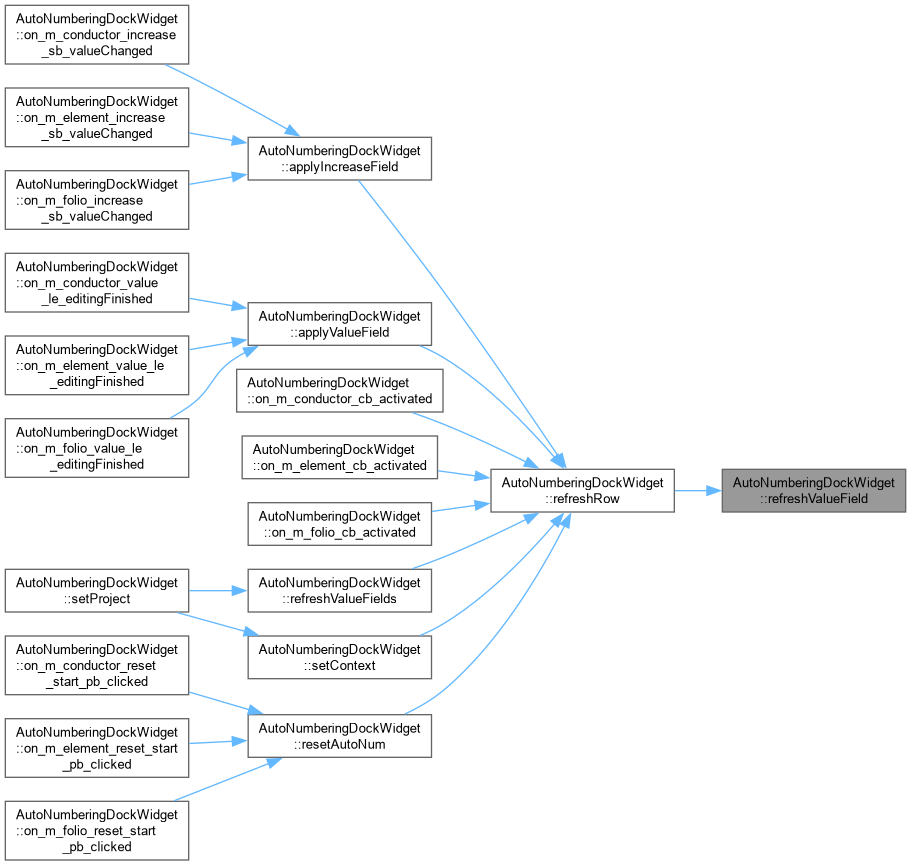
Refresh a value field from its context, and apply a typed value.
AutoNumberingDockWidget::refreshValueField Show the current value of the selected context's counter, so the field always reflects where the numbering has actually got to.
|
privateslot |
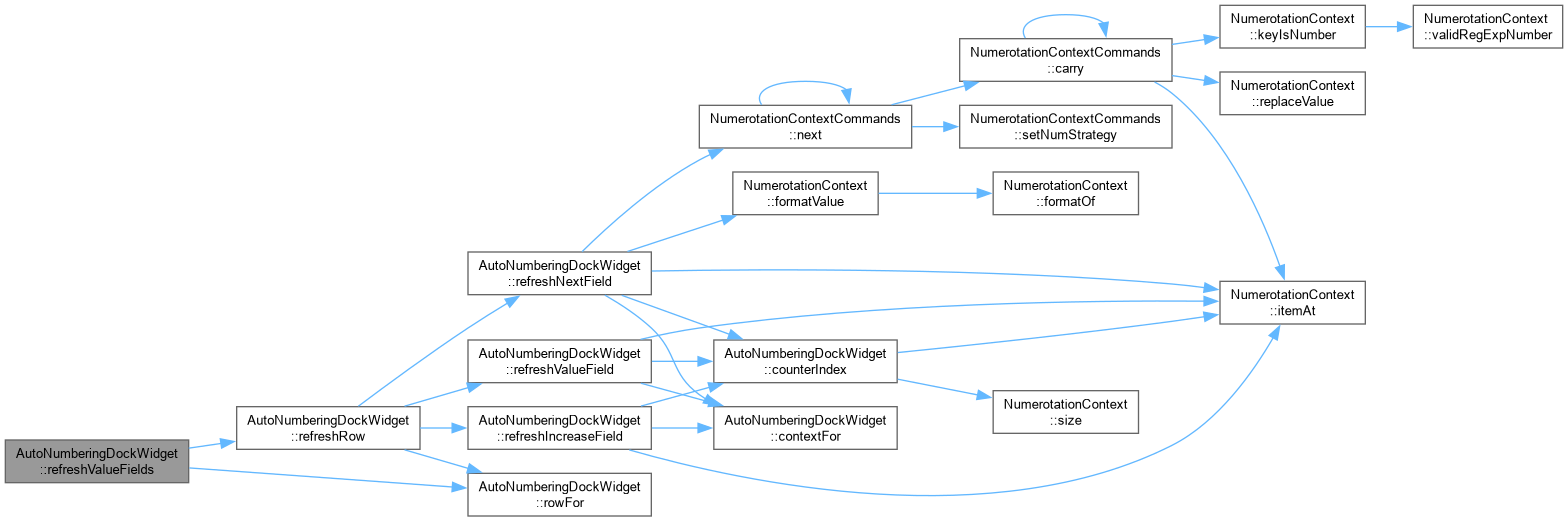
AutoNumberingDockWidget::refreshValueFields Re-read all three value fields from the project. Called whenever a numerotation context's values change, which includes every element or conductor that consumes the next number – without this the field only caught up when the user re-picked a rule from the combo box, because the combo's activated() signal fires on user interaction alone.

|
private |
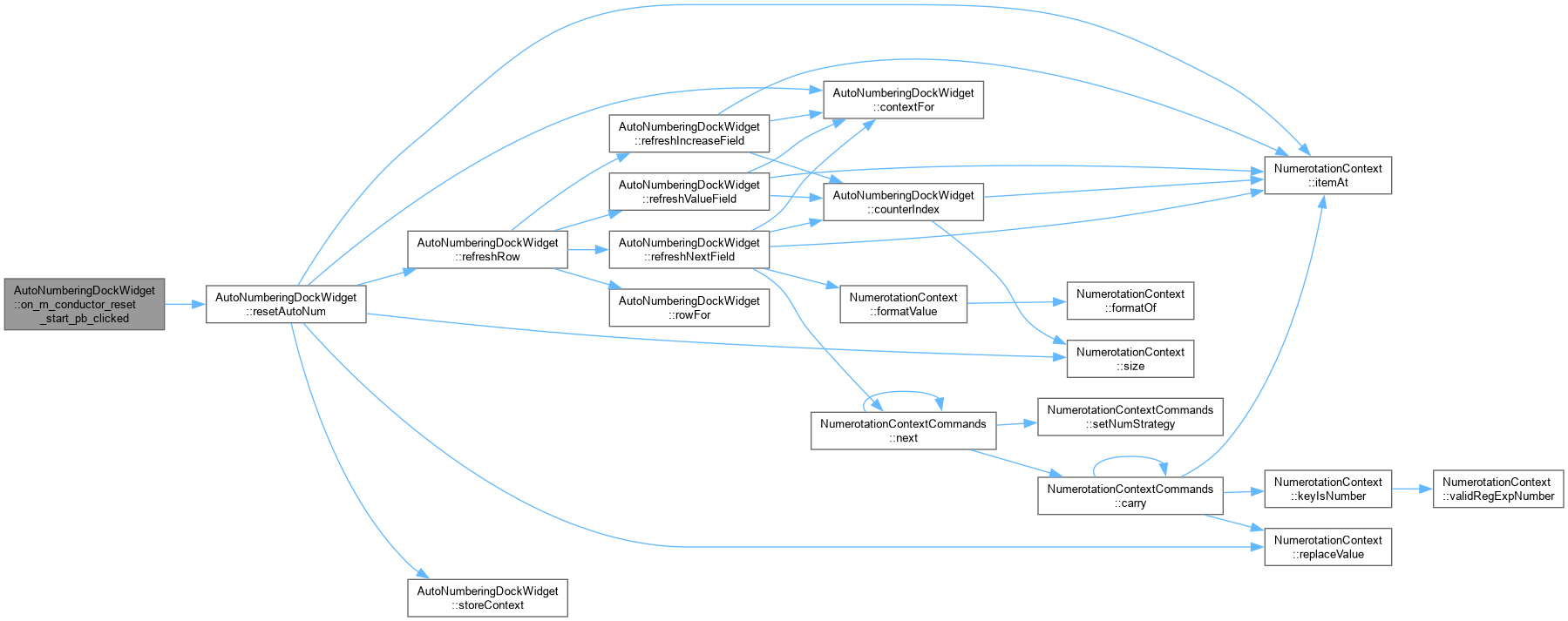
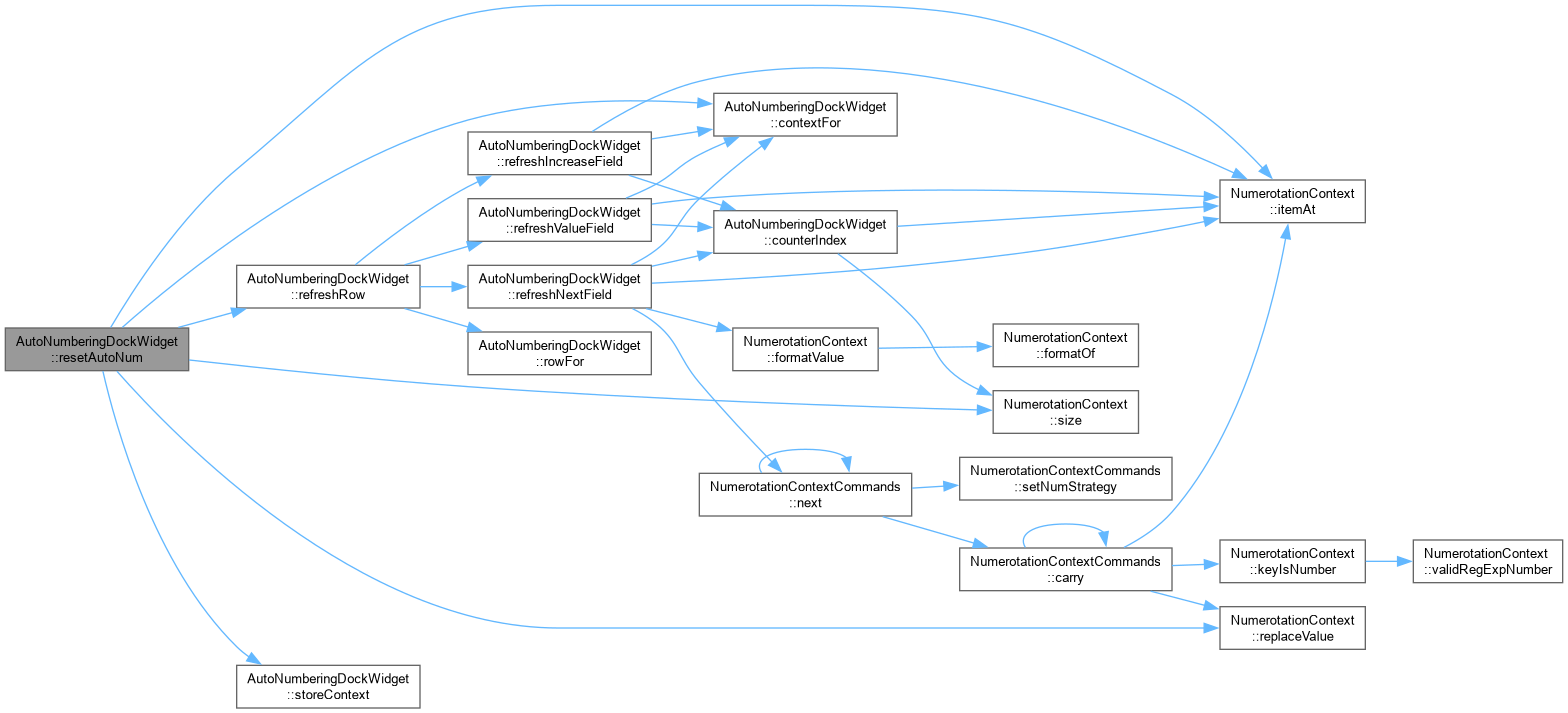
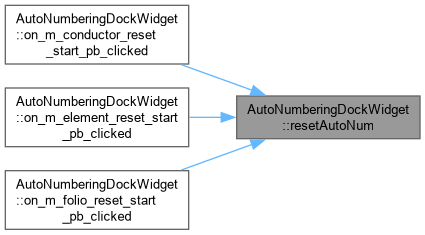
resetAutoNum Reset the numerotation context currently selected in combo_box (for the given category) to a per-type starting value. Does nothing if no context is selected.
AutoNumberingDockWidget::resetAutoNum Reset the numerotation context currently selected in combo_box back to a per-type starting value, then write it back. Does nothing if no context is selected.
Only parts that actually progress are touched: folio-anchored numeric types go back to their own stored initialvalue, plain numeric types go back to "1", a wrap part goes back to "0" because a modulo counter cycles over [0, modulus) – a PLC card addressed IX0.0..IX0.31 starts at 0, not 1 – and alpha goes back to "a". Non-incrementing types (string, plant, locmach, idfolio, folio, elementline, elementcolumn, elementprefix) are left alone: there is no "start" for them distinct from the fixed or contextual value the user configured.
|
private |
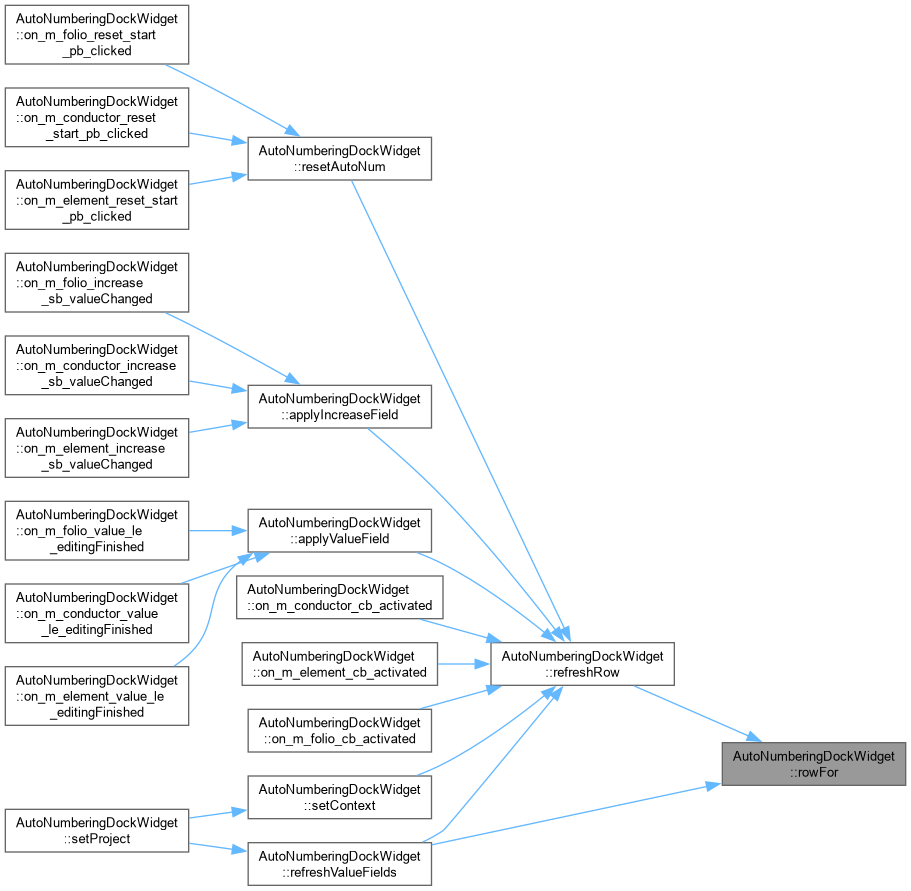
AutoNumberingDockWidget::rowFor.
|
slot |
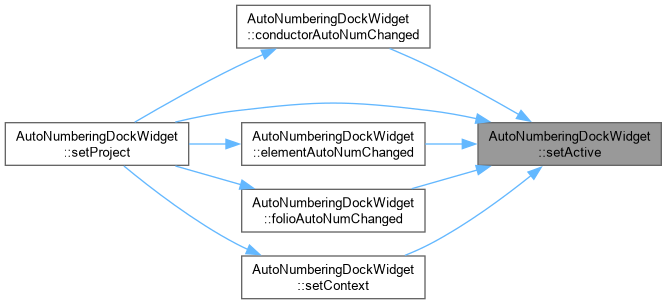
AutoNumberingDockWidget::setActive Set current used autonumberings.
|
slot |
AutoNumberingDockWidget::setConductorActive.
| dv | activated diagramview |


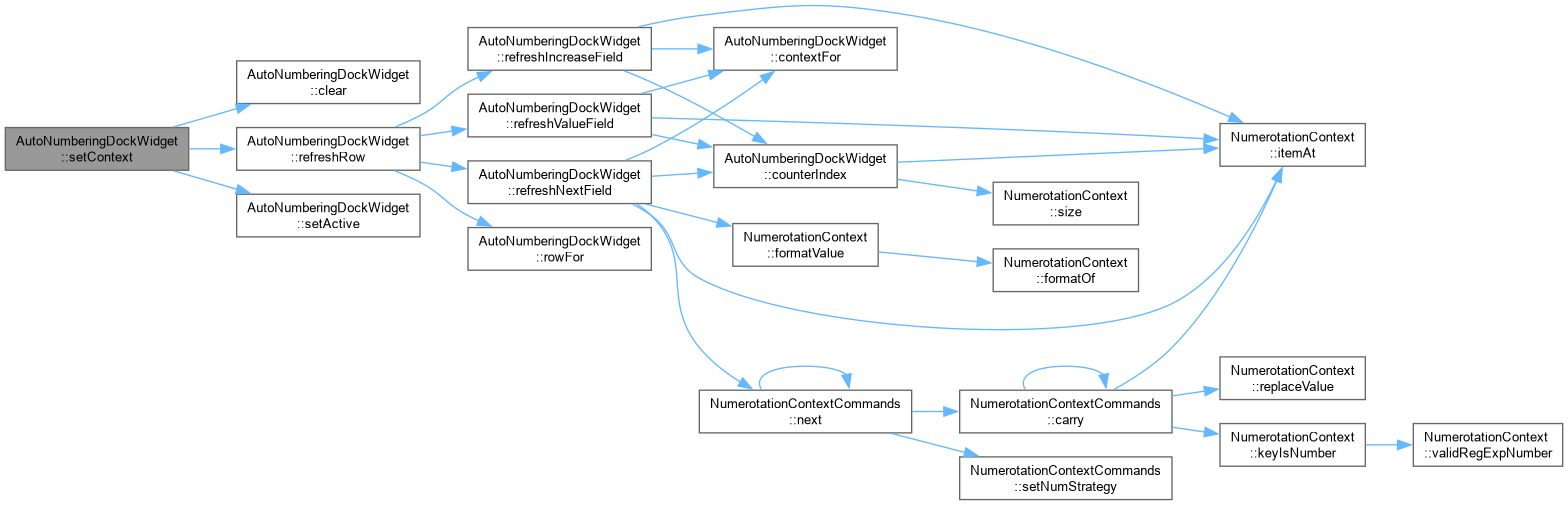
| void AutoNumberingDockWidget::setContext | ( | ) |
AutoNumberingDockWidget::setContext Add all itens to comboboxes.

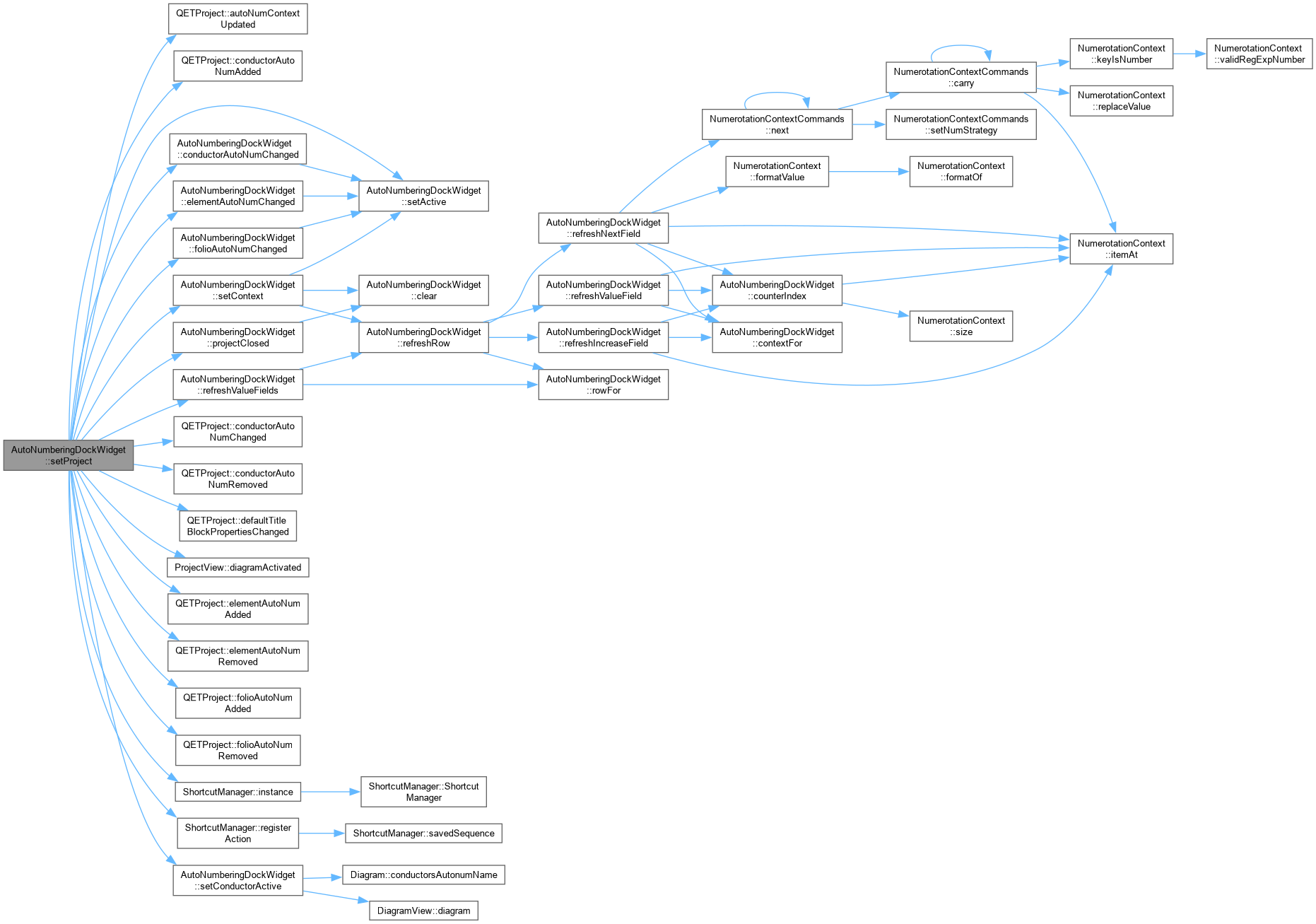
| void AutoNumberingDockWidget::setProject | ( | QETProject * | project, |
| ProjectView * | projectview ) |
AutoNumberingDockWidget::setProject.
| project | project to be setted |
| projectview | projectview to be setted assign Project and ProjectView, connect all signals and setContext |
|
private |
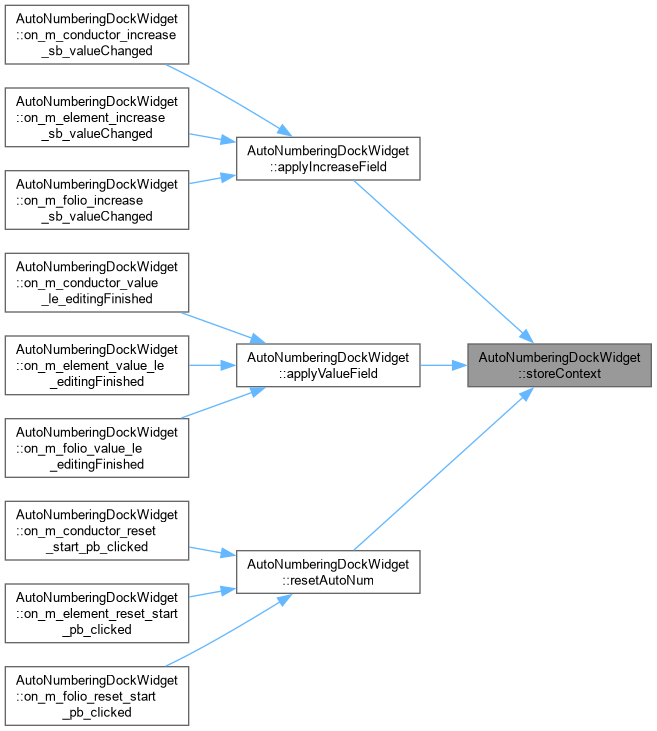
AutoNumberingDockWidget::storeContext Write context back under the name selected in combo_box and flag the project as modified – without that last step the change is not saved and the user is never asked to save it on close.
|
private |
|
private |
|
private |
 1.15.0