 |
QElectroTech 0.200.1-dev
|
|
QElectroTech 0.200.1-dev
|
The PotentialSelectorDialog class This dialog is used when user try to connect two existing potential together. The dialog ask to user to make a choice between the properties of the two existing potential, to apply it for the new potential. More...
#include <potentialselectordialog.h>
Inherits QDialog.
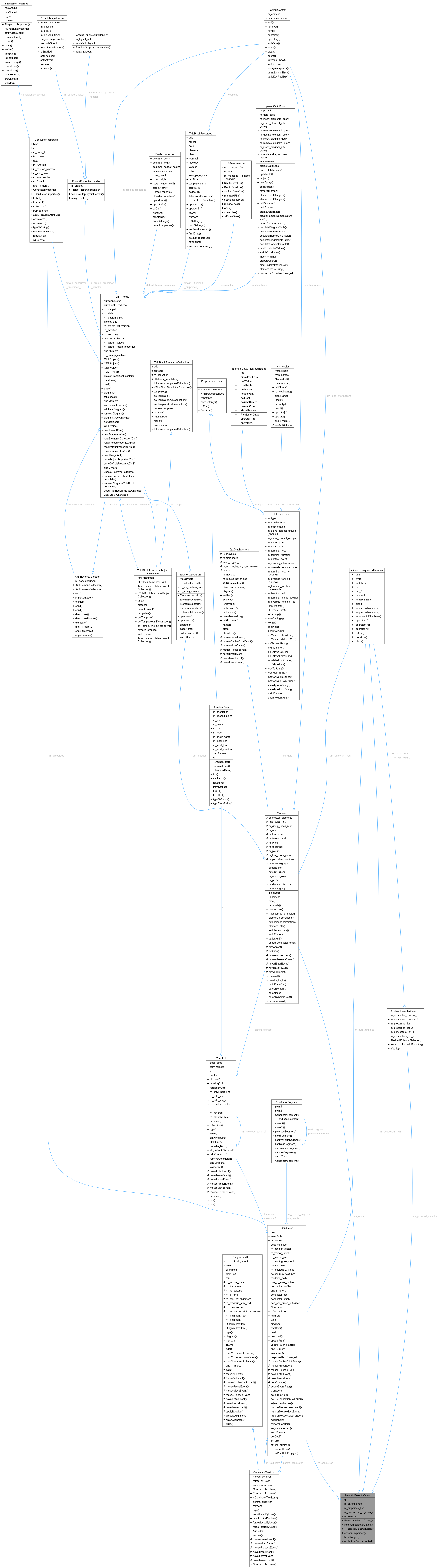
Public Member Functions | |
| PotentialSelectorDialog (Conductor *conductor, QUndoCommand *parent_undo=nullptr, QWidget *parent=nullptr) | |
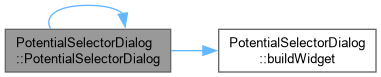
| PotentialSelectorDialog::PotentialSelectorDialog Constructor when we link two potentiels together, with a conductor. | |
| PotentialSelectorDialog (Element *report, QUndoCommand *parent_undo=nullptr, QWidget *parent=nullptr) | |
| PotentialSelectorDialog::PotentialSelectorDialog Constructor when we link two potentiels together, with a folio report. | |
| ~PotentialSelectorDialog () override | |
Static Public Member Functions | |
| static ConductorProperties | chosenProperties (QList< ConductorProperties > list, QWidget *parent=nullptr, bool *cancelled=nullptr) |
Private Slots | |
| void | on_buttonBox_accepted () |
| PotentialSelectorDialog::on_buttonBox_accepted Action when user click on OK button. | |
Private Member Functions | |
| void | buildWidget () |
| PotentialSelectorDialog::buildWidget Build the dialog. | |
Private Attributes | |
| Ui::PotentialSelectorDialog * | ui |
| Conductor * | m_conductor |
| Element * | m_report |
| QUndoCommand * | m_parent_undo |
| autonum::sequentialNumbers | m_sequential_num |
| AbstractPotentialSelector * | m_potential_selector |
| QList< ConductorProperties > | m_properties_list |
| QList< Conductor * > | m_conductors_to_change |
| int | m_selected = 0 |
The PotentialSelectorDialog class This dialog is used when user try to connect two existing potential together. The dialog ask to user to make a choice between the properties of the two existing potential, to apply it for the new potential.
Each constructor have a QUndoCommand parent_undo for parameter If parent_undo isn't null, when user click on OK button, the dialog will use the parent-undo as parent of the undo command that describe the changes. If parent_undo is null, the created undo-command is push to the undo stack of the parent diagram of a conductor in potential. else we apply the change without a QUndoCommand.
the static function chosenProperties, open a dialog who ask user to make a choice between the given properties. If the dialog is cancelled (Cancel button, Escape, or the window's close button) and cancelled is non-null, *cancelled is set to true and an empty ConductorProperties() is returned; callers that care about a real cancellation (as opposed to "no properties to choose from") should check it rather than relying on the returned value alone.
|
explicit |
PotentialSelectorDialog::PotentialSelectorDialog Constructor when we link two potentiels together, with a conductor.
| conductor | : the new conductor who connect to existing potential |
| parent_undo | : undo parent to use. |
| parent | : parent widget. |

|
explicit |
PotentialSelectorDialog::PotentialSelectorDialog Constructor when we link two potentiels together, with a folio report.
| report | : one of the report used to link the potentials (report must be linked to another report) |
| parent_undo | : undo parent to use |
| parent | : parent widget |

|
override |
|
private |
|
static |

|
privateslot |
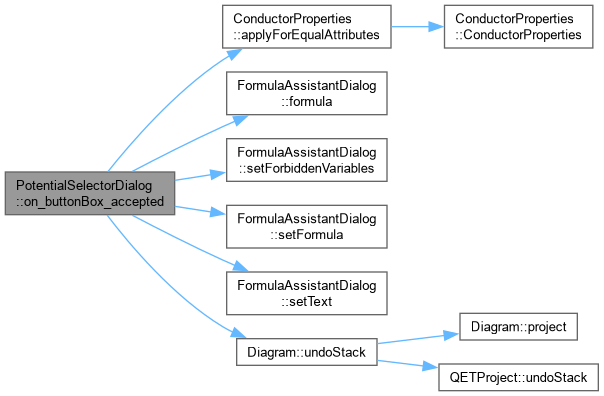
PotentialSelectorDialog::on_buttonBox_accepted Action when user click on OK button.
|
private |
|
private |
|
private |
|
private |
|
private |
|
private |
|
private |
|
private |
|
private |
 1.15.0